The next layer of analytics for your Zoho CRM data

As a Zoho CRM customer, you already have more reporting than most teams use. Zoho CRM's dashboards give your leadership a live view. Its forecasting module gives you a number to commit to. Zia scores leads and predicts win probabilities in the background. For most sales teams, all this is enough.
However, some questions outgrow what Zoho CRM is built to handle. The CEO wants pipeline blended with billing. Marketing wants to see which campaigns drove revenue, not just leads. Finance wants a forecast that accounts for renewals and usage signals. Customer success wants a single view across CRM, support, and product data.
These are business questions that happen to include CRM data. That's the exact job Zoho Analytics is built for. It sits on top of your CRM, pulls from everything else, and handles a different class of work.
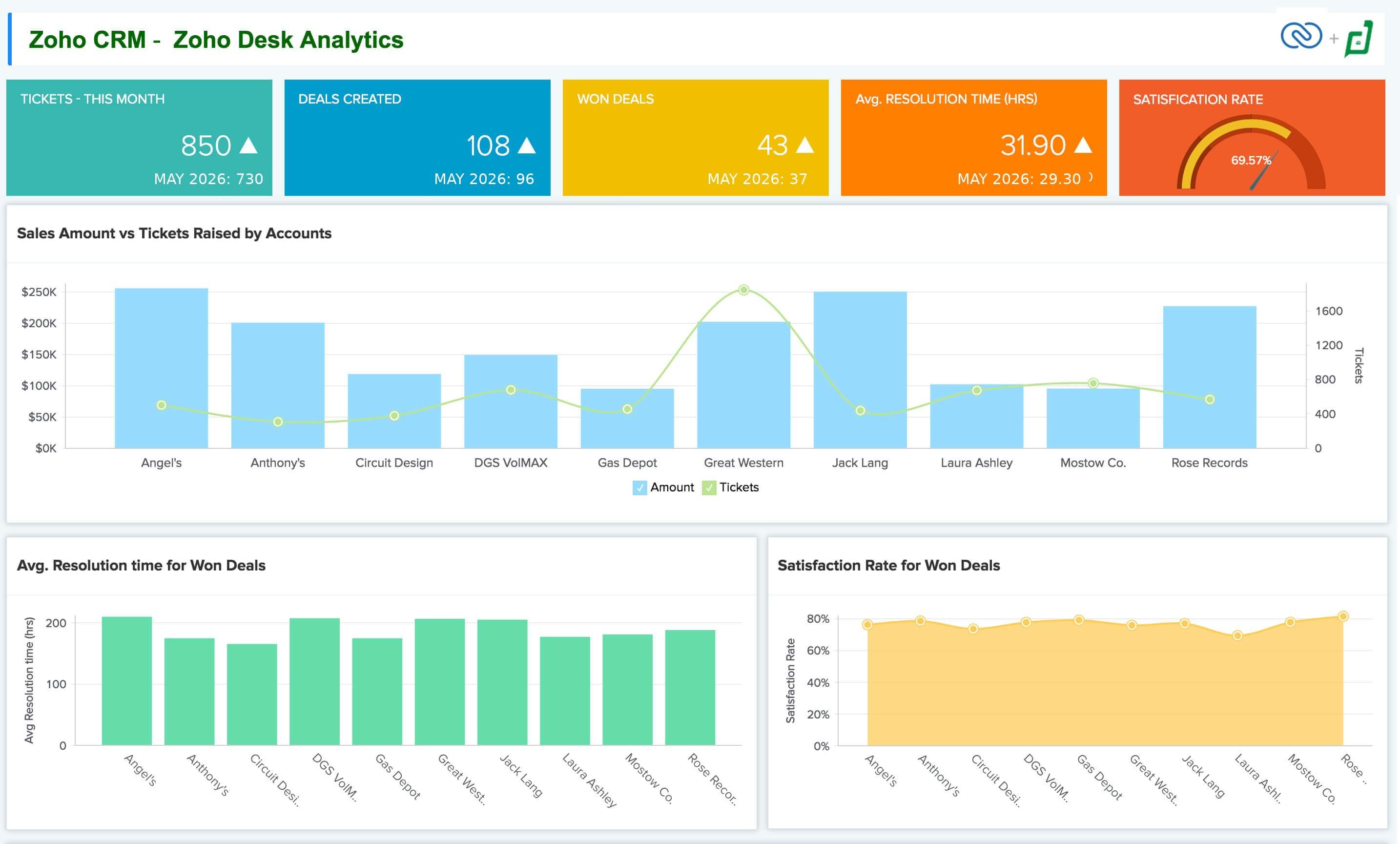
A Zoho Analytics dashboard joining Zoho CRM and Zoho Desk data into one cross-functional view.
What Zoho CRM already gives you
Before going further, here's what CRM does well. If you're not using these yet, start there.
- Standard and custom reports across every module, with filters, groupings, and aggregations.
- Dashboards for sales managers and leadership, refreshed in real time.
- Forecasting by user, role, hierarchy, or territory, with quota tracking built in.
- Zia predictions: lead scoring, deal win probability, anomaly detection on KPIs, best time to contact, email sentiment.
- Charts and visualizations inside the platform, so reps can track their numbers without leaving CRM.
For a rep checking their pipeline, a manager running a Monday standup, or a VP looking at the quarter's number, that's a solid toolkit. Many teams never need more.
(A note here. Both Zoho CRM and Zoho Analytics are becoming more conversational in how users work with data and generate insights. CRM is focusing on intelligence inside the sales workflow, while Analytics is evolving around deeper cross-functional analysis. They're distinct layers, but both are moving in parallel)
Three signals it's time for the next layer
1. Your questions need data from outside Zoho CRM
CRM is the source of truth for sales data, but it can't reach your billing system, ad platforms, or product database. Zoho Analytics connects to over 250 sources. The moment you want to blend CRM with anything else, this is where that happens.
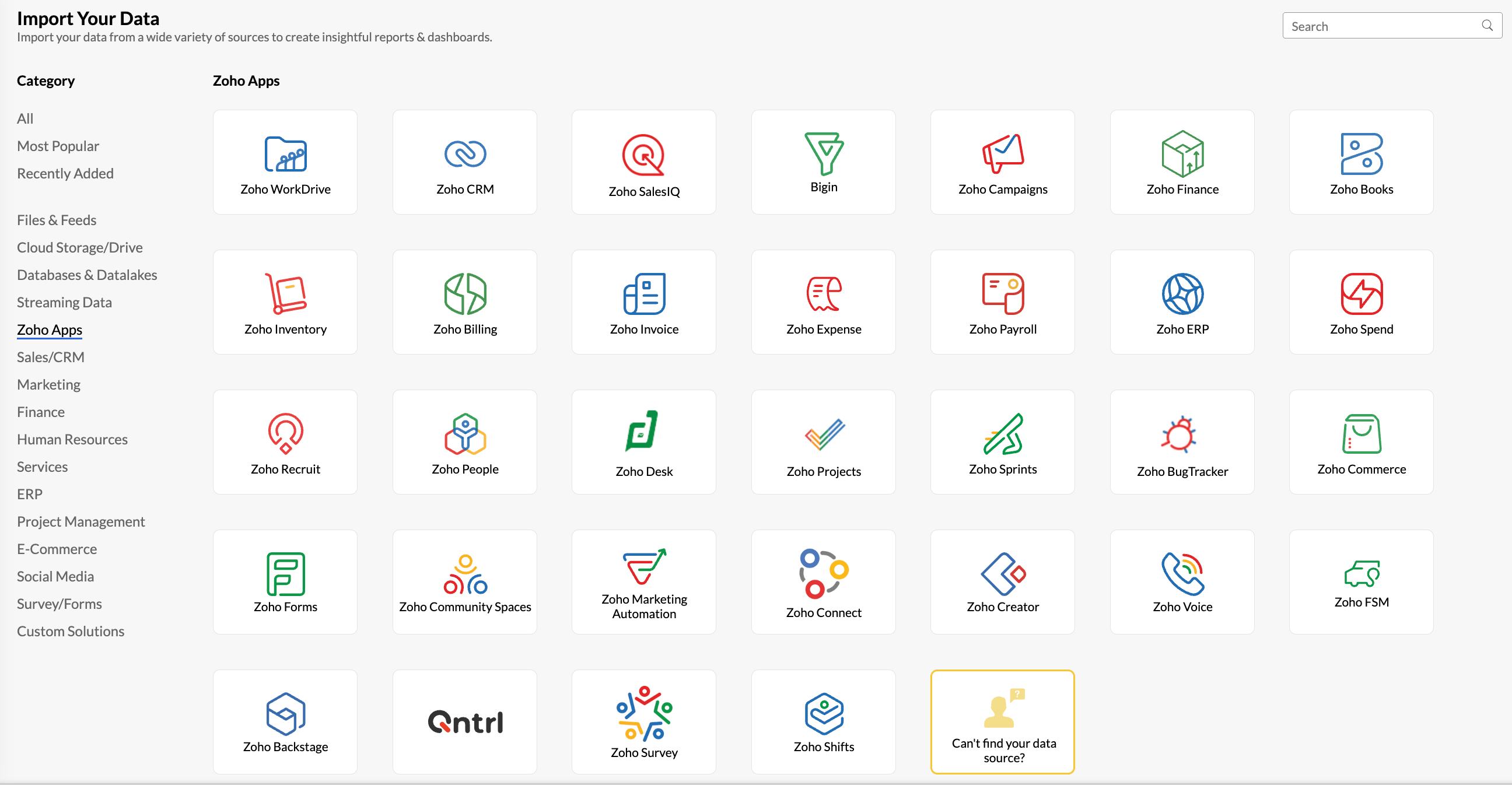
You can blend data from across Zoho apps, and other third-party apps too.
2. Your questions need deeper analysis on CRM data itself
Some questions need more than what a CRM report can handle. Where deals are stalling by stage, rep, and product line. Pipeline coverage trends week over week. Cohort analysis by segment and source. These need data modeling, custom formulas, and SQL access. That's provided by a BI platform like Zoho Analytics, not in a CRM.
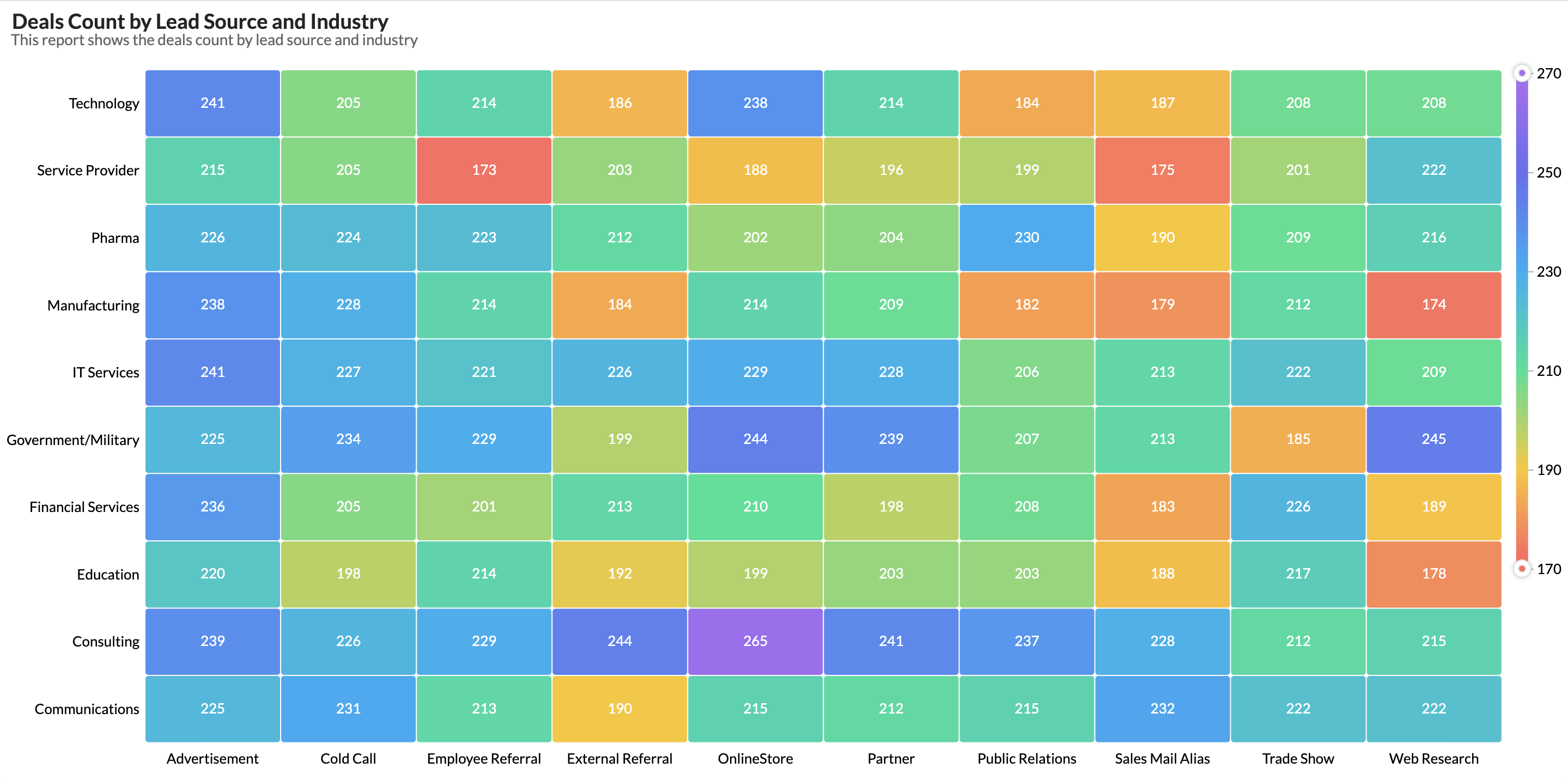
Analytics can provide reports across marketing and sales
3. Your audience extends beyond CRM users
Your CFO, ops lead, and board probably don't have CRM seats. Zoho Analytics lets you share dashboards via scheduled email, embed them in your product, or white-label them for customers.
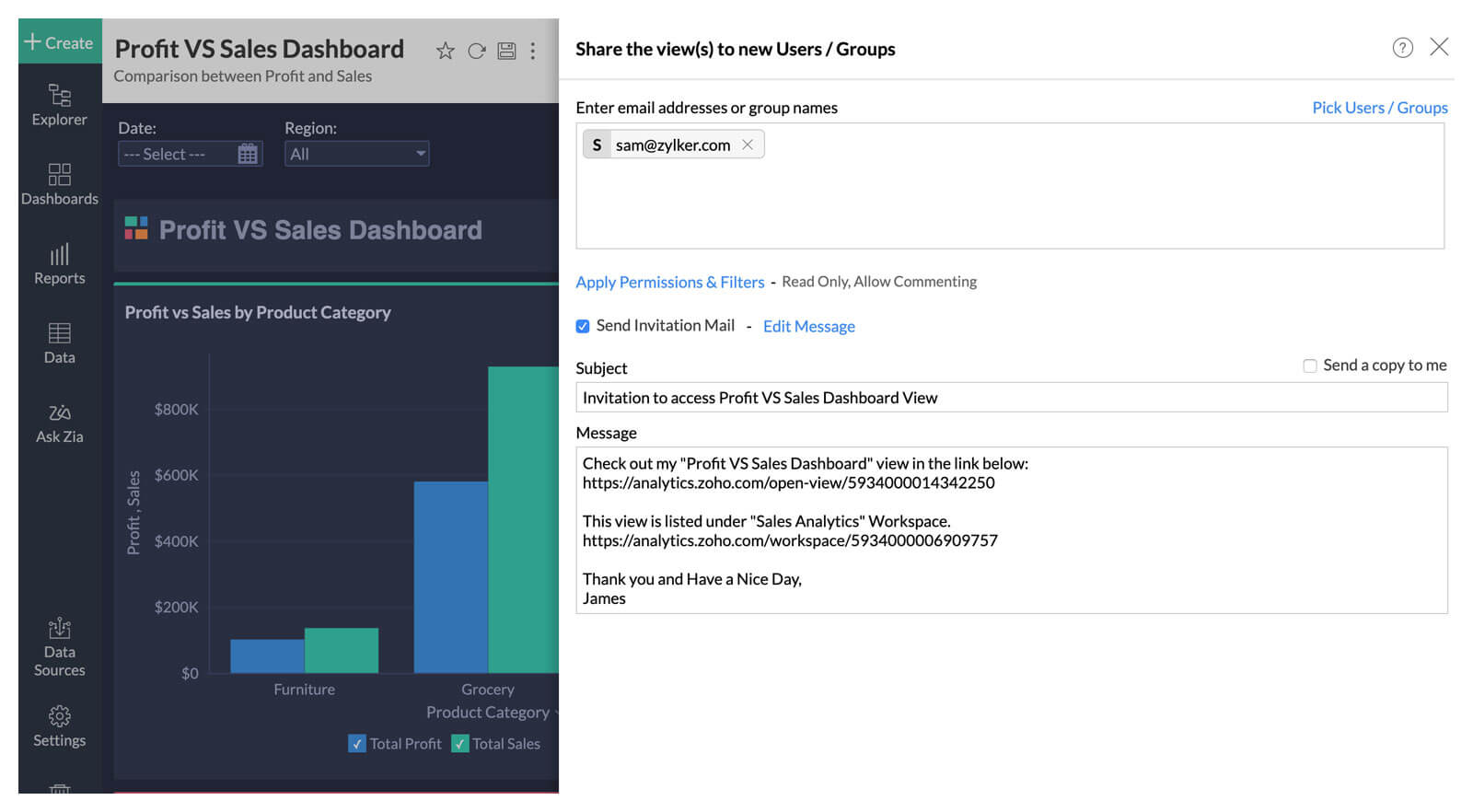
Different audiences need different access. Analytics handles that.
A quick way to decide
If you're not sure which tool to use for a given question, the test is short.
| If your question ... | Use This |
| Is about CRM data, answered in the flow of selling | Zoho CRM |
| Needs a standard sales report, dashboard, or forecast | Zoho CRM |
| Needs data from outside CRM (billing, marketing, product, finance) | Zoho Analytics |
| Needs deeper modeling, blending, or cohort-style analysis | Zoho Analytics |
| Needs to reach people who don't use CRM | Zoho Analytics |
| Needs to be embedded in your product or white-labeled for customers | Zoho Analytics |
Where to go next
If you're ready to connect Zoho CRM to Analytics, the Zoho CRM Advanced Analytics page covers what's available out of the box: pre-built reports, dashboards, features available etc.
For setup, the connector help doc walks you through the connection steps, configuration options, modules and fields supported etc.
Move beyond CRM reporting and start analyzing the business around it.
Comments