Introducing Campus: The digital home for educational institutions

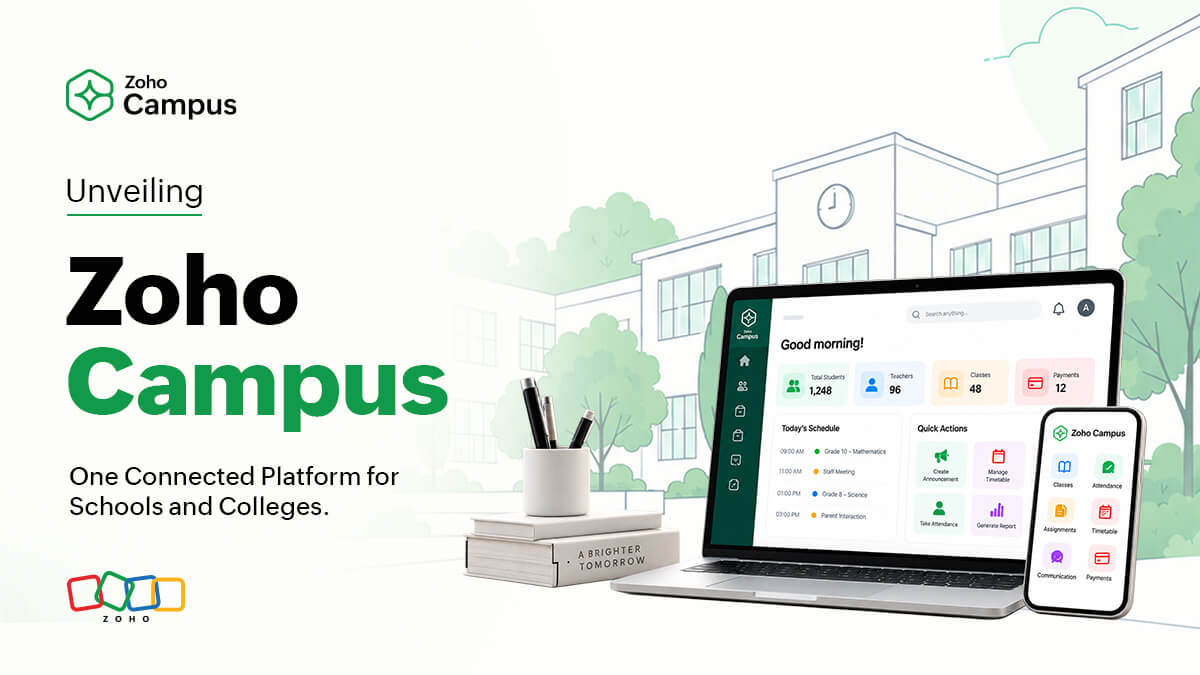
Every educational institution needs a place where students, teachers, and administrators can find one another, communicate, and pick up where they left off.
We have built Zoho Campus to be that digital home in the cloud. It gives schools, colleges, and training institutes a common entry point for everyday work. It’s a space that students and teachers can use for academic work, separate from their personal applications.
Purpose-built for schools and colleges
To build Campus, our product team worked closely with an initial cohort of schools and colleges to understand the work that keeps them running. The product design sought to bring together disparate functions and processes that often run in the background every day.
Staff prepare timetables. Teachers record attendance. Someone is on the standby to answer parents’ questions in a grievance module. Someone else peers at the final drafts of student certificates to make sure every name is spelled correctly. No one notices when these tasks run smoothly. But when they don’t, everyone notices.
Where work gets scattered
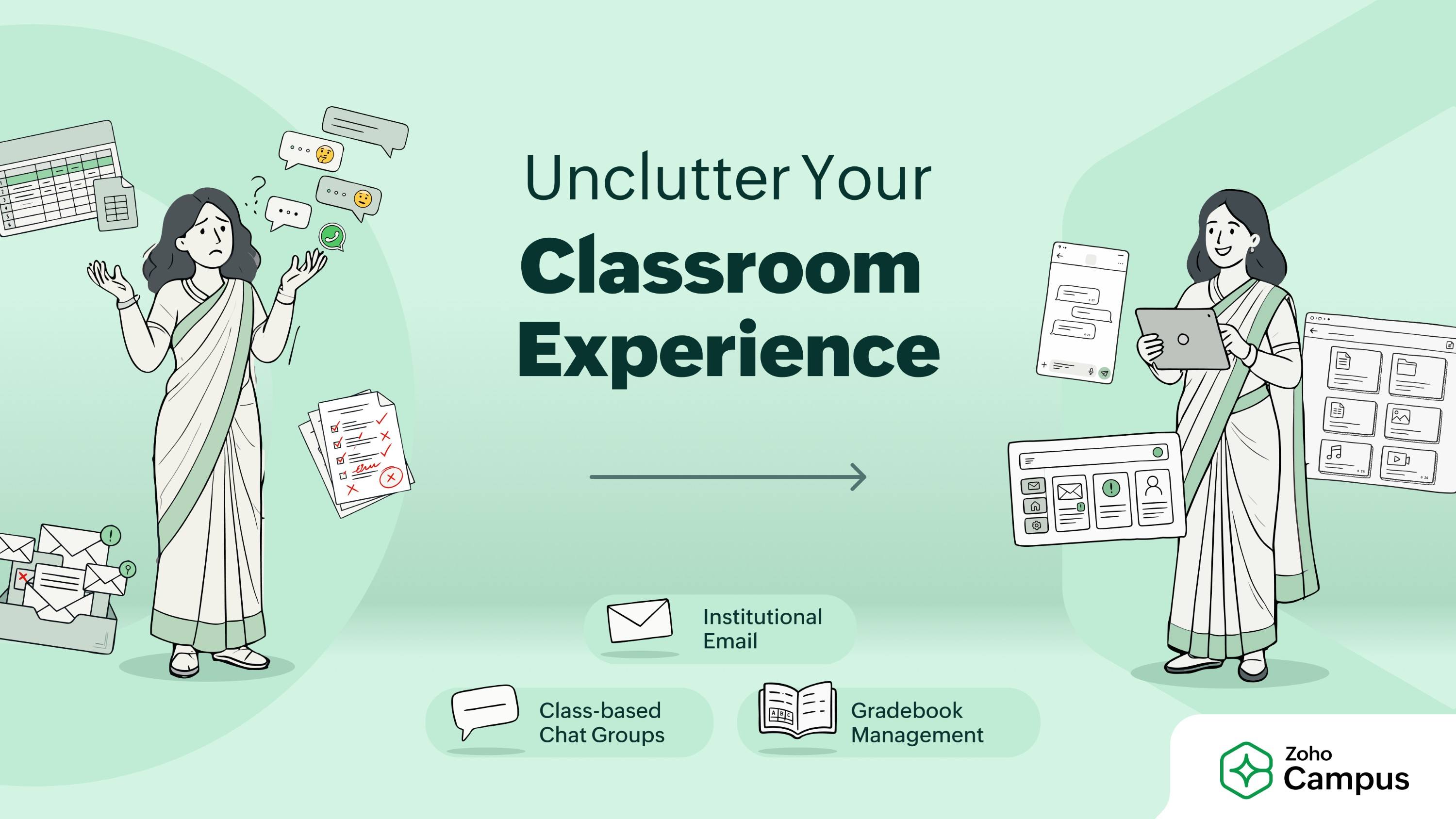
Take a typical day in a student’s life. Their parent turns to a personal chat app to check whether their child has reached the classroom safely. The student receives an assignment by email, but the reference files sit in someone’s personal folder. After submitting the assignment, they have to inform the class monitor separately.
Teachers navigate a different maze. The parent-teacher group is buzzing in a personal messaging app that they have muted during school hours. They have to sign in to different applications to track project files and student submissions, while remembering different account names and passwords. All of this happens with a looming deadline. They have to draft an announcement before lunch and get it onto the noticeboard when there is still a fighting chance to catch the students’ attention.
A shared place that works
Out of the box, Campus offers communication and collaboration tools that can reduce much of the friction in everyday work:
- Institutional email gives students and teachers an academic identity and a sense of belonging, with a place for school-related messages separate from personal inboxes.
- Dedicated group chats give classes and project teams a place to discuss their work.
- Shared file spaces keep assignments and other academic materials accessible to the people who need them.
- An announcements feed gives the institution a place to share important updates.
Built around people
We have brought our people-centric approach to building vertical solutions to Campus, too. It is built around the students, teachers, administrators, and staff who make an educational institution work every day. Each needs access to different tools and workflows, with rights appropriate to the work they do.
The student experience begins with a Student Information System, or SIS, that gives the institution a dependable student record. From there, administrators can give people access to the spaces and tools they need. A teacher organizing a class project, for example, can manage its shared folder, while students may have access to add their work or view study materials.
Campus gives these different users a foundation for working together without treating every role the same. The Ultimate edition will extend this with more staff and HR workflows, alongside services such as fee management, attendance, gradebooks, and timetables.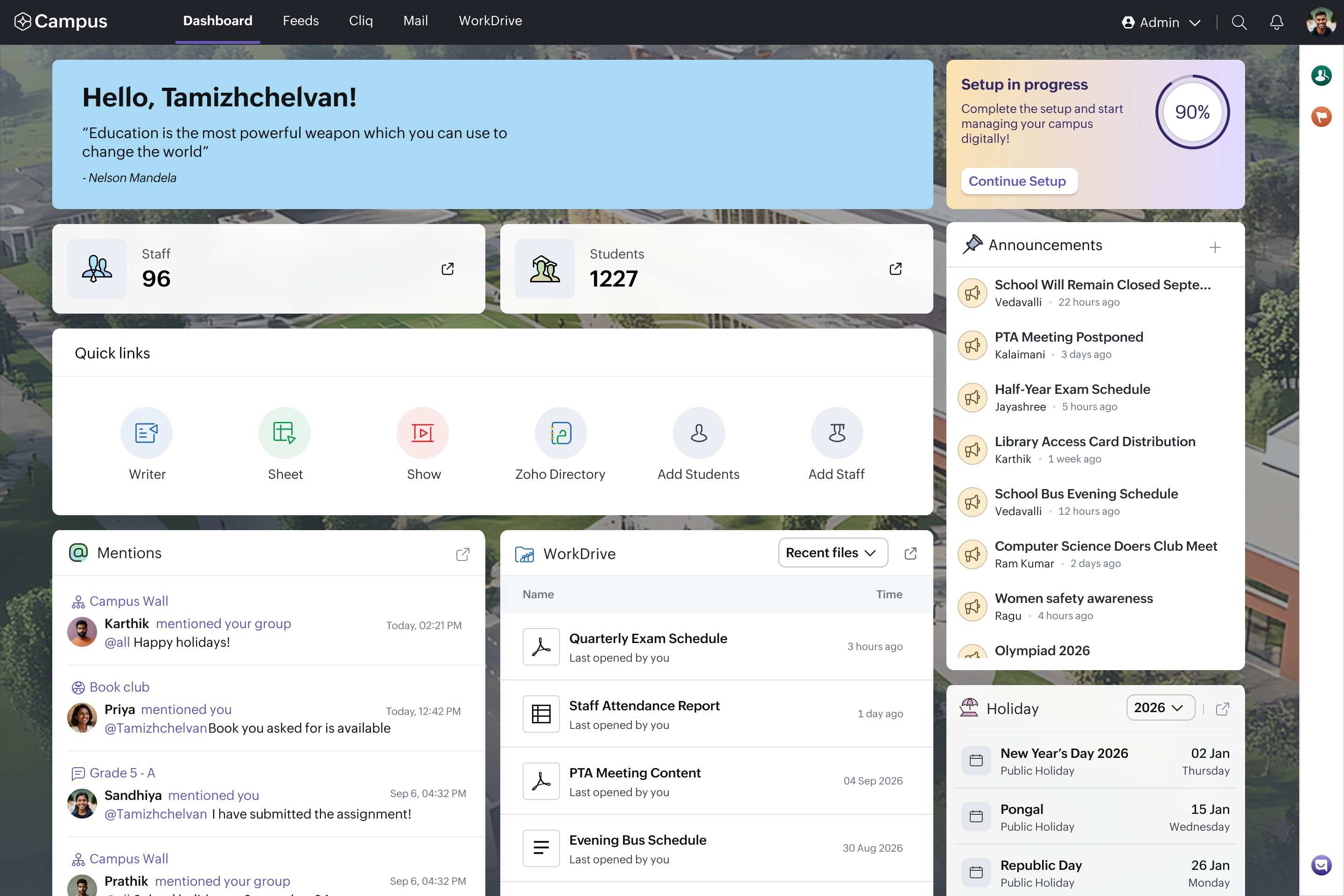
Thoughtful AI nudges that work
Campus also brings powerful productivity tools Zoho Writer, Zoho Sheet, and Zoho Show into the academic workspace. Each application comes with built-in Zia AI capabilities designed to act as an assistant for students and teachers as they refine their text, analyze datasets, and organize presentations.
The objective is not to replace the student’s thinking process. Instead, Zia offers administrative and clarity-focused assistance that educators will appreciate. In Zoho Writer, that comes by means of spelling suggestions, readability scores, and prompts to simplify complex sentence structures. Gentle nudges that encourage a student to actively improve a draft they have already composed. In Zoho Sheet, it provides insights by suggesting logical chart styles for survey results. In Zoho Show, it helps format design baselines that users can then customize, audit, and completely make their own. Teachers can use these same capabilities to clean up an assignment prompt, inspect large class performance data, or format lesson slides.
The teacher or student always retains absolute ownership to decide what to accept, adapt, or ignore.
Integrating third-party apps
We understand that schools and colleges already use tools that serve particular needs. Campus offers the option to bring third-party tools into their workspace, so people can access them alongside their institutional communication and collaboration tools. Administrators can enable single sign-on using academic credentials for students and teachers, giving them another way to access the tools they use for school-related work.
Since managing an institution also means protecting student digital footprints, Campus ensures that this unified workspace is built on a foundation of strict data privacy. Unlike platforms that monetize user data or route it across global networks, your institutional data remains entirely yours, hosted securely in local data centers right here in India.
Getting started
Building a truly connected campus does not require an overwhelming institutional overhaul. You can begin by replacing scattered, unmanaged personal accounts with a secure, unified digital home for your community.
At the time of our launch, Campus is available exclusively in India. We will move into new geographies as we study the requirements of each region.
If you manage a school, college, or educational institute in India, you can sign up for free today or book a personalized demo to see how Zoho Campus can bring clarity to your institution.
Comments