Introducing Zoho DAP: The last mile of your software investment

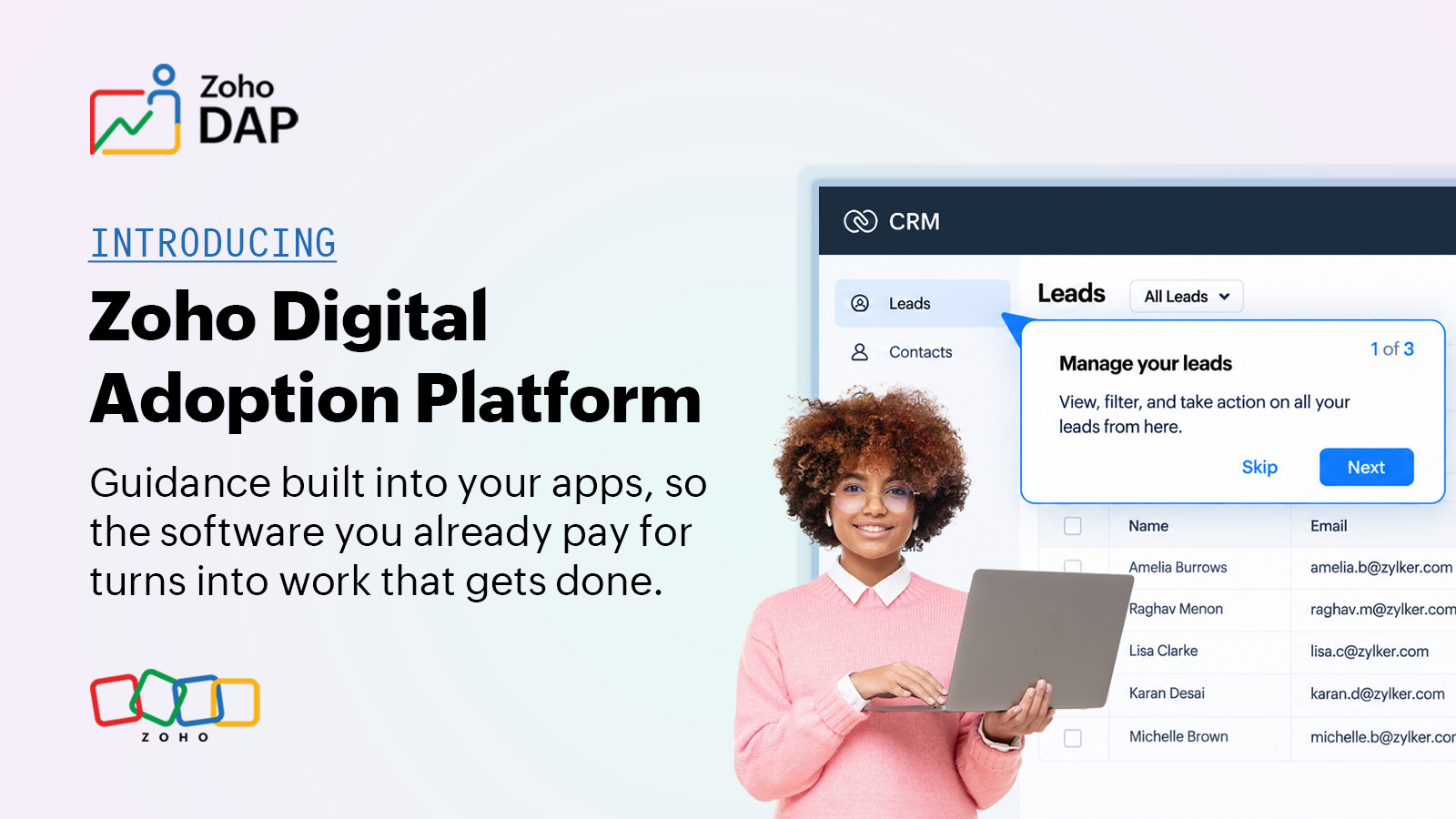
Your new software works. But why isn't anyone using it yet?
This is a common puzzle most change managers struggle to solve. In large organizations, optimizing workflows to improve efficiency is a continuous process, so companies are always looking for better tools to simplify and automate repetitive work.
The process begins with evaluation, countless demo sessions, shortlisting the best applications, stakeholder approval, purchase, implementation, migration, training, and handover. This whole journey, from first evaluation to go-live, usually takes a few months and sometimes stretches well past a year.
You know how it goes from there. A launch email nobody finishes reading. A training session where half the room is answering messages on chat. A long guide that lands in a folder called "Reference" and never gets opened again. For the first few weeks, productivity actually goes down because people are slower on the new system than they were on the tool they used to complain about. The support queue fills up with the same handful of questions. A team lead quietly goes back to the old spreadsheet, just for now. And a couple of quarters later, in some review meeting, someone asks the question every change lead is bracing for: are people actually using this?
If that feels familiar, you're not alone, and the numbers back it up. Buying and implementing software is only part of the job. Getting your people to actually use it is where the real work begins, and poor adoption can keep the ROI well below what you originally forecast.
You're paying for software people aren't using enough
Software prices keep climbing year after year. Zylo's 2026 SaaS Management Index puts the average company's annual SaaS spend at $55.7 million, up about 8 percent from the year before, even though the average portfolio remained roughly the same size at around 305 applications. You're paying more for a roughly similar-sized software portfolio.
And a significant share of those licenses goes unused or underutilized. Zylo finds that 53 percent of SaaS licenses are either unused or not used enough to justify the cost. Vertice puts the figure at 66 percent, with 15 percent classified as pure shelfware with no activity and another 51 percent running at less than half of what was paid for.
To be fair, not all of that is an adoption problem. Sometimes companies overbuy. They pay for two tools that do one job. Licenses get stranded when people leave or change roles, and because annual renewals are often automated, these things can go unnoticed. But a real share of it is the plain version of the story, where someone paid for a capability and the people it was meant for never took it up.
That's not the cost of software that fails. It's the cost of software that works and goes unused.
What real adoption looks like
Most rollouts measure the wrong thing. You check the dashboard, the login numbers look healthy, and you tell yourself the rollout worked. But a high login count doesn't mean real adoption.
Real adoption takes longer to show. It's the sales rep still running the deal process correctly three months in because something guided them when they needed it, rather than relying on what they remember from a training room back in March. It's the support queue that shrinks over the year instead of growing.
None of that shows up on a go-live checklist, which is why it gets missed. And it's the part that decides whether your software investment delivers the value you expected.
What is Zoho DAP?
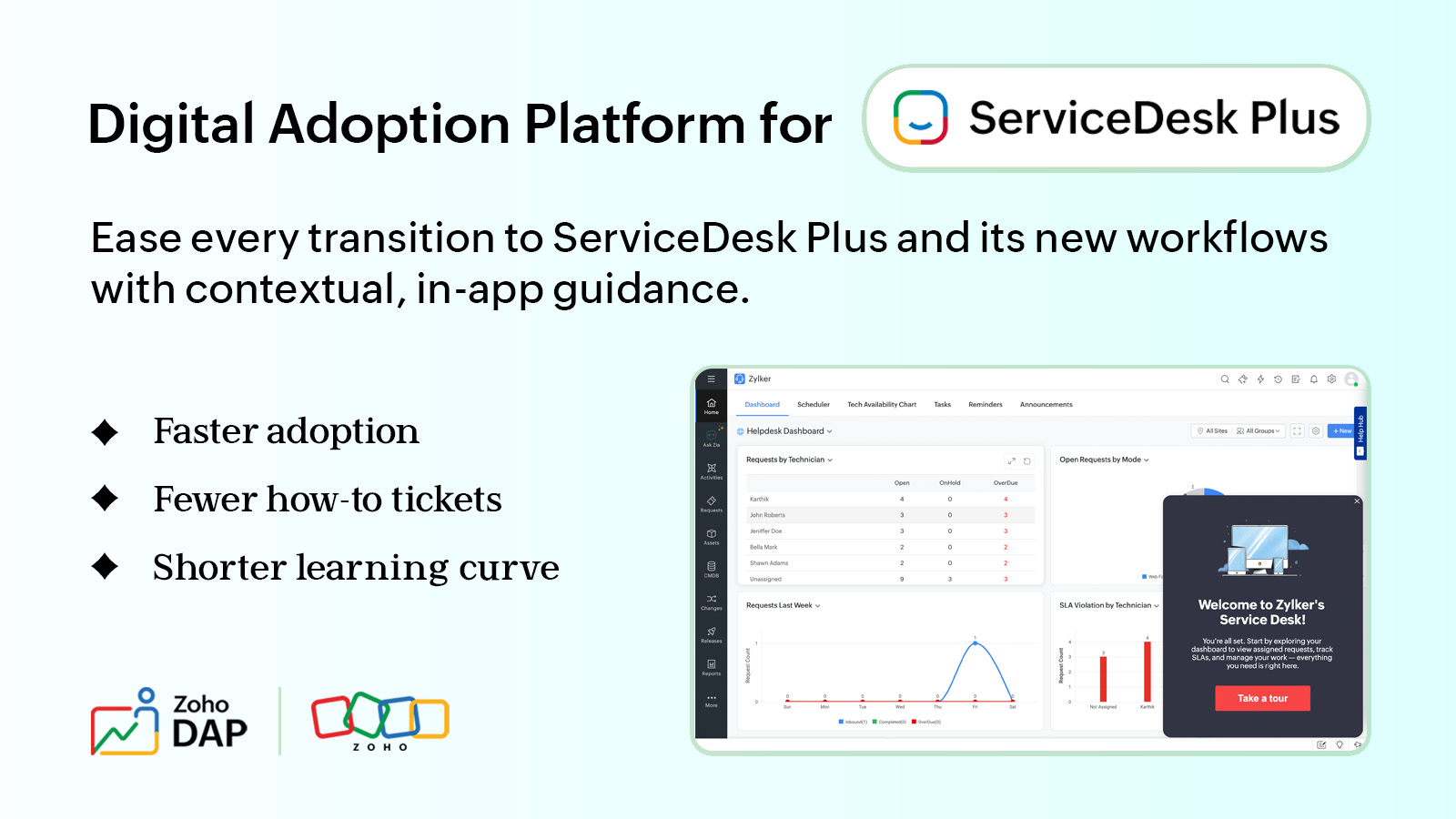
Zoho DAP is a digital adoption platform. It sits on top of the software your teams already use and layers guidance onto the screens they work on, so help turns up inside the task instead of in a manual or a training session off to one side.
We built it from a problem we ran into first-hand with clients running their operations on custom applications built on our platform. The implementation would go perfectly, every module configured, every workflow mapped to how that business worked. Then we'd watch someone sit down in front of it on a Monday morning, stare at a screen built precisely for their job, and have no idea where to start.
The software wasn't wrong. No one had ever shown them their way around this version of it, and no manual ever would, since it existed nowhere else but inside their company. The more precisely a tool is shaped to how you work, the less off-the-shelf training applies to it. A clean implementation gets you a system that fits. Getting your people to actually use it is a separate job, and that's the one we built Zoho DAP for.
The approach is simple. Instead of relying on training before people have had a chance to use the system, DAP puts guidance in the product, where someone can reach for it the moment they're stuck.
Picture someone's first day. They log in, and a banner with a few sliding images gives them a quick overview. They close it, and a walkthrough explains each tab on the screen. Then real work starts, and a guide takes them through a routine operation the first time they try it. Later, when they hit something they don't recognize, there's a Help Hub widget in the corner of the screen, one click away.
Each piece shows up when it's actually useful.
It also shows you how that guidance is landing. An Insights tab surfaces content and user insights, so you can see which guidance gets used and where people are engaging, instead of guessing from the fact that the launch email went out.
Zoho DAP currently works across the Zoho ecosystem, with support for applications beyond Zoho planned for the future.
What's inside
Together, these capabilities help employees understand a new interface, complete tasks, find help when they need it, and stay informed without leaving the application.
Walkthroughs
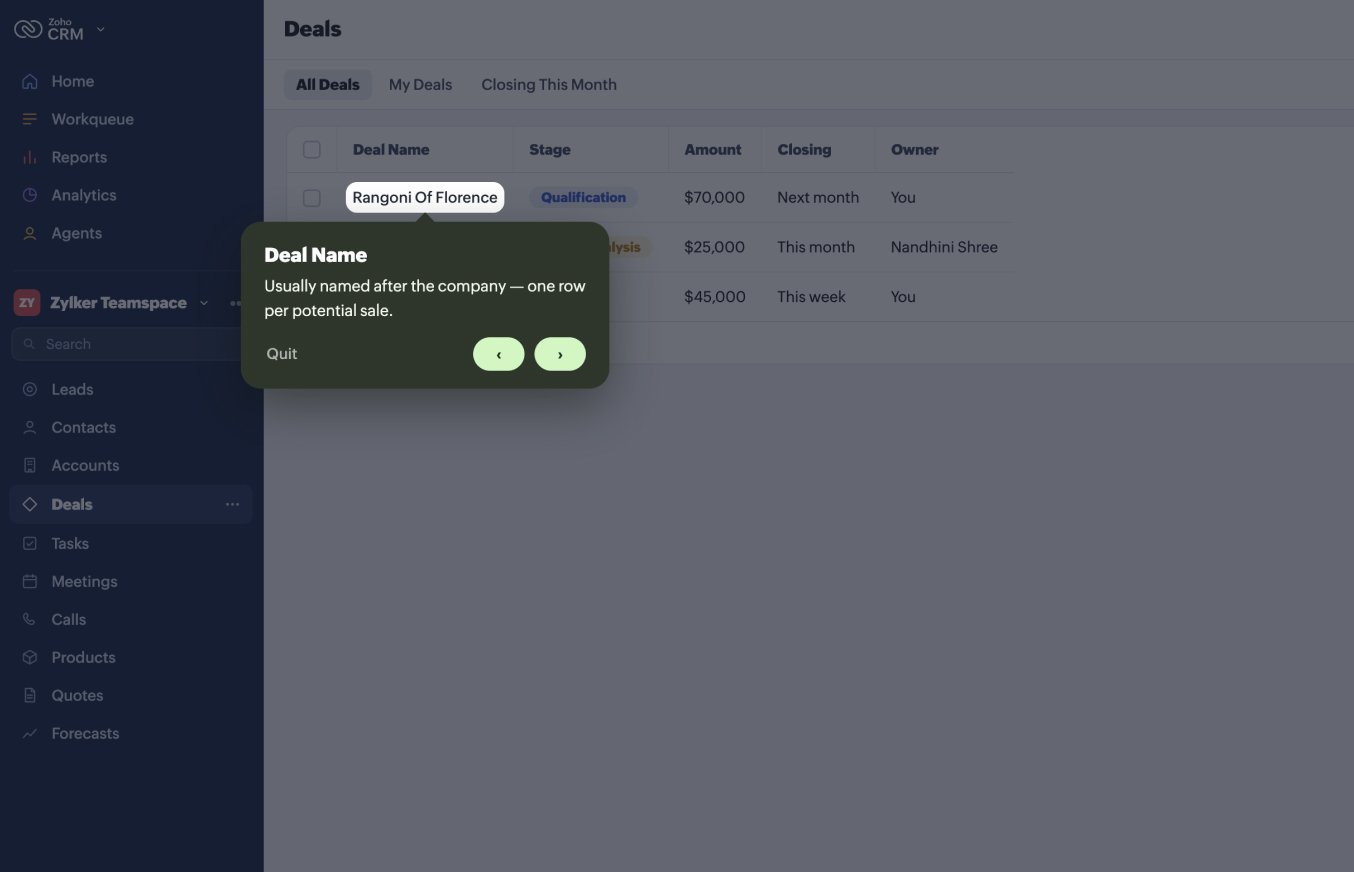
Tooltips that point out what each menu item and element does. Someone new to a screen can move through them at their own pace and get their bearings before they start a task.
Interactive videos
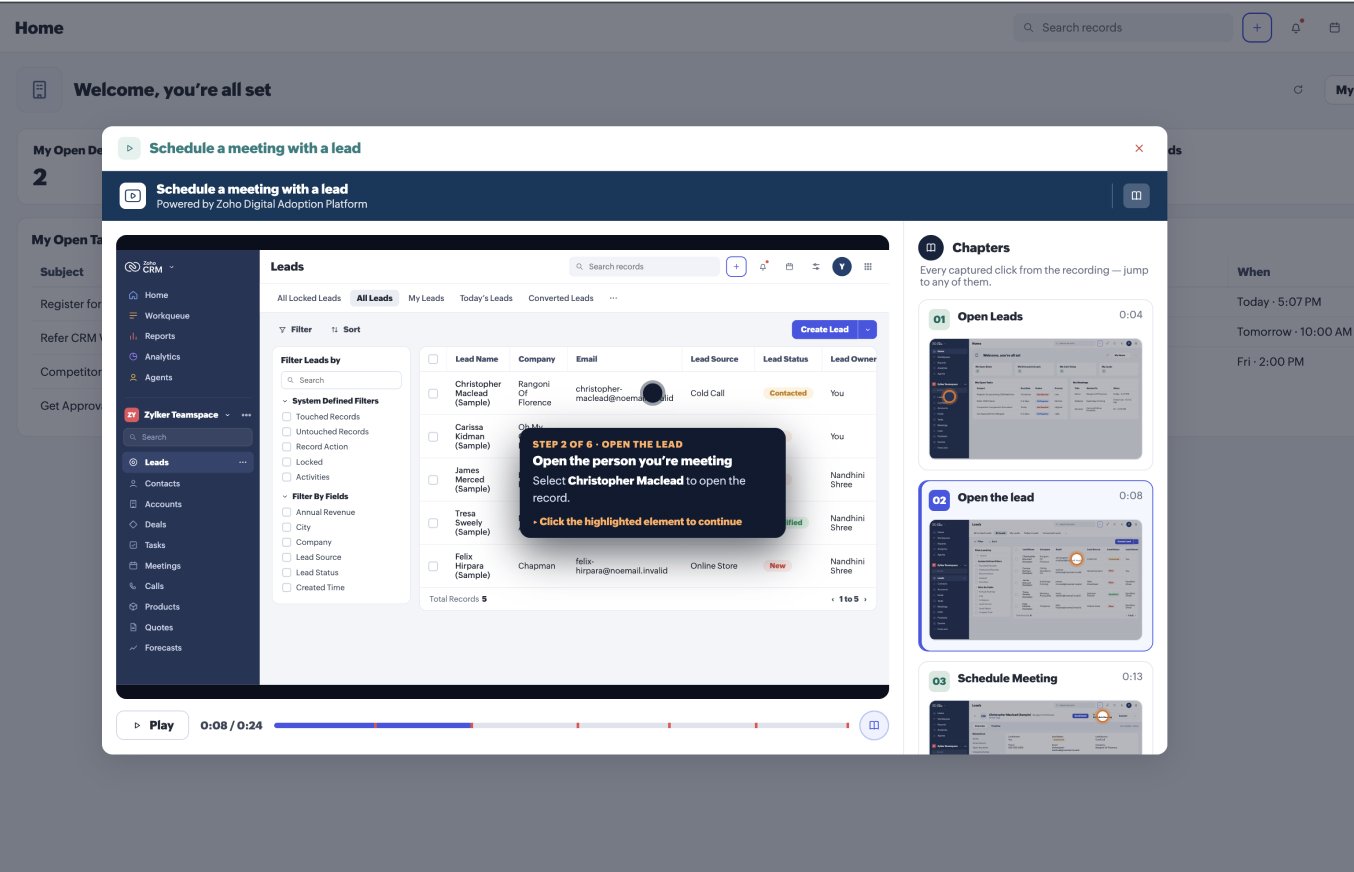
A guided simulation built right into the app. Instead of watching a recording and trying to copy it, your team clicks through the real steps themselves in a safe practice version of the product, and learns the task by actually doing it.
Guides
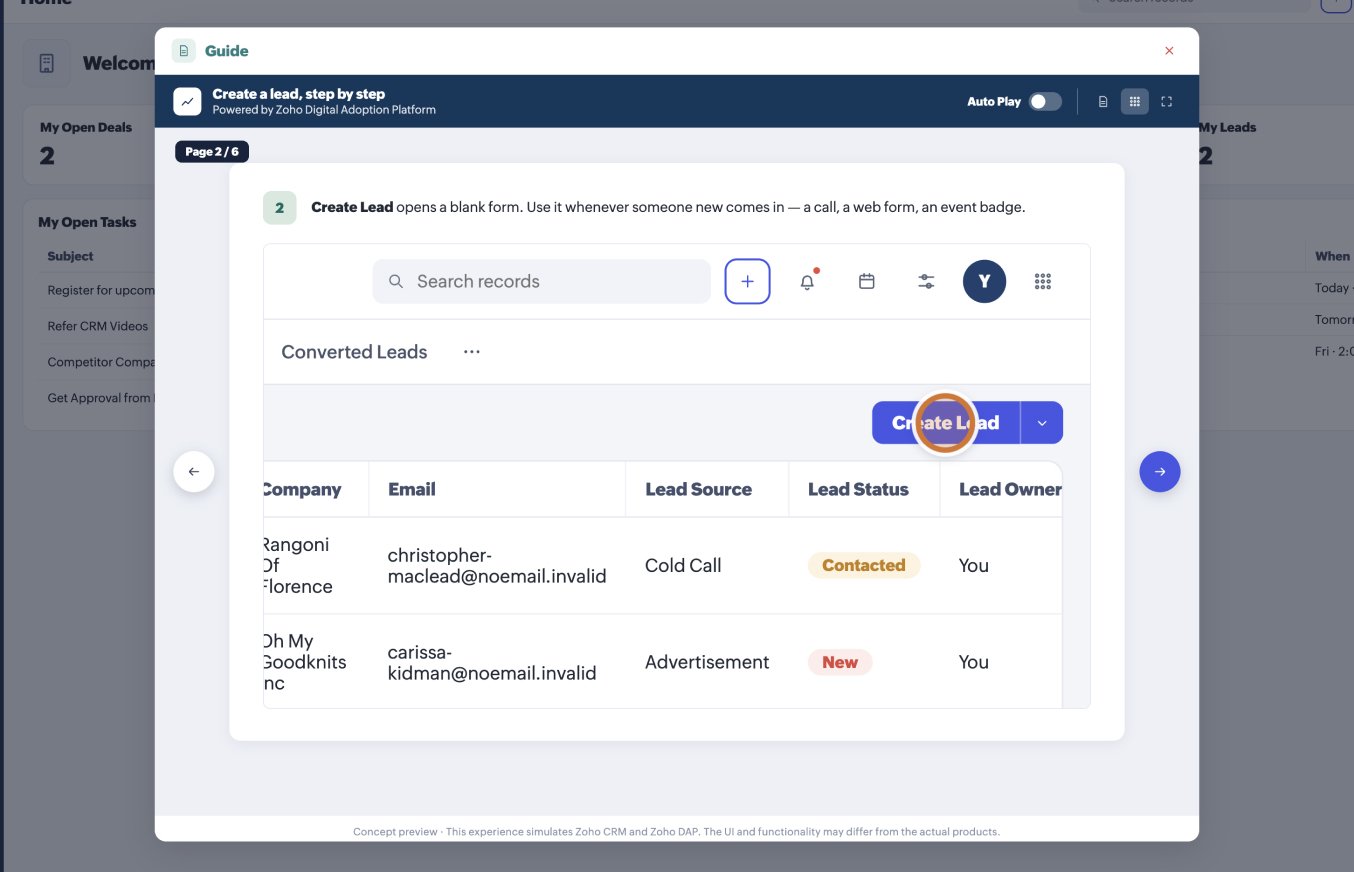
Step-by-step help references built from the real process. Each action on screen becomes a step, highlighted exactly where it happens, so people follow along at their own pace instead of reading documentation.
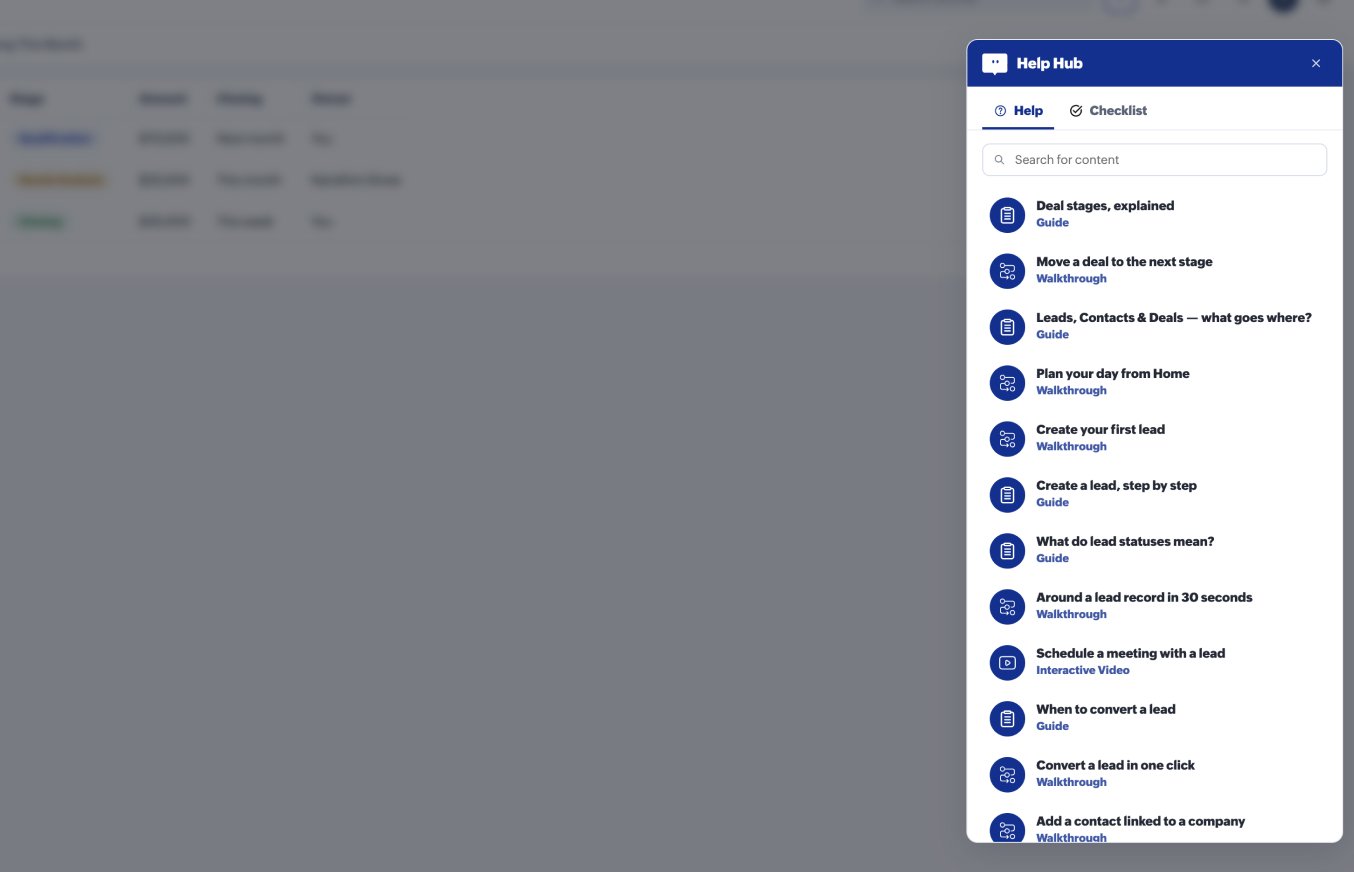
Help Hub
Screen-specific help articles that admins choose for each screen, so people see what's relevant to what's in front of them rather than searching a general knowledge base. It also holds checklists your team can work through to get up to speed on something new.
Banners
In-app announcements for product updates and organizational news. They show up on the tools people already use every day, so the message lands where the work happens instead of in an inbox nobody checks.

The last mile of your software investment
The money has already left the building. The question is whether the people it was spent on are getting enough out of the software to justify the investment, and that comes down to whether they can use it well and use it consistently.
Buying more tools isn't always the answer. Sometimes the better opportunity is getting more value from the tools you already own.
That's the last mile, and it's the one Zoho DAP is built for.
The best way to understand it is to see it working inside a real application. If you're planning a rollout or looking at ways to improve adoption, we'll show you how DAP fits the way your teams work.

Have a specific question first? Write to us at support@zohodap.com.

Comments