Zoho Books introduces the Landlords edition in the UK

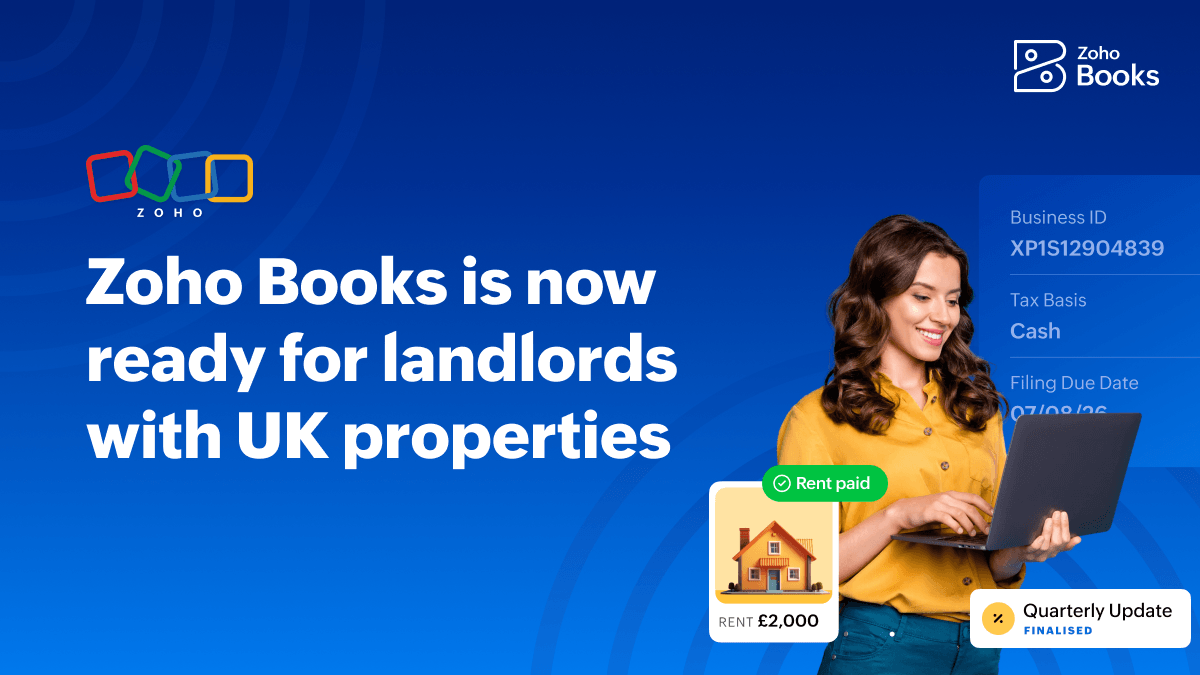
Managing rental properties in the UK has long involved a messy mix of spread-out receipts, manual spreadsheets, and end-of-year tax scrambles. With HMRC’s Making Tax Digital (MTD) for Income Tax rules phased in, staying on top of property finances is no longer just good business, it is a core compliance requirement.
Zoho Books now offers built-in capabilities tailored specifically for landlords with UK properties. Landlords can manage individual properties, track rental income and expenses, and submit quarterly updates directly to HMRC within the accounting software.
Accounting and compliance made simpler
The UK edition of Zoho Books will now allow you to track rental income and expenses for all your properties in the UK and stay compliant with HMRC's latest regulations. Available from the FREE plan of Zoho Books, landlords (both VAT and non-VAT registered) can now manage end-to-end accounting for their properties without worrying about high software costs.
Organised property portfolios
Instead of shoehorning property units into standard customer or chart-of-accounts lists, the dedicated property module offers a structured way to manage portfolio finances.
Property-level tracking: Create distinct profiles for each UK property in your portfolio.
Granular income & expense tagging: Every rent payment received and every maintenance expense—from boiler servicing to letting agent fees—can be tagged directly to a specific property.
Real-time property profitability: Instant visibility into how each property performs. Identify high-yield assets, monitor vacancy periods, and catch rising maintenance costs before they erode net returns.
Hassle-free MTD for Income Tax compliance
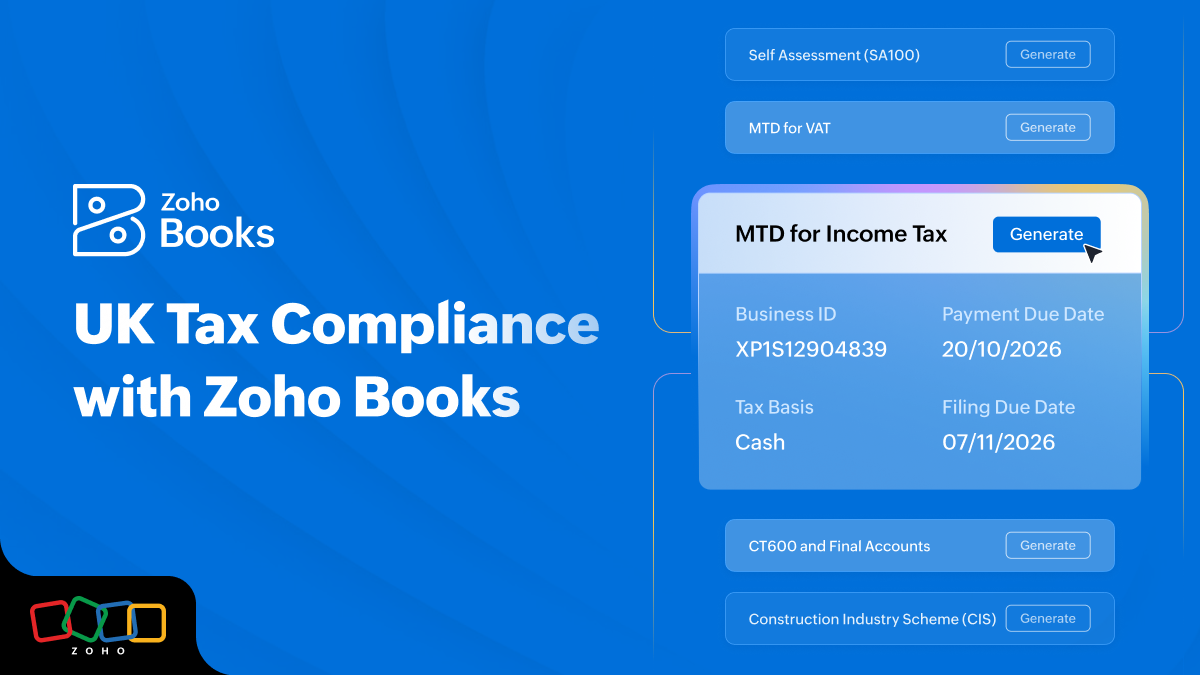
Under MTD for Income Tax, landlords with gross qualifying income over statutory thresholds must move away from annual paper-chases and adopt digital recordkeeping with quarterly updates to HMRC.
Zoho Books serves as an HMRC-recognised solution designed to make MTD compliance seamless.
Digital recordkeeping: Store digital copies of receipts and bills matched directly to property expense transactions.
Effortless quarterly submissions: Generate and review quarterly income and expense summaries for each quarter. You may then send the quarterly update to HMRC with just a few clicks.
End-of-Year submissions & tax return: Stay compliant with MTD for Income Tax for free all year. After the four quarterly submissions, Zoho Books helps you report additional income sources and submit the tax return before January 31, 2028.
Direct Self Assessment filing (SA100 & UK property pages)
If you are a landlord in the UK submitting self assessment returns, Zoho Books simplifies SA100 filing with HMRC.
Generate SA100 returns: Pull together income and expense summaries into SA105.
Direct filing with HMRC: Review prepopulated numbers, make adjustments, and file directly to HMRC without the need to export spreadsheets or logging into separate tax portals.
Availability & eligibility scope
To ensure tax calculations and reporting remain accurate, this initial capability release is specifically tailored for sole owners of UK rental properties.
Note for joint owners & overseas property owners: Development is underway for joint owners and landlords with foreign properties. These enhancements will be announced in our upcoming updates.
What's covered in the free plan of Zoho Books?
The modern cloud accounting software can help you:
Create invoices, quotes, and expenses.
Manage UK properties and record rental income.
Accept online payments.
Reconcile bank transactions (1 bank account).
Stay compliant with MTD for Income Tax (quarterly updates, end-of-year submissions, and final tax return).
File Self Assessment (SA100 & SA105) with HMRC.
...and more
Invite your accountant
The free plan also allows you to invite your accountant or bookkeeper into Zoho Books. Your accountant can either manage your entire day-to-day bookkeeping or help you stay compliant during the tax season by doing the submissions on your behalf.
If you are an accountant managing books for multiple clients, you can leverage the practice management solution, Zoho Practice, for your firm. Zoho Practice offers a central view to track all client engagements and monitor clients' books, in turn, streamlining the practice.
Zoho Practice seamlessly integrates with Zoho Books, making it effortless for them to capture financial insights and advise you better.
How can you get started?
Getting started with Zoho Books is fairly simple. Here are a few steps for new and existing users.
For new users
Sign up for the free plan of Zoho Books.
Once you fill in the form, you'll be sent to the Organisation Creation page within Zoho Books.
In the Business Type field, choose Landlord.
For existing users:
While logged into your account, go to Settings > Organisation Profile.
Change your business type to Landlord.
Once you've made these changes, you are all set. Start maintaining digital records for yourself or your clients and stay prepared for the self assessment submission at the end of the year or the MTD calendar.
Watch this space for upcoming updates on landlords with foreign properties and jointly-owned UK properties.
Comments