Introducing Meeting Co-Host support in Zoho Calendar

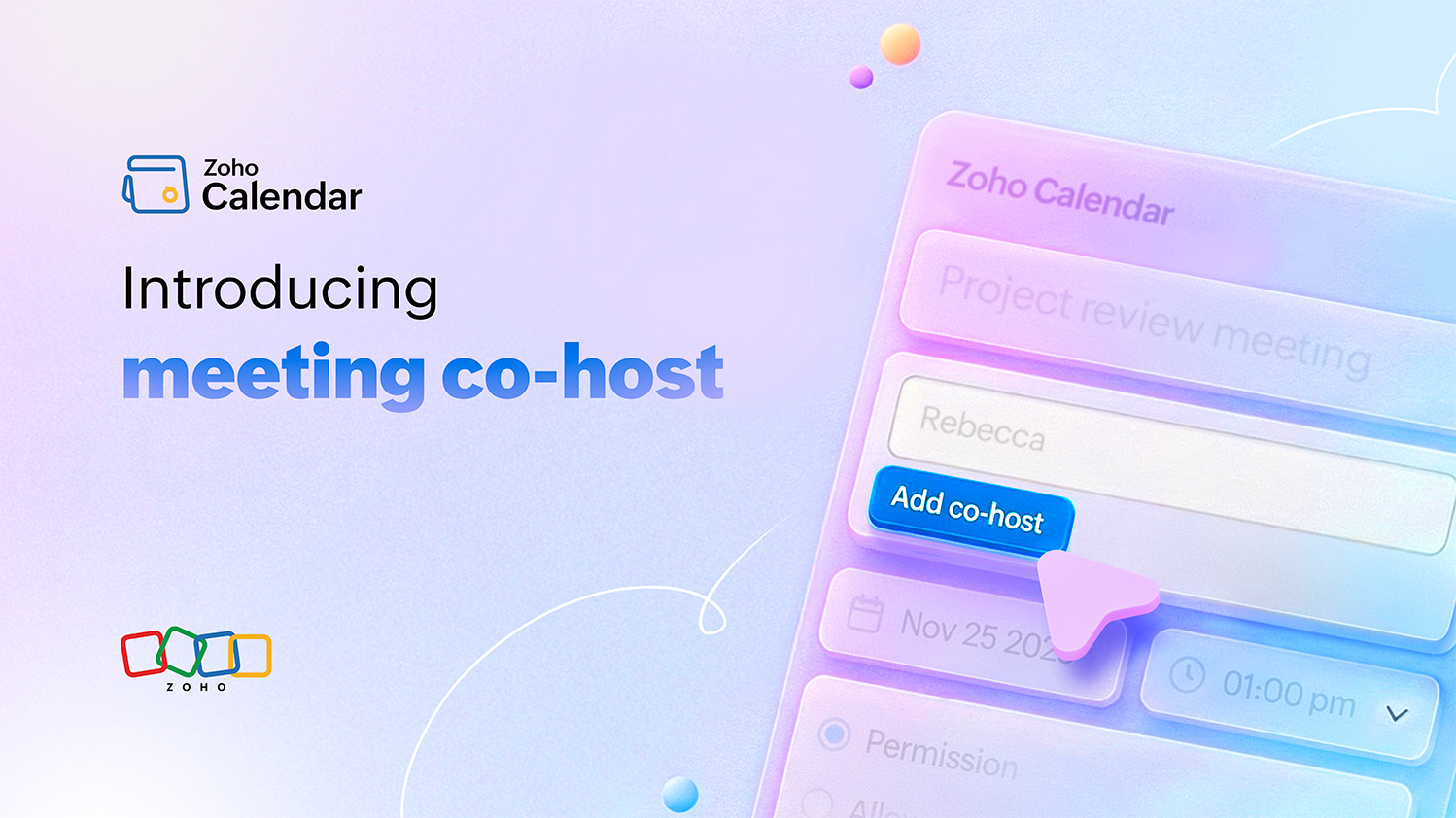
Because smooth meetings shouldn’t depend on just one person.
You’ve planned your meeting down to the minute. The agenda is clear, the invite is sent, and everyone’s joined on time. Then, the unexpected happens: the host’s internet cuts out, a presenter can’t share their screen, or the person managing the session has to step away. The entire flow pauses until the host returns.
In most meetings, this kind of interruption feels inevitable, not because of poor planning, but because control has always rested with one person. Until now.
What’s new
Zoho Calendar now supports Meeting Co-Hosts, a new capability that lets you assign additional hosts when scheduling a meeting through Zoho Calendar’s Zoho Meeting integration. Co-hosts share the same administrative privileges as the main host, so they can:
- Start or end the meeting.
- Admit or remove participants.
- Mute/unmute attendees.
- Manage screen sharing and recordings.
- Handle in-meeting interactions like polls or Q&A.
With this update, meeting management becomes a shared effort, making every session more flexible and reliable especially in hybrid or cross-functional environments.
Why it matters
The way we meet has changed. Teams today are distributed, multitasking and collaborating across time zones. In such a setup, a single point of control can easily become a single point of failure.
Imagine these scenarios:
- A sales demo where the primary presenter focuses on the client pitch, while the co-host manages chat, admits late joiners, and switches screens.
- A training session where the trainer walks participants through the material while a co-host ensures that the recording runs smoothly and handles questions.
- A hybrid all-hands where one host in the office coordinates the in-person setup while a co-host manages virtual participants online.
In each case, having co-hosts keeps the meeting on track, prevents delays, and helps maintain engagement without technical distractions.
Designed for uninterrupted collaboration
Co-Host Support isn’t just about backup, it’s about creating a more resilient meeting experience. Whether you’re managing large team sessions, client calls, or multiple projects, this feature ensures that your meeting continues even if the primary host disconnects or steps away.
It also encourages teams to share responsibilities. Instead of one person juggling every action like presenting, managing participants, monitoring chats, you can now split tasks efficiently, giving everyone space to focus on their role.
The result? Meetings flow better, feel more professional, and end on time.
Making the most of co-hosts
To get started, simply schedule a meeting from Zoho Calendar, add conferencing via Zoho Meeting, and assign one or more co-hosts. Once they’re added, they’ll automatically have access to host privileges during the meeting.
Here are a few ways to make co-hosting work best for you:
- Assign intentionally: Choose co-hosts who know the agenda and can take over seamlessly if needed.
- Plan roles ahead: Define who presents, who moderates, and who handles engagement.
- Communicate clearly: Let participants know who to contact if they face issues during the meeting.
A more reliable way to meet
With Co-Host Support, Zoho Calendar brings another layer of reliability and collaboration to your meeting experience. It reflects our goal of helping teams focus on what matters most—productive conversations—while the logistics stay in control.
So the next time you’re scheduling a meeting, don’t just think about who’s hosting it. Think about who’s helping it run smoothly. Add a co-host, share the responsibilities, and keep your meetings moving, no matter what happens.


Comments