Streamline service operations with Zoho Lens’ self-service portal, powered by AR.

Remember the last time your customer had to wait on hold just to explain a technical issue—and then wait again for the right technician to show up? Or when a field technician had to juggle calls, emails, and back-and-forth coordination just to get a job started?
In today’s fast-paced operational environments, every minute of downtime counts. Customers expect swift resolutions, while technicians need clarity, structure, and the right tools to deliver them.
We’re excited to introduce the self service portal, a service request management feature within Zoho Lens. It’s designed to bring order, speed, and clarity to the support process—without adding complexity for the people using it.
What is a self-service portal?
At its core, the self-service portal streamlines the process of logging, routing, and responding to service requests for technical teams.
Built into the Zoho Lens platform, it connects customers to the right technician without the usual friction of phone calls, additional ticket portals, or email chains.
From submission of a service request to its resolution, the self-service portal keeps everything organized, visible, and moving in the right direction.
Take instant action with the self-service portal
How to use the self-service portal in five steps
Instead of jumping between calls and waiting for the right technician, the self-service portal empowers the customer to take action from their side and get the service they need without significant delays.
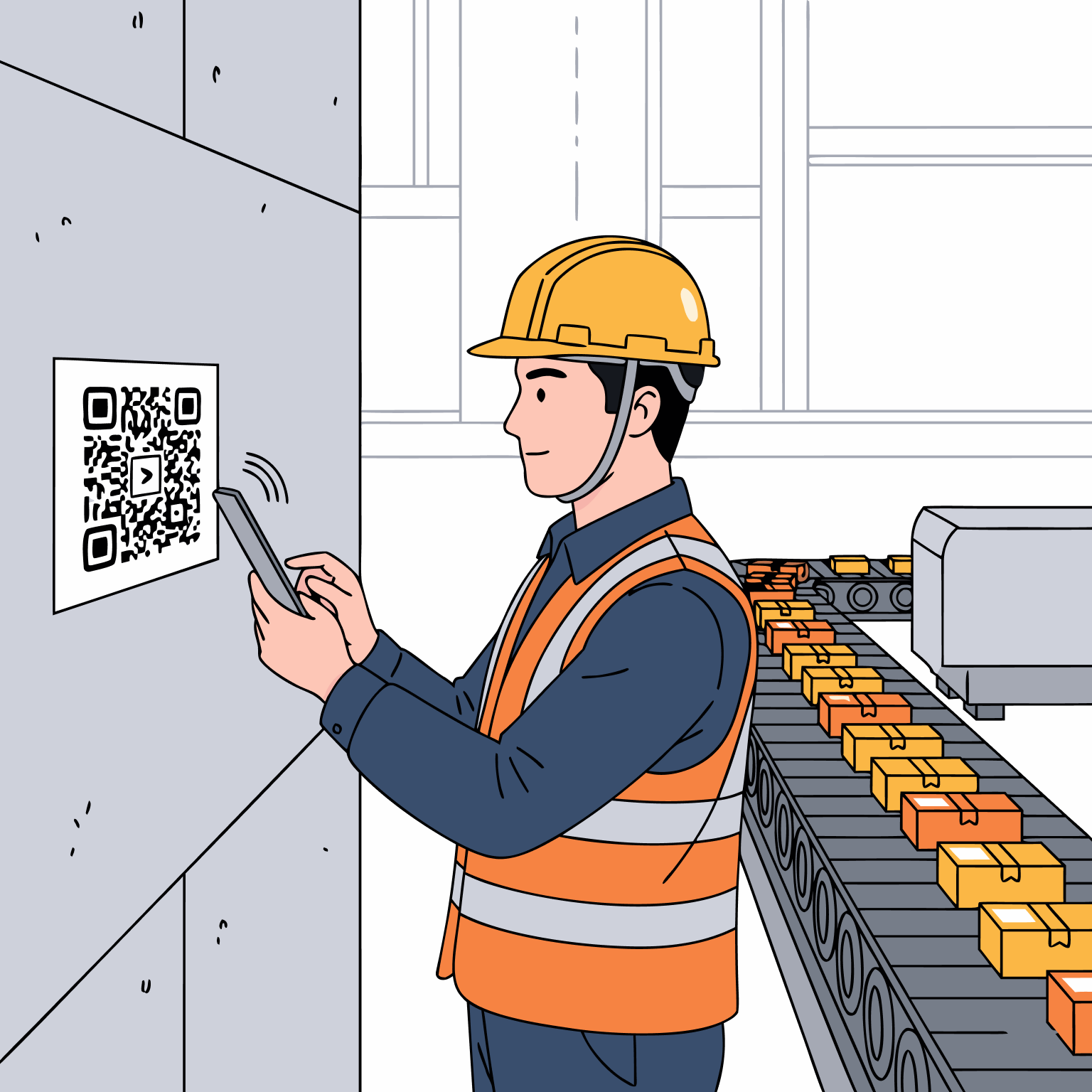
Step 1: The customer scans a QR code
When a customer or on-site technician encounters an issue, all they need to do is click the portal link button on your webpage or scan a QR code. No app downloads. No lengthy sign-ups. Just a quick scan and they're in.
Step 2: Submit the issue
A simple, clean form pops up where they can describe their problem and submit it. Once they hit Submit, the request is instantly visible in your organization’s self-service portal, ready for your team to act on.

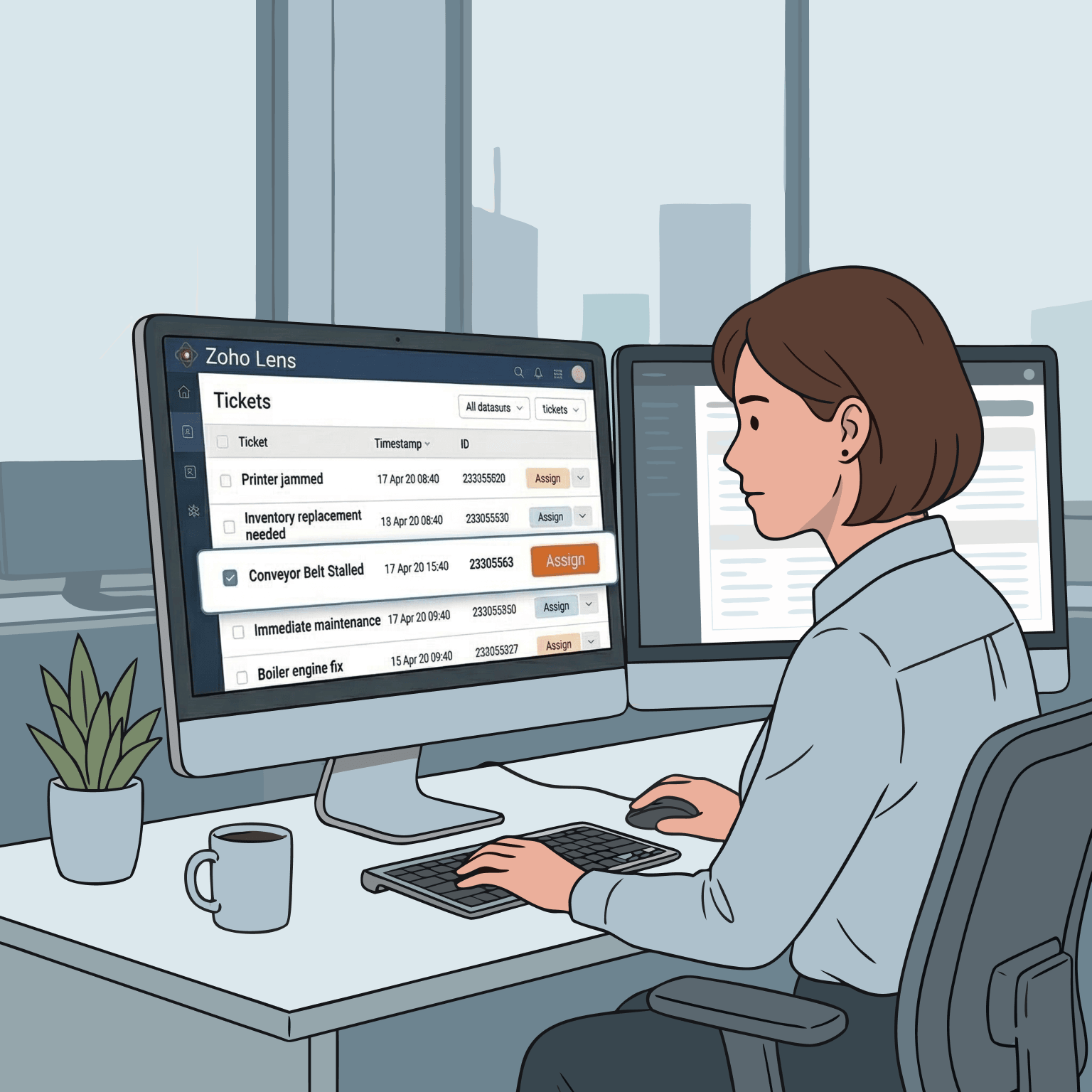
Step 3: Assign to the right person
Admins or team leads can view incoming requests and assign them to the technician best suited for the job. The right person gets the right request, every time.
Step 4: Accept and connect—automatically
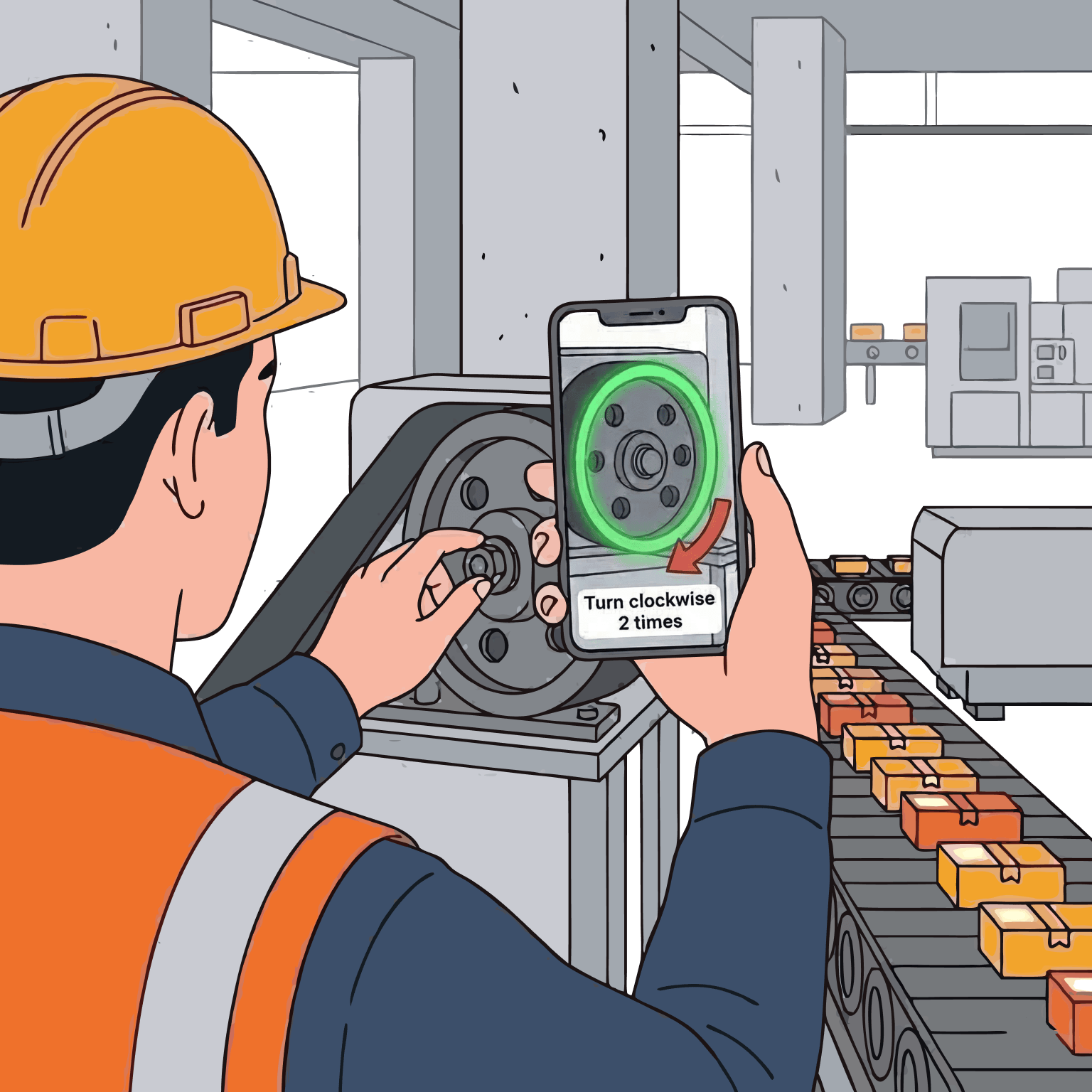
Here’s where it gets interesting. The moment a technician accepts a request, an AR session is automatically initiated. The customer doesn’t need to navigate anywhere new or wait for a separate link—they can join directly from the request page. It’s a seamless hand-off that saves time on both ends.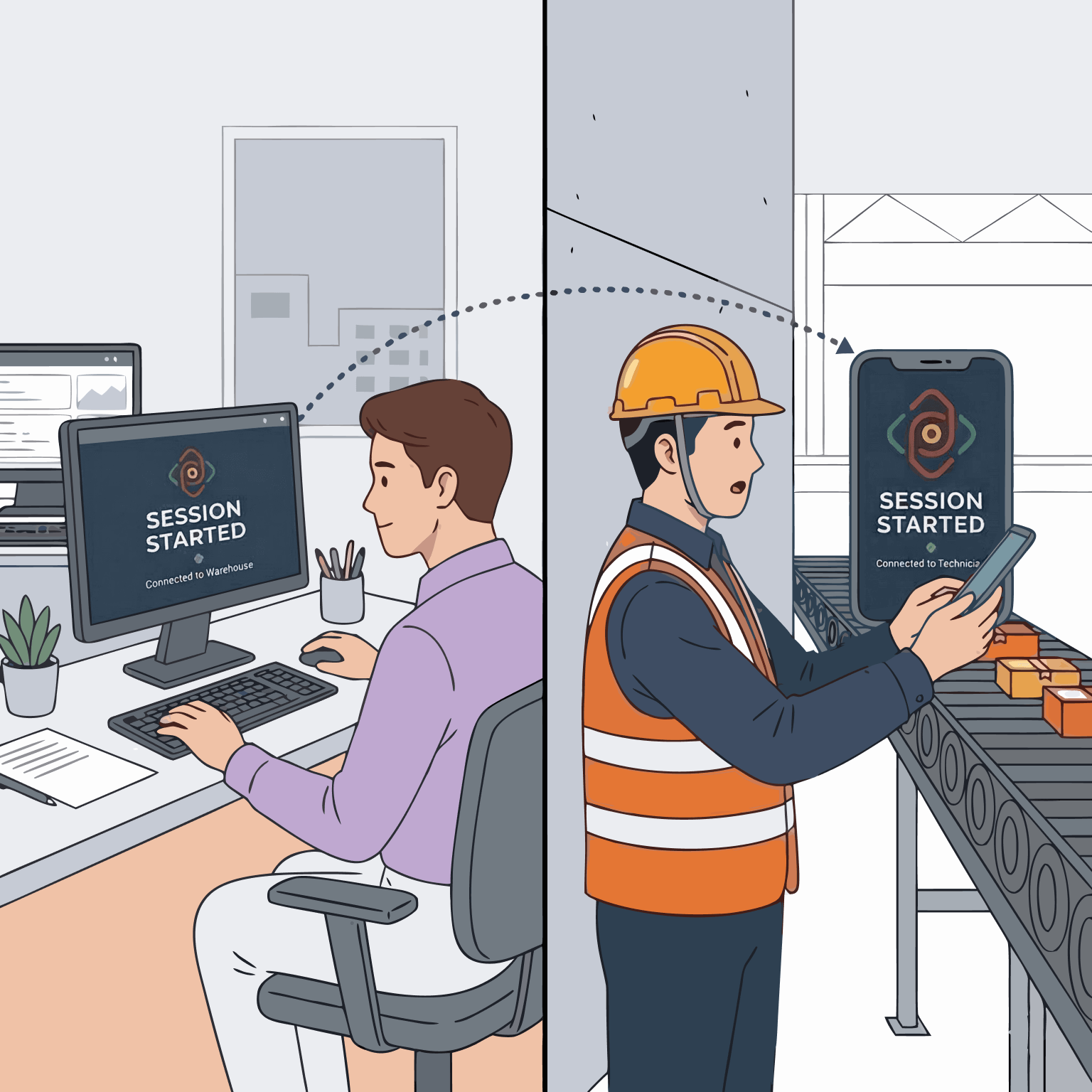
Step 5: Resolve the issue with AR
Once connected, the technician has Zoho Lens’ full AR toolkit at their disposal—annotations, real-time guidance, and everything else they need to resolve the issue effectively, without stepping foot on site.
More than a workflow, it’s a smarter way to run support
Besides the streamlined process of managing service requests, Zoho Lens’ self-service portal comes with a set of capabilities that give organizations the flexibility and oversight they need to run support operations at scale.
Move requests across departments: Not every request lands with the right team the first time. With the self-service portal, technicians and admins can easily reassign requests to a different department, keeping things moving without starting over.
Decline requests when needed: Technicians can decline requests that aren’t within their area of expertise or bandwidth. It’s a small feature that makes a meaningful difference that keeps the queue clean and ensures that customers always end up with the most qualified person for the job.
Department-specific QR codes for smarter routing: Each department in your organization can have its own unique QR code. Share the right code with the right customers, and requests land exactly where they should—no manual sorting, no misdirected tickets. For larger organizations managing multiple teams and locations, this is a straightforward way to keep things organized and efficient.
Auditable sessions and detailed reporting: Every session started in the self-service portal is logged and captured in dedicated reports. These reports include participant details, their device and OS information, wait time, session duration, and the final request status, either completed or declined. For operations managers and leadership teams, this isn’t just a nice-to-have. It’s the data needed to track performance, identify gaps, and make informed decisions about support resources and processes.
Zoho Lens’ self-service portal—the game-changing tool for your organization
For enterprise decision-makers, the self-service portal brings better visibility into support operations, paving the way for cleaner workflows and measurable improvements in response times all within one platform.
For field technicians, it means less time chasing down requests and more time doing what you do best. No more abrupt handoffs, missed messages, or confusion about what’s assigned to whom.
And, for your customers? They scan, submit, and connect—in minutes, not hours.
Ready to see the self-service portal in action?
The self-service portal is available now within the Zoho Lens platform. If your organization is already on Zoho Lens, head to your admin portal to get started—set up your departments, generate your QR codes, and start managing requests through the self service portal.
New to Zoho Lens? Get in touch with us to see how the self service portal—and the entire Zoho Lens platform—can transform your support operations.

Comments