From conditions to context: Use Zoho MCP to manage your inbox with AI agents

For most professionals, the workday begins with inbox triage. You scan emails, sort them, flag a few, and decide what needs attention now and what can wait. Filters, folders, and alerts have helped reduce manual work by automating simple workflows.
But these systems depend on conditions and rules, which work on ideal scenarios. The moment a regular email has a different subject, or an usual alert gets triggered from a different email address, rule based automation starts to fail. If a pricing inquiry doesn’t include the word “pricing” in the subject line, it can slip through and get sorted into the wrong folder. On top of that, maintaining the filter conditions requires constant guesswork—predicting scenarios, updating conditions, and continually adjusting as work evolves.
What’s missing in conventional email management is intent and context.
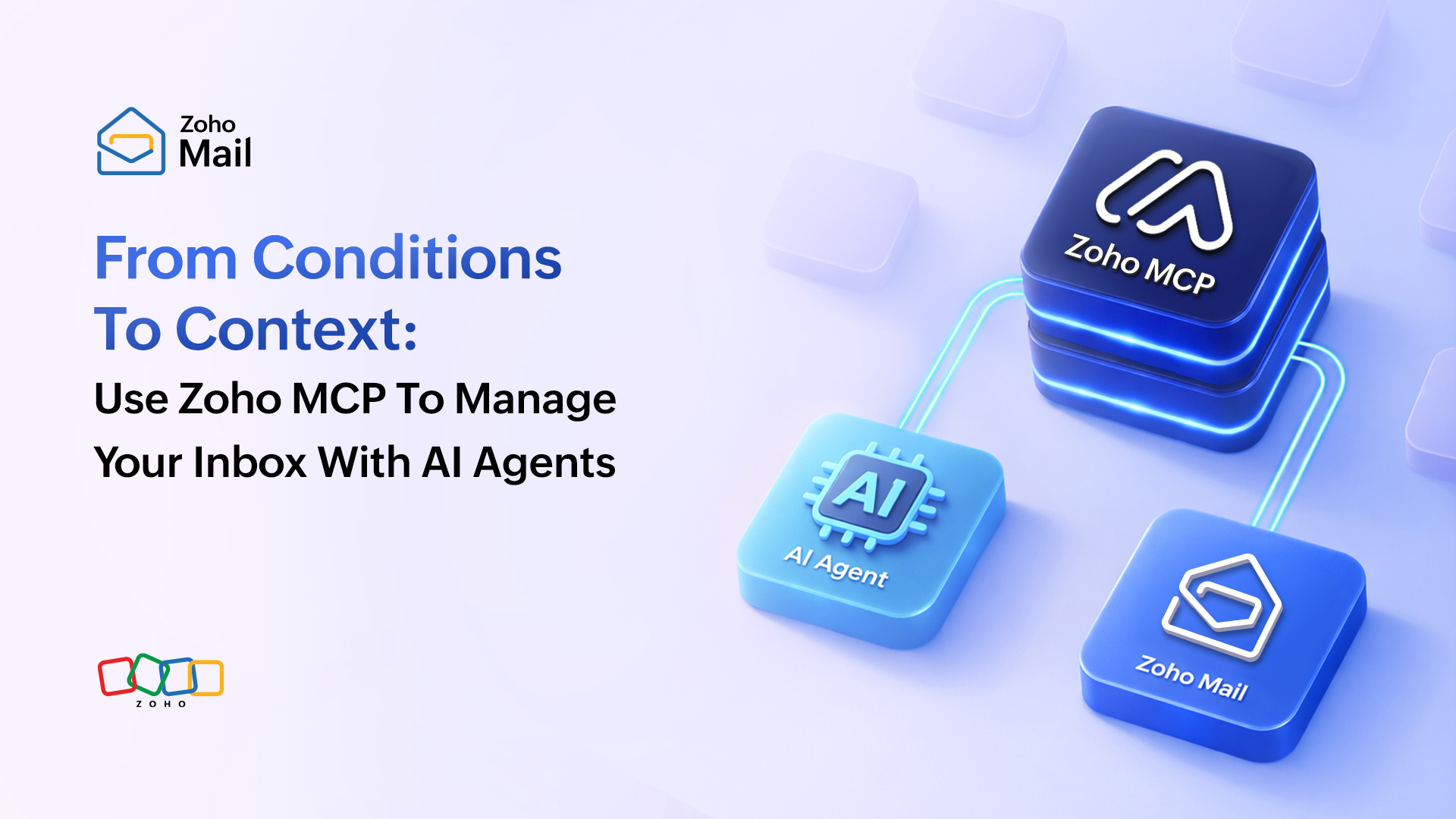
From rule-based workflows to context-based management
Instead of matching keywords or conditions, what if the system simply understood what you meant, in plain language?
What if emails were managed not just based on their content, but on the context behind them: who sent it, what they’re asking, and what needs to happen next?
What if you could describe the outcome you wanted, and the system interpreted your instruction, organized your inbox, and triggered the right actions systematically?
This is where AI agents with access to your email change the game.
An AI agent doesn’t just sort messages. It reads the full email, understands context, and decides whether the message requires a response, a CRM update, a support ticket, or a follow-up task. It doesn’t depend on strict rules or predefined logic, it understands the context and intent.
Why is understanding context alone not enough?
Modern AI models are excellent at reasoning. They can summarize emails, draft replies, and extract key details. But they have no direct way to interact with your inbox or the real tools to access them, including APIs, databases, file systems, and more, unless it has a way to explicitly connected to them in a secure manner.
For example, an AI can understand that an email is a sales inquiry but it can’t create a CRM lead or assign a task unless it has a secure way to interact with your business tools.
This is the missing execution layer.
The role of the Zoho MCP server
The Model Context Protocol (MCP) acts as the bridge between AI models (like Claude, Cursor AI, or any custom AI agent) and external data sources, tools, or software systems.
Think of MCP as a universal connector for AI. Instead of building custom integrations for every tool, MCP provides a standardized way for AI agents to interact with business applications safely and consistently.
The Zoho MCP server sits between AI agents and your Zoho applications. It exposes approved actions, enforces permissions, manages authentication, and logs every operation.
For implementation details and supported actions, refer to the Zoho Mail MCP server user guide documentation.
The path from prompt to execution
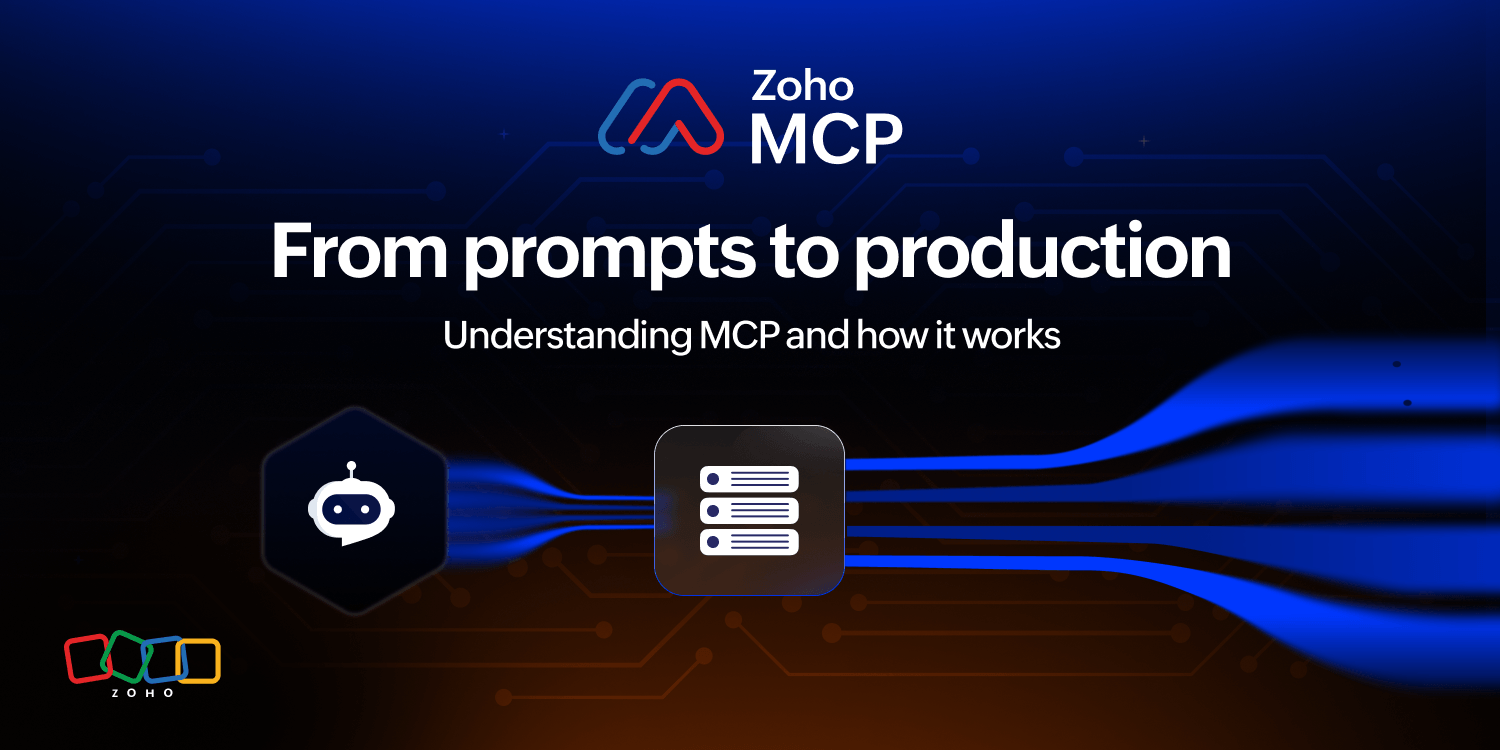
When an AI agent processes your emails, four layers work together:
- The host: The chat interface (ChatGPT, Claude, or a custom agent) where the Large Language Model (LLM) runs and where you type your instructions.
- The MCP client: A component embedded within the host application that manages the MCP session. When the LLM determines that an action is required, the host formats that decision as a structured tool-call, which the MCP client forwards to the appropriate MCP server.
- The Zoho MCP server: The bridge that receives the MCP client’s request, authenticates it, and calls the appropriate Zoho API to carry out the action.
- The Zoho APIs and applications: Where the action actually lands, such as a new lead in Zoho CRM, a task in Zoho Projects, or a ticket in Zoho Desk.
Real-world examples: Intent in action
The following examples illustrate how the Zoho Mail MCP server enables AI agents to act on your inbox.
Example 1: Follow-up thread tracking
Prompt:
Scan all sent email threads in Zoho Mail from the past 7 calendar days (excluding today). Identify threads where no reply has been received from external recipients after the most recent sent message. For each qualifying thread:
- Apply the tag Follow-Up.
- Move the thread to the folder Pending Replies.
Process threads one at a time. After each update, confirm completion before moving to the next thread. Do not modify threads that already contain a reply after the last sent message.
What happens behind the scenes:
The AI agent, connected to Zoho Mail via the MCP server, scans your Sent folder for the past week. It cross-references each sent email with its corresponding conversation thread. The agent determines whether a reply has been received or is still pending. For every unanswered thread, it automatically applies the Follow-Up label. The conversation is moved into the Pending Replies folder, within Zoho Mail.
Example 2: Auto-labeling emails by project or client
Prompt:
Scan all emails in my inbox received today (00:00–23:59 local time). For each email, apply labels according to the following rules:
- If the email content or subject references Project X, apply the label Project-X.
- If the sender’s email domain is @zylker.com, apply the label Zylker.
- If the email is an internal HR announcement (sent from HR or Zoho People and related to policies, benefits, payroll, or company-wide notices), apply the label HR-Internal.
An email may receive multiple labels if it matches more than one rule. Process emails one at a time and confirm labeling actions after completion.
What happens behind the scenes:
The AI agent reads through the inbox and interprets the content and sender context of each email, not just the subject line. It applies the right Zoho Mail label based on the content and context of the email.
Example 3: Sales email triage across Zoho applications
Prompt:
Scan all emails received today (00:00–23:59 local time).
Identify emails with sales intent (pricing, demos, trials, partnerships).
For each qualifying email:
- Extract sender name, email, company (if available), and inquiry summary.
- Create one lead in Zoho CRM using the extracted details.
- Create one follow-up task in Zoho Projects assigned to my user account, due the next business day.
Process emails one at a time and confirm completion before proceeding. Do not create duplicate leads for the same sender and subject on the same day.
What happens behind the scenes:
The AI agent reads each email and reasons over its full content. It understands the sender’s intent, whether they’re asking for pricing, requesting a demo, or exploring a partnership. For each qualifying message, the agent determines the required next steps. The agent sends structured action requests to the Zoho MCP server. The server securely creates leads in Zoho CRM and assigns follow-up tasks in Zoho Projects.
The inbox as an intent-driven workspace
Email management is no longer about sorting messages or maintaining complex rules. It’s shifting toward something far more powerful: coordinated work execution driven by intent.
By combining natural-language instructions, AI agents that understand context and decide what needs to happen next, and MCP servers that securely execute those decisions across applications, the burden of manual rule configuration disappears.
When your inbox, AI agents, and business tools work together through the Zoho MCP layer, you spend less time managing systems and more time acting on what truly matters.
The inbox is no longer just where messages land, it’s where work begins. Your first step towards productivity is just one prompt away!
Comments