Pro tips: 5 ways to simplify invoicing and payments in Zoho Books

Many businesses still rely on manual processes to collect payments and reconcile invoices. This often results in delayed payments, reconciliation errors, and unnecessary administrative work. By enabling online payments and automation within Zoho Books, businesses can streamline collections, improve cash flow, and offer customers a faster, more reliable way to pay.
Here are five actionable tips to simplify invoicing and payments in Zoho Books using an integrated payment workflow.
1. Collect payments directly from invoices
Manual payment follow-ups slow teams down and frustrate customers.
Pro tip: Enable online payments for invoices so customers can pay instantly using cards, digital wallets, or local payment methods. A secure payment link embedded in every invoice reduces payment delays and significantly improves collection rates.
2. Automate reconciliation and reduce errors
Manual reconciliation is time consuming and prone to mistakes.
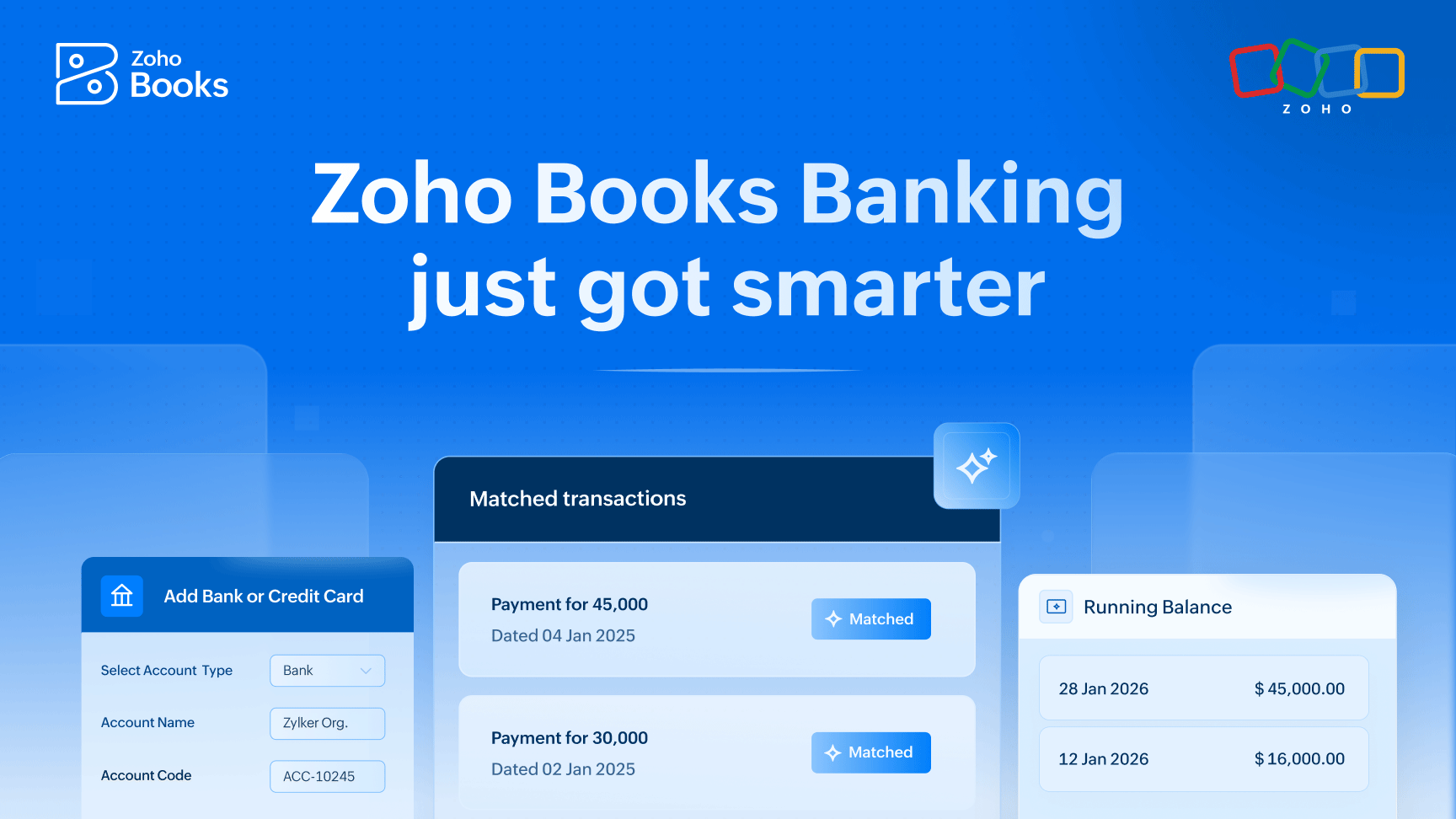
Pro tip: Use an automated payment workflow where completed payments are instantly reflected in Zoho Books. Invoices are marked as paid in real time, eliminating duplicate data entry, reducing errors, and saving finance teams hours every week.
3. Offer multiple local and global payment methods
Customers often abandon payments if their preferred method isn’t available.
Pro tip: Provide a mix of international and region-specific payment options alongside cards and digital wallets. Supporting local methods increases convenience for customers and improves invoice payment conversion rates.
4. Improve cash flow visibility
Tracking outstanding invoices across multiple systems slows finance teams down.
Pro tip: Monitor real-time payment status directly within Zoho Books. Quickly identify which invoices are paid, pending, or overdue, helping finance teams take proactive action and maintain healthier cash flows.
5. Create a seamless, professional customer experience
Payment friction can impact customer trust and repeat business.
Pro tip: Customize invoice messages and payment pages with your branding for a consistent, professional experience. Simple, fast, and branded payment journeys build confidence and improve customer satisfaction.
By integrating Tap Payments with Zoho Books, businesses can transform invoicing and payments into a smooth, automated workflow, saving time, reducing errors, and improving the overall customer experience.
Ready to simplify invoicing and payments?
Comments