Nearby leads in Zoho CRM: Your records and the rest

This is a guest post by Andrin Iten, Founder of Lead Mapper.
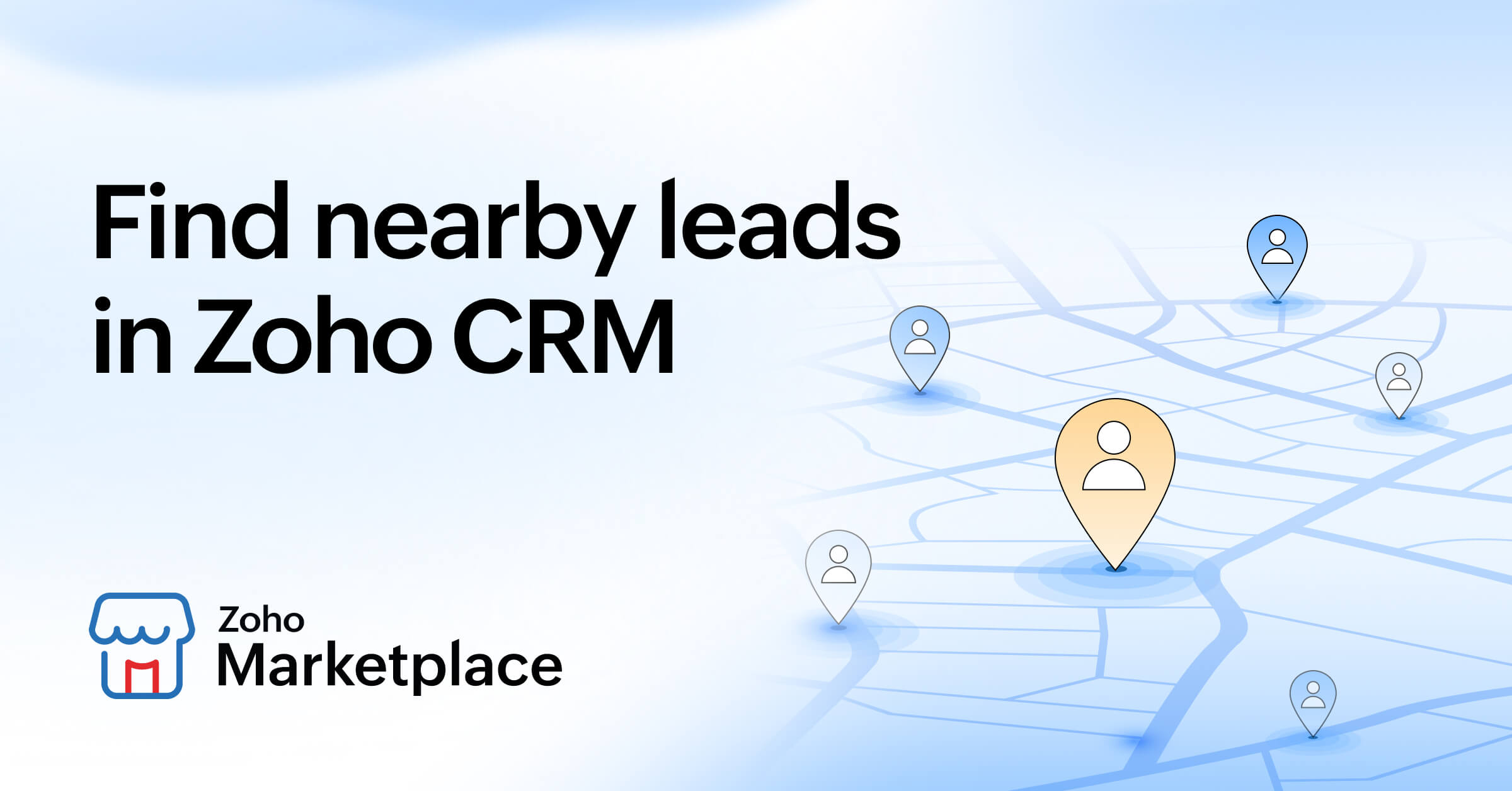
A rep with eight stops booked for Tuesday has two kinds of nearby leads. The first kind is already in Zoho CRM: leads, contacts, and accounts with an address, waiting for a visit. The second kind has no record yet, like the dental practice two doors down from stop four. Zoho handles the first kind well. This post is about the second kind, and how to see it on the same map as the route.
What Zoho CRM users can find today
On Zoho RouteIQ Professional plan, Search Along the Route finds records that are located along any route and lets you add them to that route or create a new one, with an adjustable search width and a maximum radius of 62 miles by default. That is the right tool for anything that already has a record and an address. Marketplace extensions such as Lead Finder for Zoho CRM go further: they query the Google Maps API by keyword and location, show the results on a map, and import them into any Zoho CRM module or download them as a CSV file. That covers the second kind of lead as well.
The question a rep asks between visits
For a rep standing at stop four with forty minutes to spare, the question is which relevant businesses are within walking distance right now, and which of them are worth ten minutes. The answer is most useful on the map that already shows the day’s route and the Zoho pins, so the rep can see the new businesses next to the stops that are already planned.
A worked example from Old Town Scottsdale
On October 7, 2026, we ran a category search for dentist in Lead Mapper from a single point in Old Town Scottsdale, Arizona (33.4942, -111.9261). The first 20 listings in the dentist category are all within 0.6 miles, all 20 with a phone number and 16 with a website. Density depends on the category: a rep who sells to veterinary clinics would find the first 20 spread over 2.5 miles from the same point, a short drive between stops rather than a walk. Because the search runs on a business category, the results are the listings filed under that category, drawn from HERE location data and shown next to the existing Zoho records on the route map.
Create the record after the conversation, not before
The order matters. Open the practice on the map, where its card lists the phone number and website when the listing has them, add it to the day's route as a stop, walk in, and create the lead in Zoho CRM only after the conversation. Only the walk-ins worth following up reach the CRM, so every new lead in Zoho is a business someone has actually spoken to.
Try it on one territory this week
Connect Zoho CRM to Lead Mapper and let the first sync run; it pulls leads, contacts and accounts onto the map, usually within 5 to 30 minutes.
Plan one rep's Tuesday from the existing records, the way you do today.
Pick the category you actually sell to and look at what sits within walking distance of each stop.
Give the rep three walk-in targets per day for one week, then count how many became leads in Zoho.
With Lead Mapper for Zoho CRM, one week and one territory is enough to see whether the walk-ins are worth the detour.

Comments