Zoho Sign vs. Google's e-signature: A detailed comparison

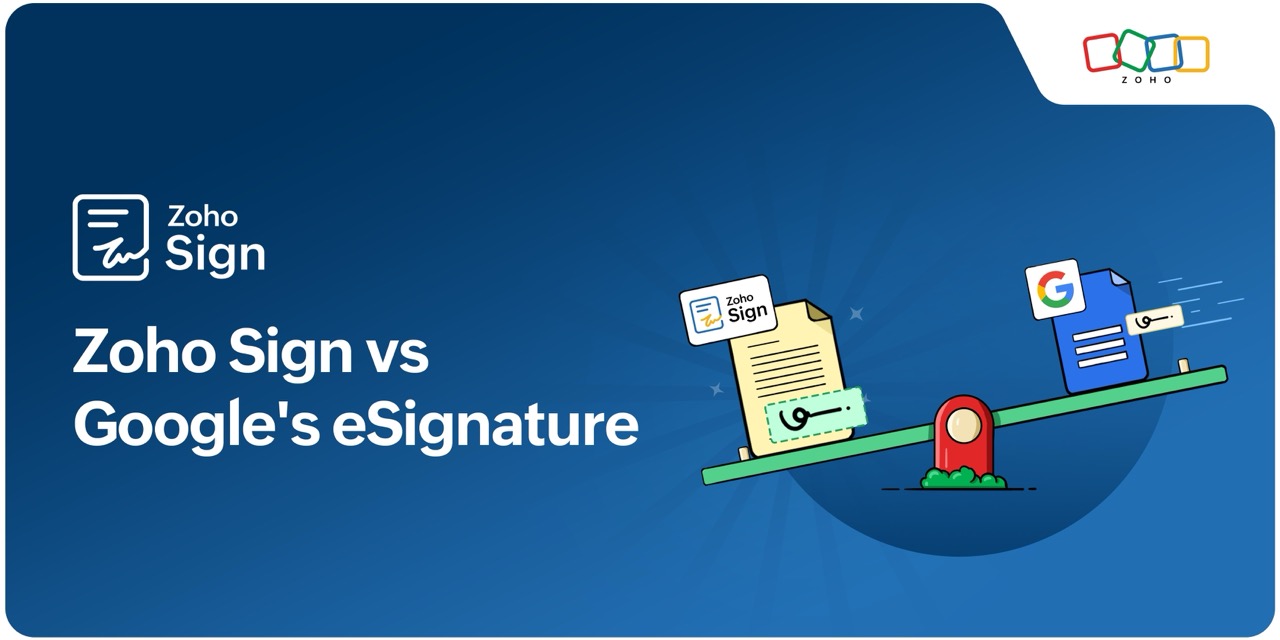
In 2023, Google rolled out its e-signature feature for Google Docs and Google Drive. This premium feature, only available for Google Workspace users, lets you sign and collect e-signatures without leaving Google Docs and documents saved in Google Drive.
Though Google's e-signature may be sufficient for signing and sending a limited number of agreements, it doesn't scale well for enterprises with large volumes of paperwork. Also, for organizations who have a Google Workspace account but want advanced, secure, and comprehensive signing capabilities that automates complex signature workflows, Google's e-signature may not fit the bill.
Zoho Sign offers end-to-end intelligent agreement management with secure digital signatures, varied integrations, AI assistance, cross-border legal admissibility, and scalability. The table below gives you a detailed comparison of how Zoho Sign performs against Google's e-signature.
Why choose Zoho Sign over Google's e-signature
Zoho Sign | Google's e-signature | |
Launched | 2017 | 2023 |
Service type | Comprehensive digital signature solution for end-to-end agreement management | Offers simple e-sign solution |
Legality | Cross-border legality and court admissible in most regions | E-signatures may not be accepted globally |
Types of signature | 1. Digital signatures 2. Advanced electronic signatures 3. Qualified electronic signatures | Simple digital signatures only |
ID verification | Signer verification with region-based and government-issued IDs | No signer verification |
Security | 1. AES-256 encryption 2. FIPS-compliant HSM for storing private keys 3. Certificate of completion for signed documents | Not known |
Advanced features |
| Limited features |
Mobile friendliness | Native apps compatible with iOS, iPadOS, and Android | No e-signature option available for mobile devices |
Automation through integrations | Tight integrations with the Zoho suite and third-party apps, including Google Workspace, that help automate complete business operations | Functions within Google Docs and cannot be integrated with other apps |
AI assistant | Dedicated eSign AI assistant for:
| No dedicated e-sign AI support |
APIs and SDKs | APIs and SDKs for custom integrations | No APIs or SDKs |
Dedicated support | 24/5 technical support with free onboarding and migration | No dedicated technical support |
Custom branding | ISVs, OEMs, and white labeling for custom branding and integrations | No custom branding or integration possible |
E-signature software is a must-have for digital businesses. Google's e-signatures are suitable if your paperwork volume is low and you're an existing Google Workspace user, but Zoho Sign gives you much more flexibility. It lets you adopt digital signatures your way—whether that means accelerating your sales cycle, simplifying signature flows, automating signatures across operations, or building custom workflows via integrations.
Try our 14-day free Enterprise trial to see why 50,000+ businesses choose Zoho Sign as their trusted signature solution.
Comments