Introducing Zoho Webinar's AI Recording Features

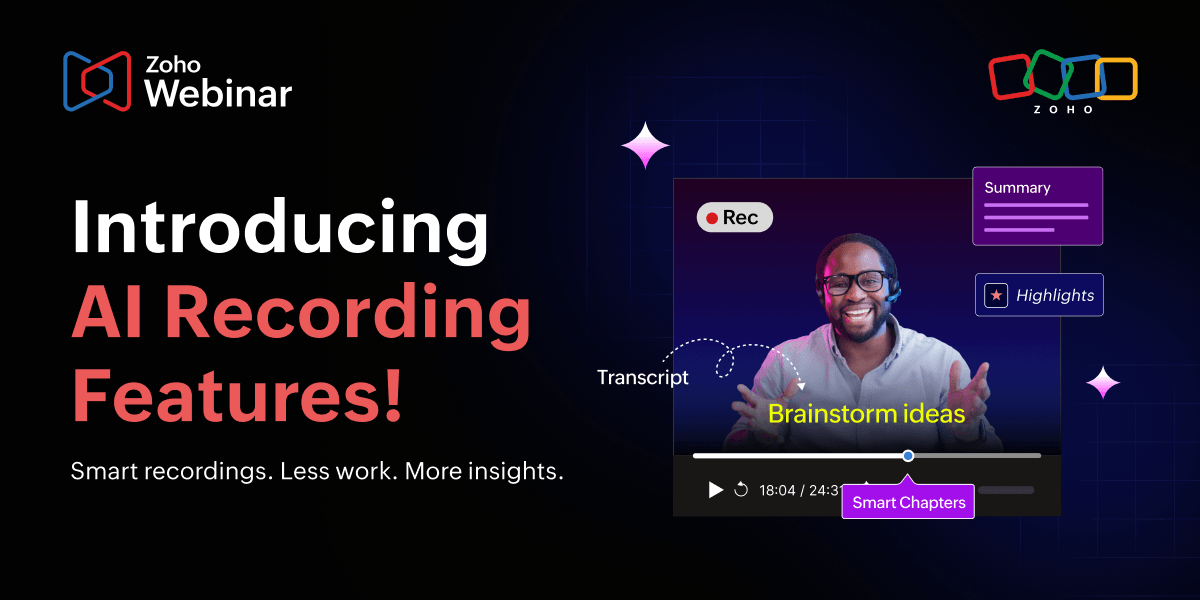
Your webinar recordings just got a lot smarter.
What if every webinar you hosted automatically turned into a searchable, navigable, shareable knowledge asset without any extra work on your end? That's exactly what the new AI-powered recording features in Zoho Webinar make possible. With Summary, Transcript, Smart Chapters, and Highlights, your recordings do the heavy lifting so you don't have to.
Whether you're running a 90-minute customer onboarding session, a multi-speaker panel discussion, or a live product demo, these features automatically convert your recording into an organized, easy-to-navigate resource the moment the session ends.
Explore the four features
Summary
Get a concise, AI-generated overview of your entire session. Capture key points automatically to copy, download, or edit them to share with your audience.
Transcript
Every word spoken in your webinar is converted to text. Search specific content, highlight important moments, or keep a written record of the discussion.
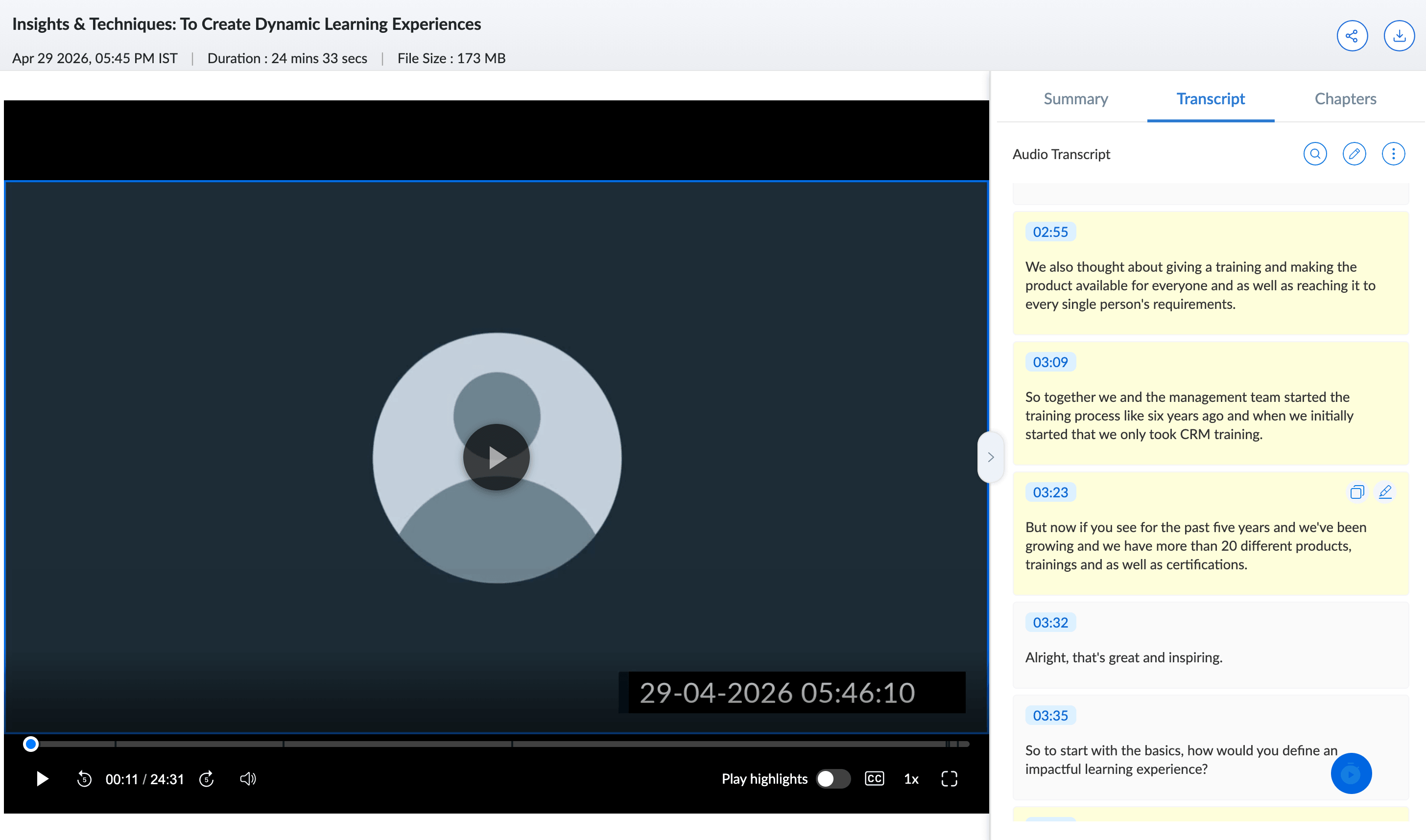
Smart Chapters
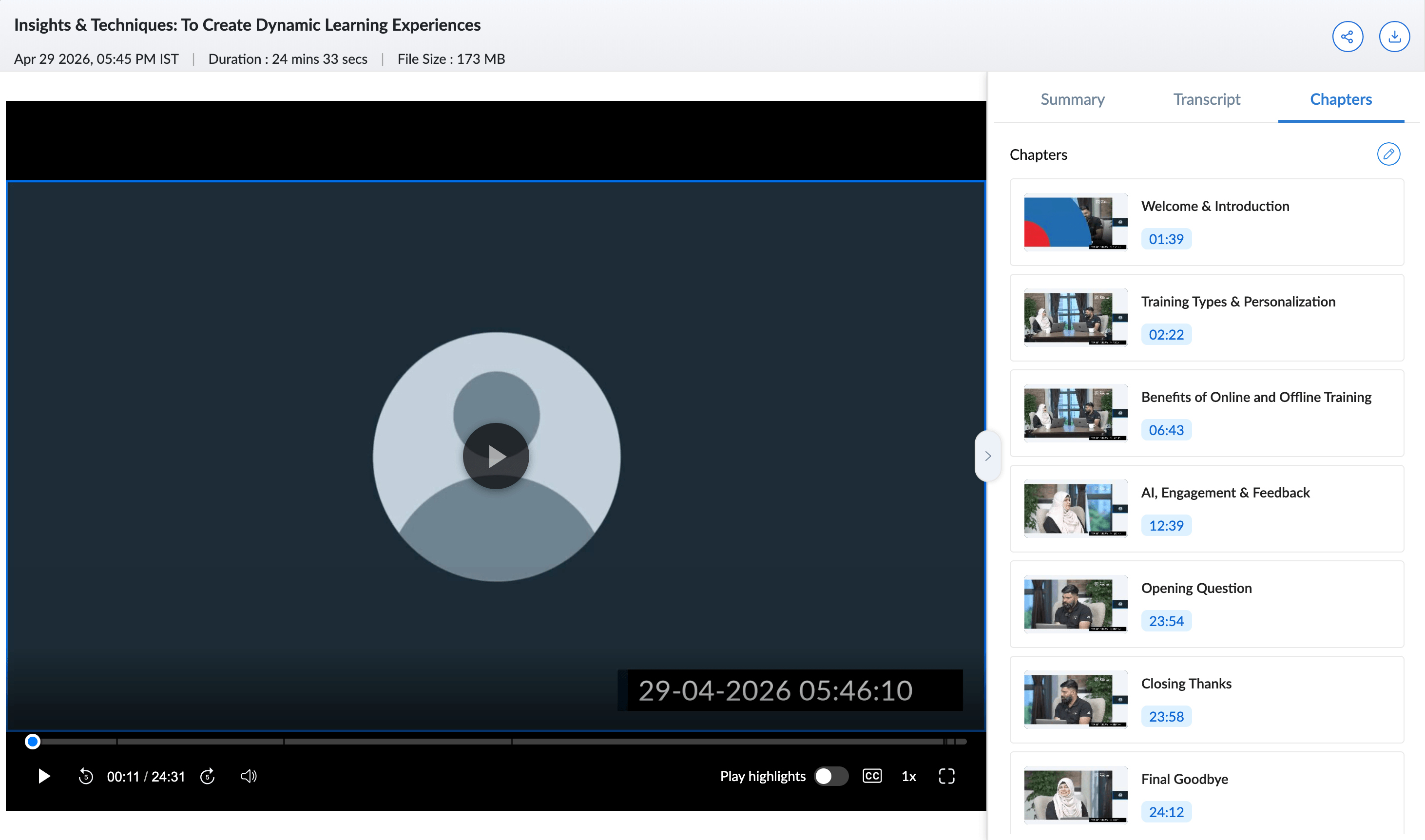
Your recording is divided into clearly labeled sections with timestamps. Viewers can jump directly to any topic without scrubbing through hours of video.
Highlights
Key moments from your webinar are surfaced automatically, so the most important parts of your session are never buried in a long recording.
Why this matters for long-form webinars
Anyone who's ever hosted a two-hour product demo or an expert panel knows the struggle: The recording exists, but actually using it is painful. Want to find the moment a pricing question came up? Good luck scrubbing through the timeline. Want to share a recap with an attendee who dropped off early? That means manually writing one yourself.
These features eliminate that friction entirely. The transcript makes your recording fully searchable. Chapters let attendees navigate like a table of contents. The summary becomes an instant recap you can drop into a follow-up email. And highlights surface the moments worth revisiting automatically.
Here's an example.
You run a 90-minute customer onboarding webinar every week. With Smart Chapters, new customers can jump straight to the section on billing setup or API integration. With the Summary, your team can share a one-paragraph recap in seconds. With Highlights, the most critical information gets surfaced without anyone re-watching the entire recording.
Share recordings, your way
When it's time to share a recording, the Share icon in the top-right corner lets you control exactly what your audience sees. Include or exclude the transcript and chapters depending on whether you want attendees to navigate the session freely or watch it as intended.
The summary is always yours to edit before sharing. Add context, trim it down, or personalize it for different audiences.
Everything works automatically
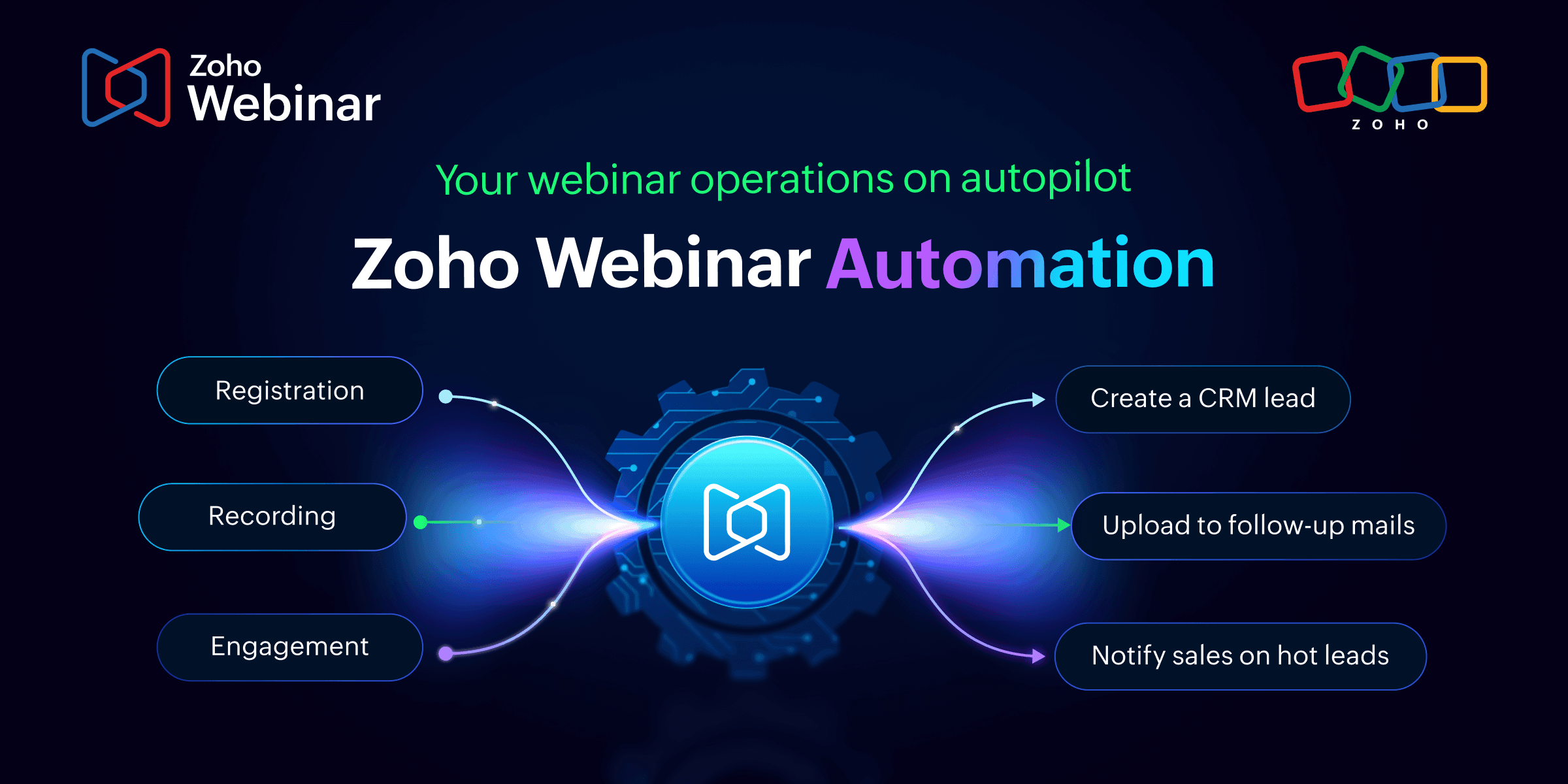
There's nothing to trigger manually. Smart, automatic capture that turns every session into structured insight with minimal effort on your part. When the settings are enabled, Summary, Transcript, and Chapters are generated automatically as soon as your recording is processed.
Ready to turn your recordings into lasting assets? Turn on AI recording features from your organization settings today. If you’re not sure where to start, take a look at our help document. Or, if you prefer a quick call, write to us at support@zohowebinar.com and we’ll be in touch quickly!
Comments