How EWS deprecation affects Zoho Calendar Interoperability

Understanding the impact
Microsoft began blocking Exchange Web Services (EWS) requests in Exchange Online (Microsoft 365) as of October 1, 2026. If your organization uses Zoho Calendar Interoperability with Exchange Online, this change affects how free/busy availability is retrieved while scheduling events.
To continue viewing Exchange Online users’ availability in Zoho Calendar, update your existing Azure application to use Microsoft Graph API permissions.
For more information on configuring Exchange Online interoperability, refer to Exchange Settings for Interoperability.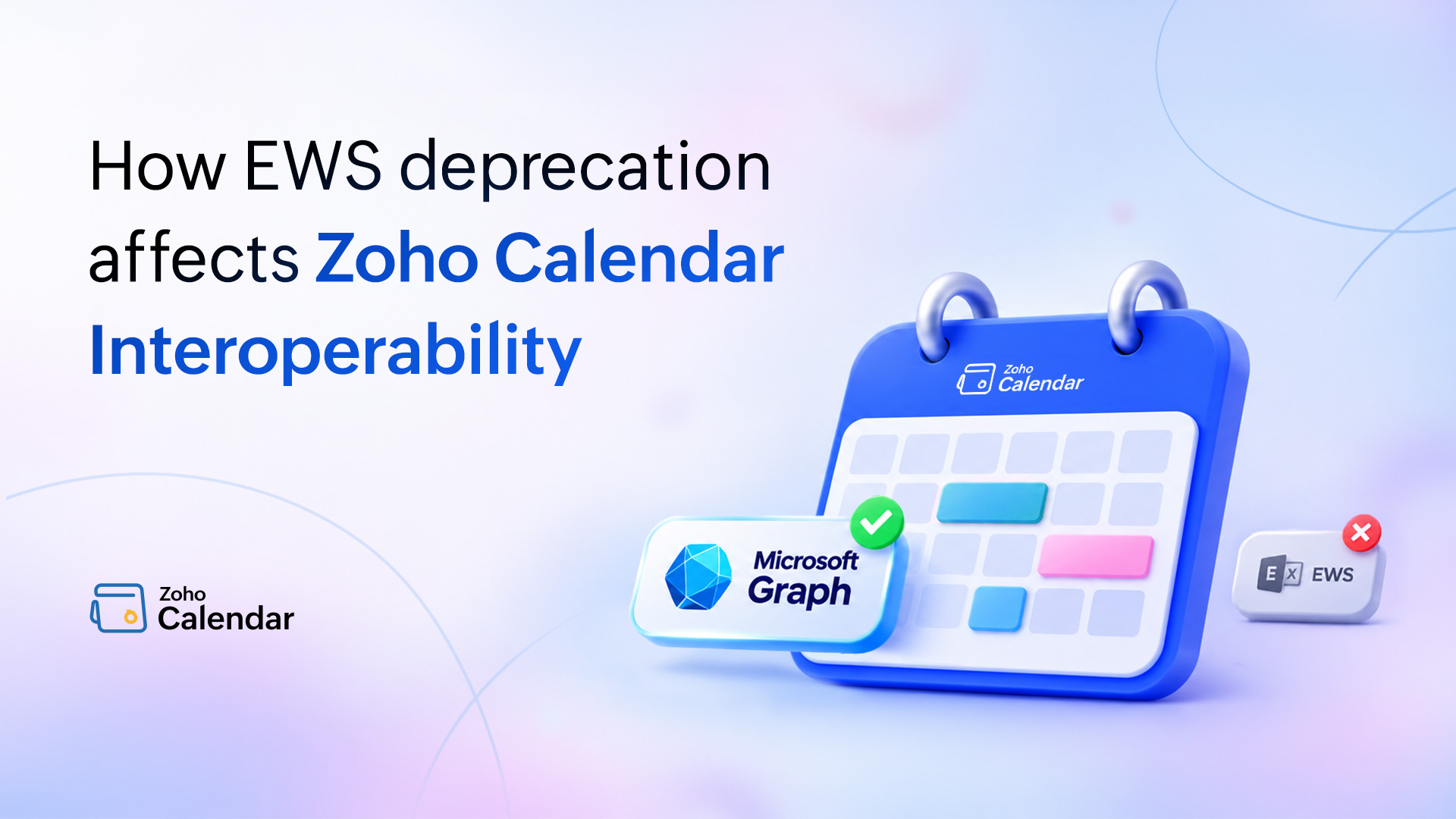
What has changed?
Microsoft has been transitioning Exchange Online integrations from EWS to Microsoft Graph API. With this update, Azure applications that still depend on EWS permissions can no longer retrieve Exchange Online user availability.
Earlier, Zoho Calendar used EWS-based permissions from your Azure application to fetch free/busy information. Now, these availability lookups are handled through Microsoft Graph.
Your Zoho Calendar configuration remains unchanged. You only need to update the API permissions in your existing Azure application.
Before and after the transition
| Earlier | Now |
| User free/busy lookups used EWS | User free/busy lookups use Microsoft Graph |
| Azure application required full_access_as_app | Azure application requires Microsoft Graph application permissions |
| Room availability used Microsoft Graph permissions | Room availability continues through Microsoft Graph with required permissions |
Who needs to update their setup?
This change applies to organizations using:
Zoho Calendar Interoperability with Exchange Online (Microsoft 365).
OAuth 2.0 authentication.
Azure application registrations that still use EWS permissions.
Organizations using Exchange Server on-premises do not need to make any changes. Zoho Calendar supports Basic Authentication for on-premise Exchange and OAuth 2.0 for Exchange Online.
To verify your current setup:
Log into Zoho Calendar using your primary domain.
Navigate to the Admin Console from the User profile section.
Navigate to Interoperability from the left menu and choose Configure in the Exchange option.
Go to the Exchange Settings tab.
Check the authentication type configured for Exchange Online.
What administrators need to do
Update the existing Azure application used for Calendar Interoperability.
In the Azure portal:
Add Microsoft Graph → Application permission → Calendars.Read for user free/busy lookups.
If you use the Include Rooms option, add:
Calendars.ReadWrite
Place.Read.All
Schedule.Read.All
User.Read.All
Grant admin consent for the updated permissions.
Remove the old Office 365 Exchange Online → full_access_as_app permission.
The detailed Azure permission setup and Exchange configuration steps are available in Exchange Settings for Interoperability.
What remains unchanged?
You do not need to create a new Azure application or modify your Zoho Calendar interoperability configuration.
The following details remain unchanged:
Application (client) ID.
Client secret.
OAuth 2.0 token endpoint.
Exchange role account configuration.
If you’re setting up OAuth 2.0 authentication for the first time, or need to update your Exchange settings, follow the configuration steps in Exchange Settings for Interoperability.
A few final checks
While updating your Azure application, verify that:
Your client secret is active and has not expired.
Password expiration is disabled for the Exchange role account to avoid service interruptions.
Newly added rooms are included in a Microsoft 365 Rooms List.
Frequently Asked Questions
1. Why did Exchange Online free/busy lookups stop working?
Microsoft has started blocking Exchange Web Services (EWS) requests in Exchange Online (Microsoft 365) as part of its transition to Microsoft Graph API. If your Azure application still relies on the EWS-based full_access_as_app permission, Zoho Calendar can no longer retrieve Exchange Online users' free/busy information while scheduling meetings.
2. How do I restore Exchange Online free/busy lookups in Zoho Calendar?
Update your existing Azure application with the required Microsoft Graph API application permissions, starting with Calendars.Read for user free/busy lookups. If you use the Include Rooms option, add the required room-related Graph permissions and grant admin consent. Once updated, Zoho Calendar retrieves availability through Microsoft Graph. You don't need to create a new Azure application or change your existing Zoho Calendar interoperability configuration.
3. Do I need to create a new Azure application?
No. You just need to update the permissions in your existing Azure application.
4. Do I need to change anything in Zoho Calendar?
No. Your existing Calendar Interoperability configuration remains unchanged. Only the Azure application’s API permissions need to be updated.
5. Is Exchange Server on-premise affected?
No. This change applies only to Exchange Online. Exchange Server on-premise is not affected.
Comments