Introducing Zoho connected apps for Google Gemini

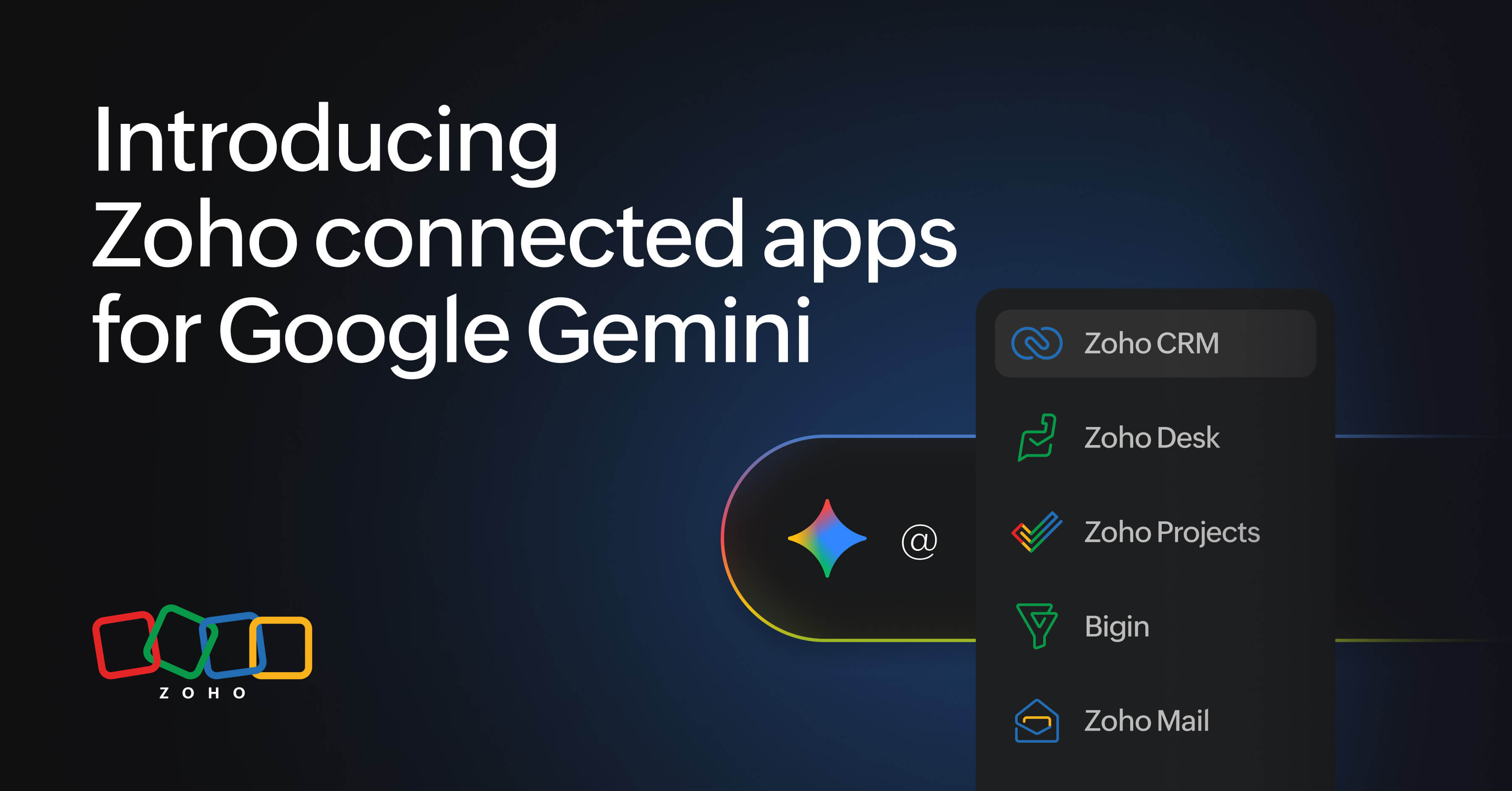
Note: Now available to organizations in the Indian data center. Support for other Zoho data centers will be available soon.
AI assistants have gotten remarkably good at writing, summarizing, and reasoning, but ask one which deals are stalling in your pipeline—or to draft a reply to an urgent support ticket—and it can hit a wall.
It's not because the model can't handle the task but because it doesn't have access to the business context behind it. Your pipeline, customer conversations, support tickets, and project timelines still live in the apps where your teams do their work.
To complete a simple task like drafting a customer follow-up, you might have to:
1. Start in your AI assistant and draft the email.
2. Switch to your CRM to check the account and deal details.
3. Open your inbox to find the latest conversation.
4. Jump to your help desk to check the customer’s support history.
5. Copy the relevant information back into the AI assistant.
6. Review and refine the response with all the context in place.
That’s six steps across multiple apps, just to give your AI assistant the context it needs. The AI can do the reasoning, but you’re still doing the work of bringing everything together.
Bring Your Zoho Workflow Into Gemini
That is exactly what MCP(Model Context Protocol) was built to solve: an open standard that lets AI assistants talk directly to your business data.
With Gemini’s connected apps built on this standard, those six steps can become one conversation. Instead of moving between apps to gather context, you can ask Gemini to work with the information already in your Zoho apps.
For example:
How to connect: Go to your Gemini app → Settings → Personal Intelligence → Connected apps, then authorize the Zoho apps you want to use.
@Zoho CRM @Zoho Mail draft a follow-up for the Acme Corp deal using the latest email thread and deal details
A prompt like this can bring the relevant context together in Gemini, reducing the need to switch between apps, copy information, and piece everything together manually.
Whether you’re working in sales, customer support, email, or project management, Gemini works with the apps you already use. Instead of moving information from your apps into Gemini, you can bring Gemini into your existing workflow and get the help you need right where you’re working.
Here's some sample prompts you can try out in Gemini:
Zoho CRM: Put customer context into the conversation
Copy the prompts below:
@Zoho CRM summarize my open deals closing this month and flag anything that's stalled
@Zoho CRM which leads haven't been contacted in over a week?
Zoho Mail: Bring your inbox into the conversation
Copy the prompts below:
@Zoho Mail summarize anything urgent in my inbox from today.
@Zoho Mail find the last email thread with our vendor about the contract renewal.
Bigin: Keep your sales pipeline moving
Copy the prompts below:
@Bigin what deals are sitting in my "Proposal Sent" stage the longest?
@Bigin give me a one-line status update for each pipeline I'm tracking.
Zoho Desk: Turn support context into faster action
Copy the prompts below:
@Zoho Desk what are the top recurring issues in tickets from this week?
@Zoho Desk draft a response to ticket #4521 based on how we resolved a similar issue.
Zoho Projects: Ask about the work, not just the plan
Copy the prompts below:
@Zoho Projects summarize task progress across my active projects.
@Zoho Projects draft a status update for stakeholders based on this week's completed tasks.
The real advantage of connected apps is that you don't always have to think in terms of one app at a time. You can bring context from multiple Zoho apps into a single prompt.
For example:
@Zoho CRM @Zoho Mail draft a renewal email for any account with a deal closing in the next 30 days, using our last email thread as context.
Currently, you can use Gemini with the applications mentioned above. We’ll soon be integrating additional Zoho applications, too.
One connected workspace, fewer context switches
The real value of connected apps is being able to interact with the information across your workflow through a more natural, conversational experience.
Instead of asking about which app you need to open, you can start with “What do I need to know?” and let Gemini help you find the relevant context.
Whether you're closing a deal, responding to a customer, catching up on email, or checking project progress, Zoho connected apps in Gemini bring your work closer to the conversation, helping you spend less time searching and more time getting things done.
Start exploring the prompts above and discover what you can accomplish with your Zoho apps connected to Gemini.
Comments