Zoho Backstage x Zoho MCP: Your events, now connected to AI

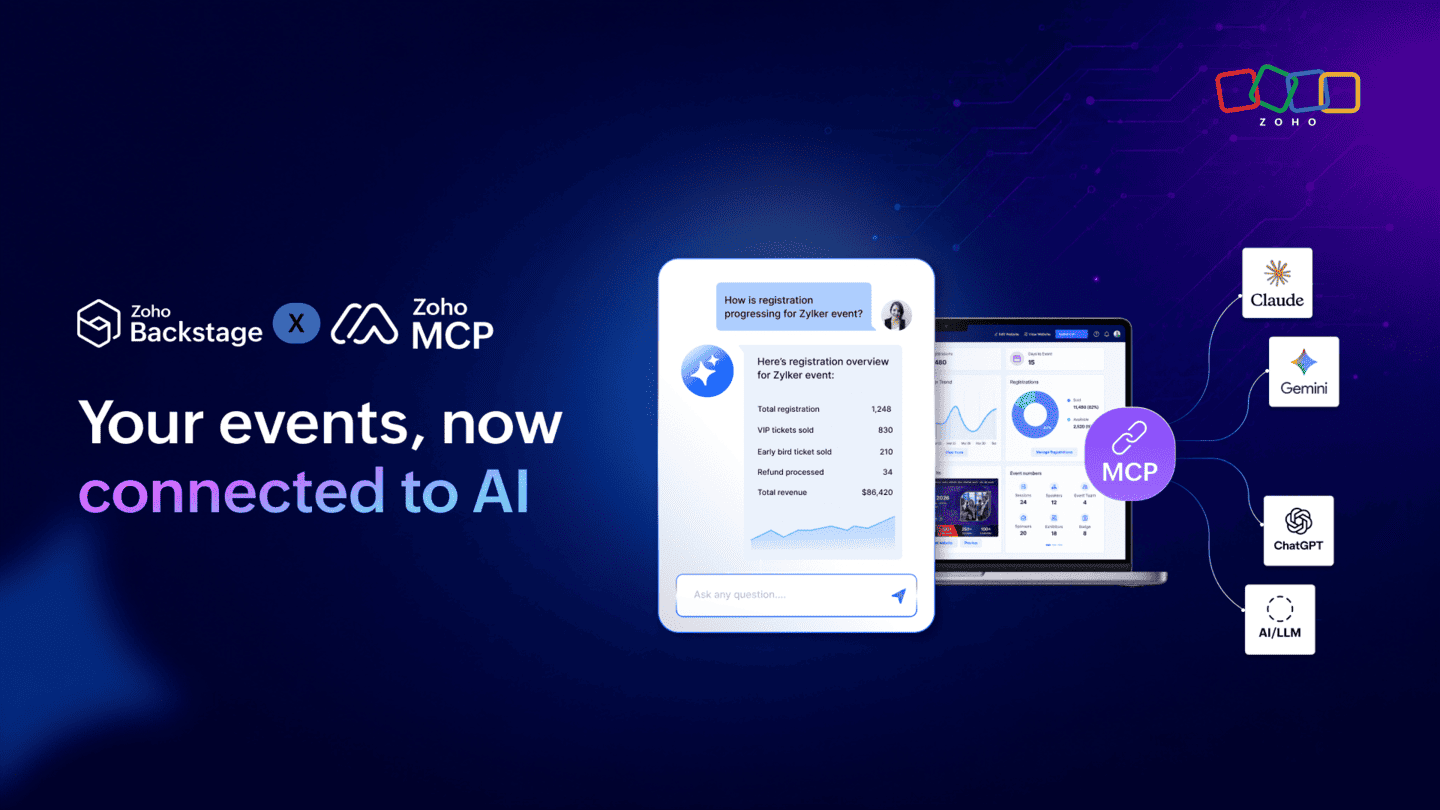
Event management involves a constant stream of decisions and actions. Registration numbers change, attendee lists grow, ticket classes evolve, and new requests come in throughout the day. Getting things done often means switching between your event management system and the AI tools you use to work.
Today, we are excited to launch Model Context Protocol (MCP) server for Zoho Backstage.
With MCP, compatible AI applications like Claude, ChatGPT, and other MCP-enabled tools can now connect directly with Zoho Backstage. You can ask questions about your event data in natural-language prompts, explore information conversationally, and perform key event management actions directly through your AI workspace.
What does MCP bring to Zoho Backstage?
Zoho Backstage now supports 49 MCP operations, covering both read and write capabilities.
- Access event data through AI: Ask questions like "How is registration progressing for this event?" or "Compare sign-ups across available ticket classes" and get answers based on your Zoho Backstage data.
- Take action through AI: Go beyond retrieving information. Create events, add ticket classes, register attendees, and issue RSVP invites directly through your AI assistant.
- Works with your existing AI tools: Connect Zoho Backstage with the MCP-compatible AI applications your team already uses, bringing event data and workflows into the same workspace.
A day with AI-connected event workflows
Here is what a typical event planning workflow can look like with MCP:
- Morning check-in: Ask your AI assistant for a quick summary of registrations and attendee activity.
- Midday strategy: Realize you need a specialized tier for early-bird VIPs? Tell your AI assistant to create a new ticket class in Zoho Backstage, without switching between applications.
- Afternoon execution: Receive an email from a guest who needs an RSVP link? Instruct your AI application to add the attendee and send the invite directly.
With MCP, your AI assistant becomes a new way to interact with your Zoho Backstage data and workflows, helping you move from questions to actions with fewer context switches.
Ready to get started?
MCP support is available now for all Zoho Backstage users. Connect your preferred MCP-compatible AI tools and start working with your event data and workflows through natural language.
To get started, go to Zoho MCP, log in, select Create MCP Server, and add Zoho Backstage to your tools.
Comments