Stay audit-ready with email journaling in Zoho Mail

Emails continue to be the hotspot of business activity. Decisions, approvals, conversations, obligatory birthday wishes, and everything in between passes through it.
However, organizations may be at a disadvantage if they only rely on email for communication. Especially when the need for a long-term record of those communications may spring up anytime.
Most organizations don’t think much about email records until someone asks for them.
It could be:
- An auditor looking for communication related to a financial approval from the previous year.
- The legal team reviewing the history of a customer dispute.
- An internal investigation that requires a clear timeline of decisions, discussions, and approvals.
So the search begins.
Some emails are there. A few were deleted by the employee who sent them as part of cleaning their inbox (as rare as unicorns, but they do exist). Some belong to accounts that were deactivated after people left. A handful ran into a retention policy that expired months, even years, before it became “important”.
This is where email journaling comes in.
What is email journaling?
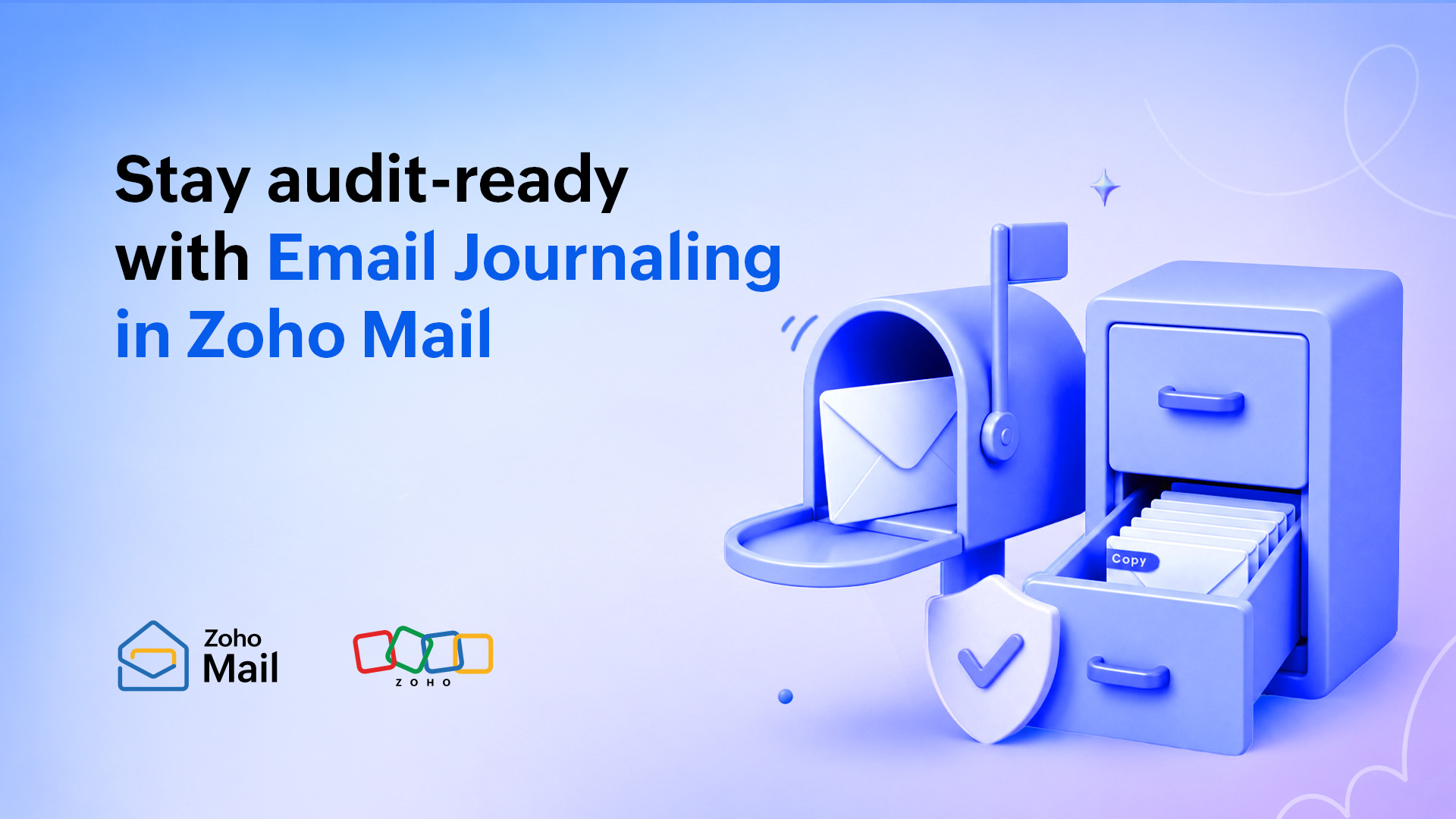
Email journaling works by capturing a copy of every email as it moves through the mail system, before it reaches anyone’s inbox, and routing that copy to a separate, designated destination.
Think of it as the records department for emails. Each message lands in the user’s inbox, while an official copy is filed away in a secure, central, governed destination for record-keeping.
A user deleting their version of an email doesn’t touch the journal copy. Closing an account when someone leaves the organization doesn’t erase it. A retention policy expiring on the primary mail system has no bearing on it at all. The record exists independently because it was routed out before the message arrived anywhere.
How is journaling different from backup and retention?
One of the most common misconceptions about email journaling is that it serves the same purpose as backup or retention policies.
While these capabilities are related, they solve different problems.
A backup is designed for recovery.
If emails are accidentally deleted, corrupted, or lost due to a system issue, backups help restore that data. Their primary purpose is to ensure business continuity and data recovery.
Retention policies are designed for lifecycle management.
Retention policies determine how long emails should be kept before they can be deleted according to organizational policies or regulatory requirements.
Journaling serves a different purpose altogether.
Journaling is designed to demonstrate a record of communications.
Instead of helping recover emails or defining how long they should be retained, journaling preserves a record of communications.
A simple way to think about it is this:
- A backup helps answer the question, “Can we recover this email?”
- A retention policy answers, “How long should we keep this email?”
- Journaling answers, ”Can we demonstrate what communications took place?”
Organizations operating in regulated environments often rely on all three. Recovery, retention, and record preservation work together, but each hits a different bulls-eye.
Why this matters to you
If you work in financial services, this isn’t a new story. FINRA and SEC already expect you to keep client and business email in a specific format and produce it within tight deadlines. SOX pushes that even further for public companies.
In healthcare, the pressure looks different. HIPAA‑related emails with Protected Health Information (PHI) may need to resurface years after the original exchange. The further you get from the moment something was said, the less you can trust the individual inboxes to give you the full picture. Journaling is what keeps that record intact, regardless of how much time has passed or who has moved on.
For legal services, email journaling protects the quality of your evidence. When a routine client email later becomes part of a dispute, a complete, time‑stamped journal is far more reliable than whatever survived in individual inboxes. It also gives you a clear trail of work and decisions that helps you defend fees, explain timelines, and keep matters under control.
For government and public sector teams, official communications are frequently treated as institutional records, not personal ones. They often count as records that may be requested years later by auditors, citizens, or future administrations. Email journaling makes sure those conversations stay complete, searchable, and intact.
However, underneath all of the alphabet soup (FINRA, SEC, SOX, HIPAA, GDPR, and more), the requirement is the same: Retain business communications in a complete, unaltered, and retrievable form, and be ready to produce them when asked. That responsibility sits with the organization, not with individual users. Email journaling is how you can do it without breaking a sweat.
If you’re also revisiting your broader compliance posture around business email, we’ve broken that down separately in this blog post.
The key benefits of email journaling
Email journaling provides several practical benefits that extend beyond compliance requirements.
Improved audit readiness
When auditors request communication records, organizations can access preserved records more efficiently instead of searching through multiple mailboxes and historical data sources.
Stronger support for investigations and legal reviews
Preserved communication records help establish timelines, verify discussions, and provide context during internal investigations, disputes, and legal proceedings.
Consistent record preservation
Because journaling happens automatically, organizations aren’t dependent on employees remembering to archive or retain important emails.
Better governance and accountability
Maintaining a reliable communication trail helps organizations demonstrate how decisions were made, approvals were granted, and processes were followed.
Reduced risk of missing records
By preserving communications outside individual mailboxes, organizations reduce the likelihood of important records being lost due to mailbox deletions, employee departures, or mailbox management practices.
How journaling rules works in practice
In Zoho Mail, email journaling is configured through rules that administrators define and manage. Each rule has two main dimensions:
- What types of messages to capture.
- Who to apply the rule to.
Journaling rules based on email scope
An administrator can journal all emails flowing through the organization, or narrow the scope to incoming messages only or outgoing messages only.
Capturing everything is a valid approach for some organizations, but it may be overkill for others. The right choice depends on the organization’s practical and compliance requirements.
Journaling rules based on user scope
Rules can apply to all users in the organization or to specific users and groups. This flexibility matters because compliance obligations are rarely uniform. Finance and legal teams may be subject to stricter recordkeeping requirements than, say, a design or engineering team.
Here’s the help guide to set up email journaling in Zoho Mail for your organization.
Built for reliability
To help you ensure that you’re covering your bases on your journey in journaling (see what we did there?), we’ve quietly built a safety net into the setup.
Where journal copies go
Journaled emails are forwarded to an address that lives outside of your primary mail server. If your organization runs on Zoho Mail, that forward address needs to sit on a different mail server entirely. You can add up to three forward addresses, with at least one verified, which avoids a single point of failure and keeps your copies safe and independent of whatever happens on the primary server.
How delivery failures are handled
Zoho Mail uses a dedicated Non-Delivery Report (NDR) address inside your org to catch any journal delivery failures. This email address will receive an email whenever the Forward address is unable to receive the mails due to any discrepancies like storage issues or failed email delivery.
If too many bounces land there (50 to be exact!), journaling is paused as a fail-safe and admins are notified to fix the issue.
Common questions about email journaling
Q. Does email journaling slow down email delivery?
A. No. The journal copy is created and routed in parallel with the original message, so there’s no added delay for the recipient.
Q. Can journaling rules capture past emails, or only ones sent going forward?
A. Only going forward. Journaling captures emails from the moment a rule is turned on. It cannot reach back and capture messages that were already sent and delivered before the rule existed, so turning this on sooner rather than later matters.
Q. Does journaling capture attachments along with the email?
A. Yes. The journal copy preserves the full message as it was sent, including attachments, so the record stays complete.
Q. What happens if my forward address stops receiving mail?
Zoho Mail’s NDR monitoring catches this immediately and notifies your admins. If failures keep piling up past the threshold, journaling pauses automatically rather than silently failing in the background.
Q. What happens if my organization doesn’t have a regulatory obligation to journal emails?
A. Even without a specific mandate, journaling is useful as a general safety net for internal investigations, disputes, and historical record-keeping. Regulated industries simply have a harder requirement to meet.
Wrapping up
Being audit-ready and compliant doesn’t require a big lift. With email journaling in Zoho Mail, it’s pretty easy. Set the rule, pick the scope, and add your forward addresses. When someone asks, “Do you have the email record of that conversation from seventeen months ago?”, your answer will always be a resounding yes.
Comments