Introducing Markdown support in Zoho Learn

"I want to type text without focusing on formatting."
"I am looking for a place to import .md files generated by AI."
"I want to export .md files from my knowledge base and share it in another platform."
If these statements sound familiar, our latest release might be the solution you're looking for.
We're excited to announce the release of Markdown support in Zoho Learn. You can now create, import, and export Markdown files in your knowledge base. Before we see Markdown in action, let's talk about what it is and why you even need it.
What is a Markdown editor?
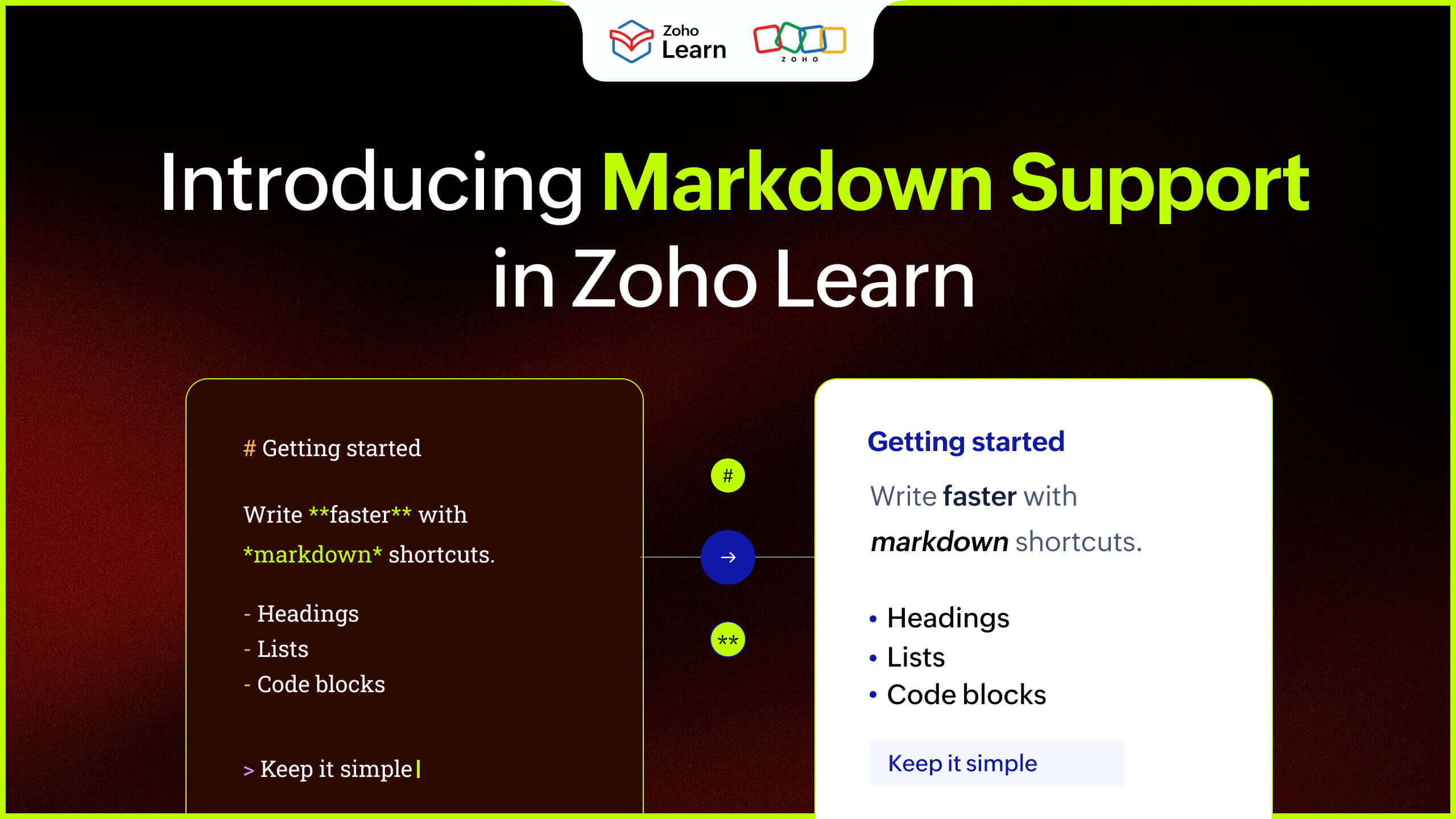
A Markdown editor is a lightweight tool that focuses on text-based content creation. You can write, edit, and format text with the simple Markdown syntax such as # for headings and ** for bold sentences. Unlike a WYSIWYG editor, a Markdown editor allows you to input information in the Markdown language and gives the fully formatted text version.
Benefits of Markdown support in your knowledge base
Simplicity
Markdown is easy to read, easy to write, and digestible by anyone, even in its raw form. From Markdown beginners to seasoned developers, it is accessible because it consists entirely of basic characters, such as #, *, and (). Its popularity lies in its simplicity.
Flexibility
Markdown files can be converted to HTML, PDF, and Word formats easily, making it suitable across different platforms. Unlike other solutions, Markdown can fit into multiple professional contexts easily.
Developer-friendly
Markdown files are developer-friendly because they integrate really well with Git repositories. You can access different versions, track changes, and collaborate on code using Markdown files in Git.
AI ready
The reason people are still using Markdown in 2026 is because it's the most suitable format for the AI world. Not only do you get AI output as .md files, but you can also share Markdown files with AI tools because the format is machine readable and uses minimal tokens.
Future-proofing
Markdown content is saved as plain text, so your files are not tied to a single app or platform. Markdown files are accessible in most text editors across Windows, Linux and macOS.
Markdown in Zoho Learn
Markdown support in Zoho Learn helps you create and share text content exactly the way you want.
You can create an entire knowledge base article using the Markdown syntax.
You can preview the Markdown code and the formatted output side-by-side.
You can directly import Markdown files in Zoho Learn and create new articles.
You can also export SOPs and articles in your Zoho Learn hub as a .md file while maintaining the content structure.
Here's a short video demonstrating how Markdown works in Zoho Learn.
Getting started with Markdown support in Zoho Learn
Markdown support is available in all plans in Zoho Learn. Check out this help documentation for detailed instructions on using the Markdown editor in Zoho Learn.
Feel free to reach out to support@zoholearn.com if you have any questions or suggestions about this feature.
Choose Markdown that works for you and grow your knowledge base with Zoho Learn!


Comments