What’s new in Zoho Scanner for iOS 27, iPadOS 27, and macOS 27 Golden Gate

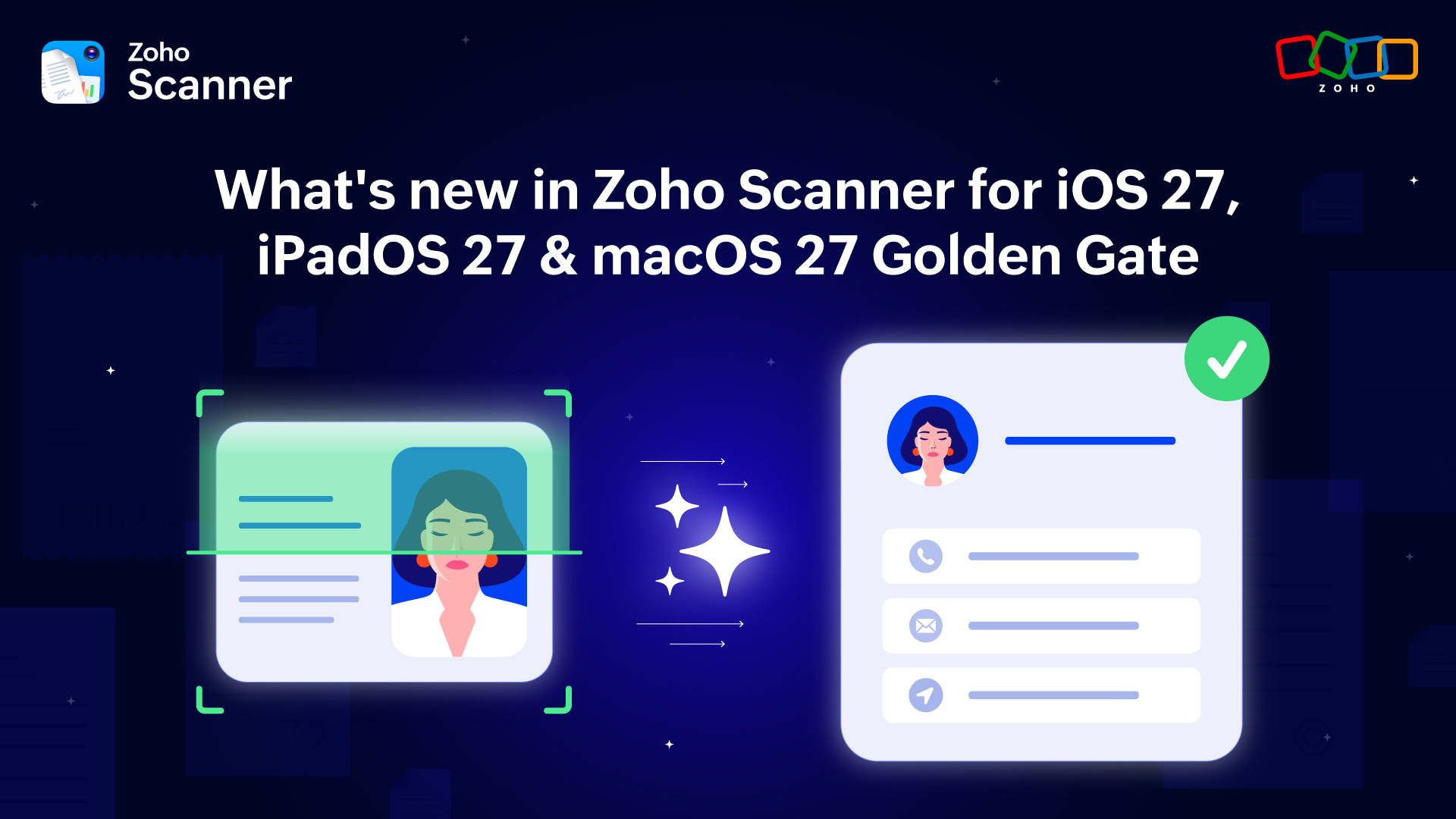
Hey Scanner community!
Apple just had one of its biggest years yet, and Zoho Scanner made sure to bring every bit of it to you. OS 27 isn’t just a design update. It’s the kind of release that actually changes how your apps feel to use. And for Scanner, that meant a lot of exciting new things to build with.
From documents that answer your questions to scans that find themselves, here’s everything that’s new in Zoho Scanner for iOS 27, iPadOS 27, and macOS 27 Golden Gate. We think you'll love this one!
Your scanned documents leveled up
This one is our favorite update of the year. Apple’s on-device Foundation Models are now inside Scanner, and what that means in practice is genuinely exciting. Your scanned document is no longer just an image sitting in a folder. You can now ask it questions, pull out key details, generate a summary, and create meaningful metadata, all on your device without anything being sent anywhere.
Scanning a 10-page contract and need to find the cancellation clause? Just ask. Scanned a receipt and need the key details pulled out? Done in seconds. This is the kind of intelligence that makes every scan you’ve ever done feel more valuable than it did before.
Your documents, much more smarter
Visual Intelligence gave Scanner a much sharper eye this year, and the difference is noticeable immediately. Scanner can now identify the document type in front of it, understand tables and forms as structured data, and extract information from visually complex layouts that used to cause problems. Whether you’re working on dense invoices, multi-column forms, or complicated legal documents, Scanner reads all of them properly now. You don't have to worry about scrambled text and lost structure anymore—just clean, accurate, usable output every time.
Bring anything on your screen straight into Scanner
On-Screen Awareness is one of those iOS 27 features that sounds simple but changes your workflow in ways you don’t expect. If something is currently on your display, be it an email, a webpage, or any content at all, you can pull it directly into Scanner without copying, switching apps, or doing anything extra. It just comes in, ready to scan, extract, or process. Once you use it a few times, you’ll wonder how you managed without it.
Find any scan from anywhere on your device
Core Spotlight integration is here, and it’s a big one. Every document you’ve ever scanned in Scanner—receipts, invoices, business cards, contracts—is now searchable directly from system-wide Spotlight search. No need to open the app. Just search, find, and tap to open. And with Siri integration, you can find previously scanned documents by voice or ask Siri to show the contact details from a recently scanned business card.
Your home screen now works for you
The new Portrait Widget is more useful than your average home screen widget. It doesn’t just show you recent scans. It actively surfaces things that need your attention: pending invoices, contracts coming up for expiration, documents waiting to be acted on. All visible from your home screen without opening anything. If you manage a lot of documents day to day, this one's going to become a favorite without a second thought.
Works beautifully on every screen
App Resizability means that Scanner now adapts perfectly across iPhone, iPad, and Mac. Keep it in a compact window while you reference another document, expand to full screen on a larger display, or use it through iPhone Mirroring on your Mac. However you work, Scanner fits right in without anything feeling cramped or out of place.
Ready to try everything?
Update Zoho Scanner and your Apple devices to the latest versions and experience everything for yourself. Every scan you take from here is smarter, faster, and more useful. Also, read about the Apple updates making waves across other Zoho products.
Cheers to more scanning!


Comments