From sourcing to offer: Make every talent touchpoint count


Staffing never stands still. Between sourcing candidates, juggling client requirements, and keeping hiring on track across job orders, every touchpoint matters.
With the latest updates this hiring season, Zoho Recruit helps staffing teams connect with talent, adapt hiring workflows, and keep recruitment moving.
Here are nine updates to help you make every touchpoint count.
1. Bring LinkedIn sourcing into your recruitment workflow
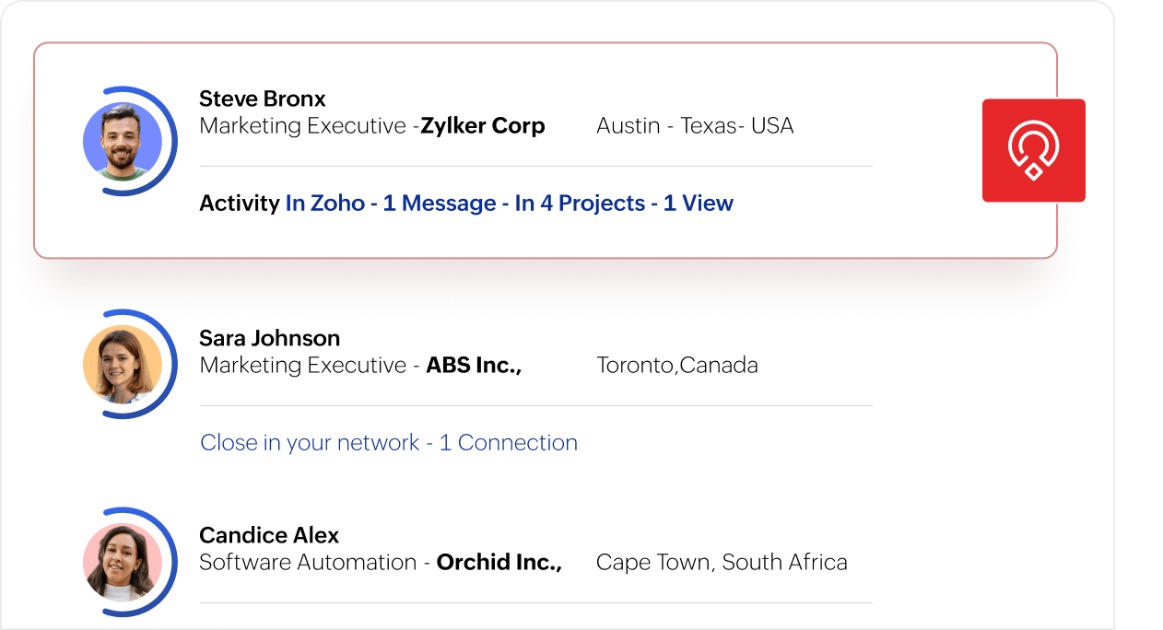
Switching between LinkedIn Recruiter and your ATS to track candidate details and conversations can slow down your sourcing workflow.
With LinkedIn Recruiter System Connect (RSC), connect LinkedIn Recruiter with Zoho Recruit to sync candidate activity in real time. Export profiles with one click, view LinkedIn insights within candidate records, and sync InMail history.
What this means for staffing teams: Spend less time switching between tools and keep candidate profiles, sourcing activity, and conversations connected in one recruiting workflow.
2. Create SEEK job ads in minutes
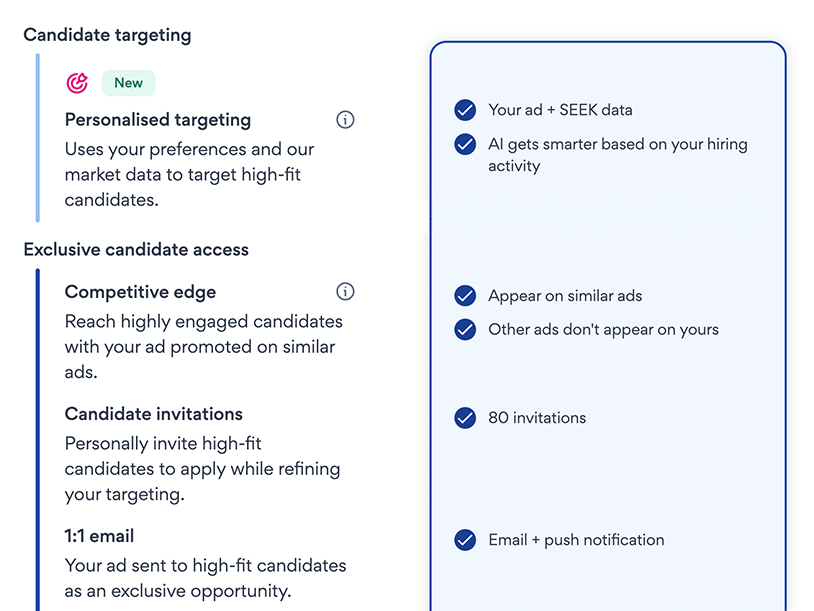
For staffing agencies, every job order comes with its own requirements, but creating job ads that reflect those needs, attract relevant candidates, and reach the right audience takes time.
With Enhanced Job Posting for SEEK in Zoho Recruit, you can create and publish job ads directly from your ATS. Start with pre-filled ad details, compare ads side by side, and customize listings with branding and screening questions from your library. You can also access salary insights and preview your ad before publishing.
What this means for staffing teams: Spend less time preparing job ads and get more control over how you present each opportunity to potential candidates.
3. Get more insights from your career site
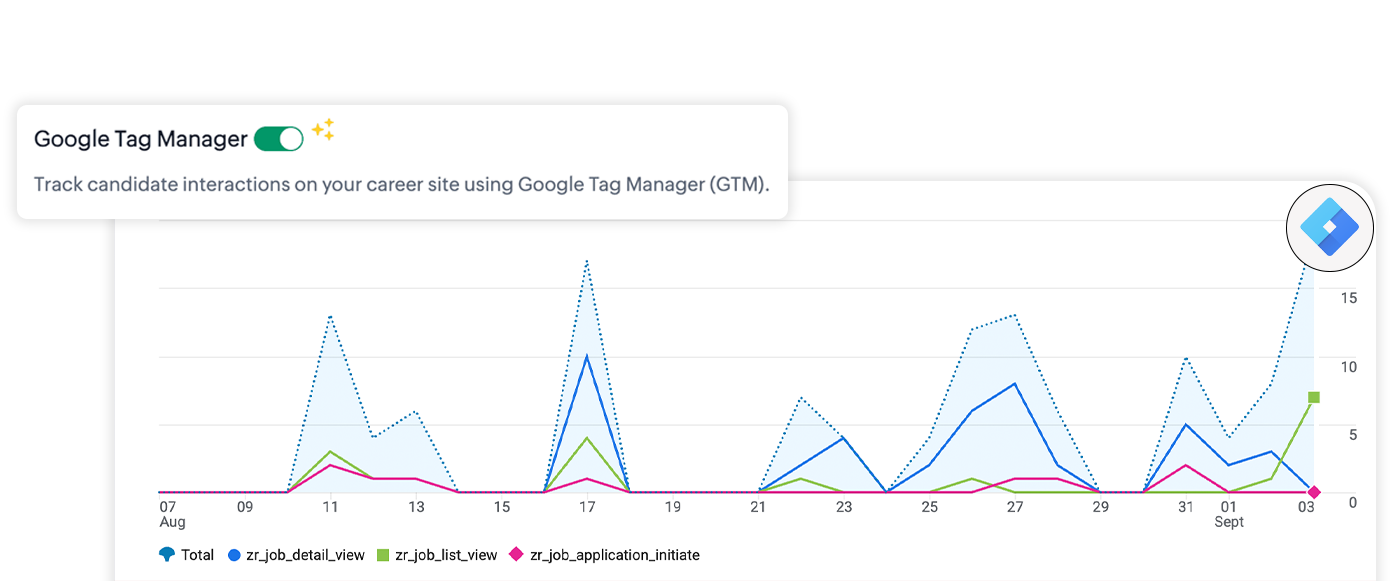
Your career site is where candidates discover opportunities and begin applying. Connect it to Google Tag Manager to understand job views and application actions, with candidate consent collected before tracking.
What this means for staffing teams: See how candidates engage with your job listings and where they drop off or complete the application process. Use these insights to understand the candidate journey better and identify opportunities to improve it.
4. Build hiring pipelines around client needs
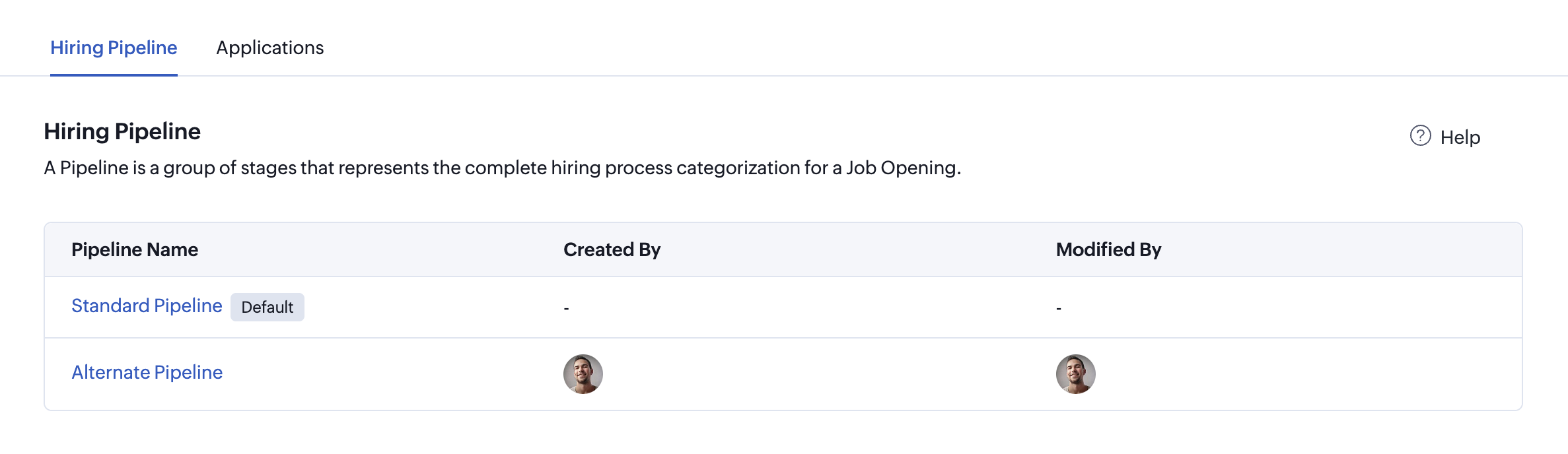
Every client has their own hiring process. One may require multiple interview rounds, while another has different approval stages. Managing every job order through the same pipeline can make it harder to reflect those differences.
With multiple hiring pipelines, staffing teams can create, customize, clone, and switch between dedicated hiring processes. Track candidates through job-specific stages and statuses instead of relying on one process for every role.
What this means for staffing teams: Adapt your hiring workflows to different roles and client requirements while keeping canddate progress organized.
5. Navigate hiring workflows with ease
When recruiters are managing multiple job orders, complex workflows can make it difficult to spot the next action. Finding the right transition shouldn’t slow down candidate progress.
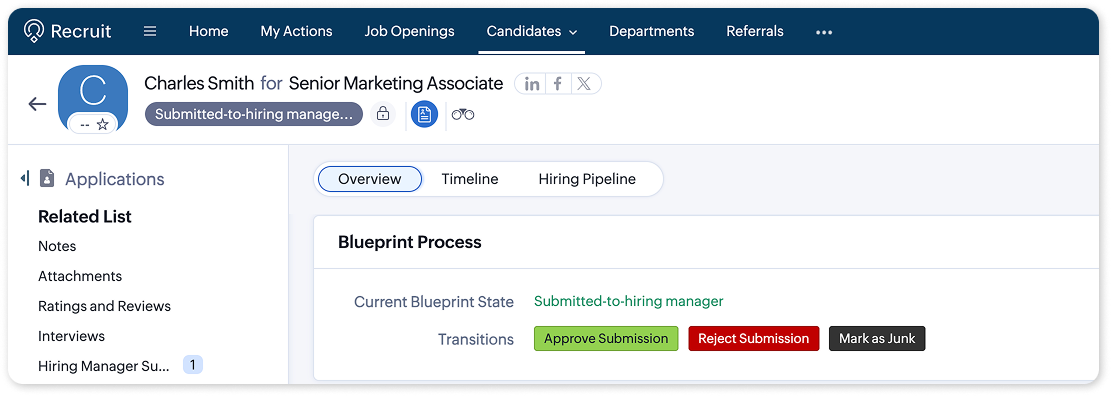
Color-coded Blueprint Transitions let you assign colors to transitions while designing your workflows. This makes actions easier to identify and navigate, helping recruiters quickly spot the transitions they need.
What this means for staffing teams: Make complex workflows easier to follow and give recruiters a clearer view of the actions involved in moving candidates forward.
6. Keep offer negotiations on track
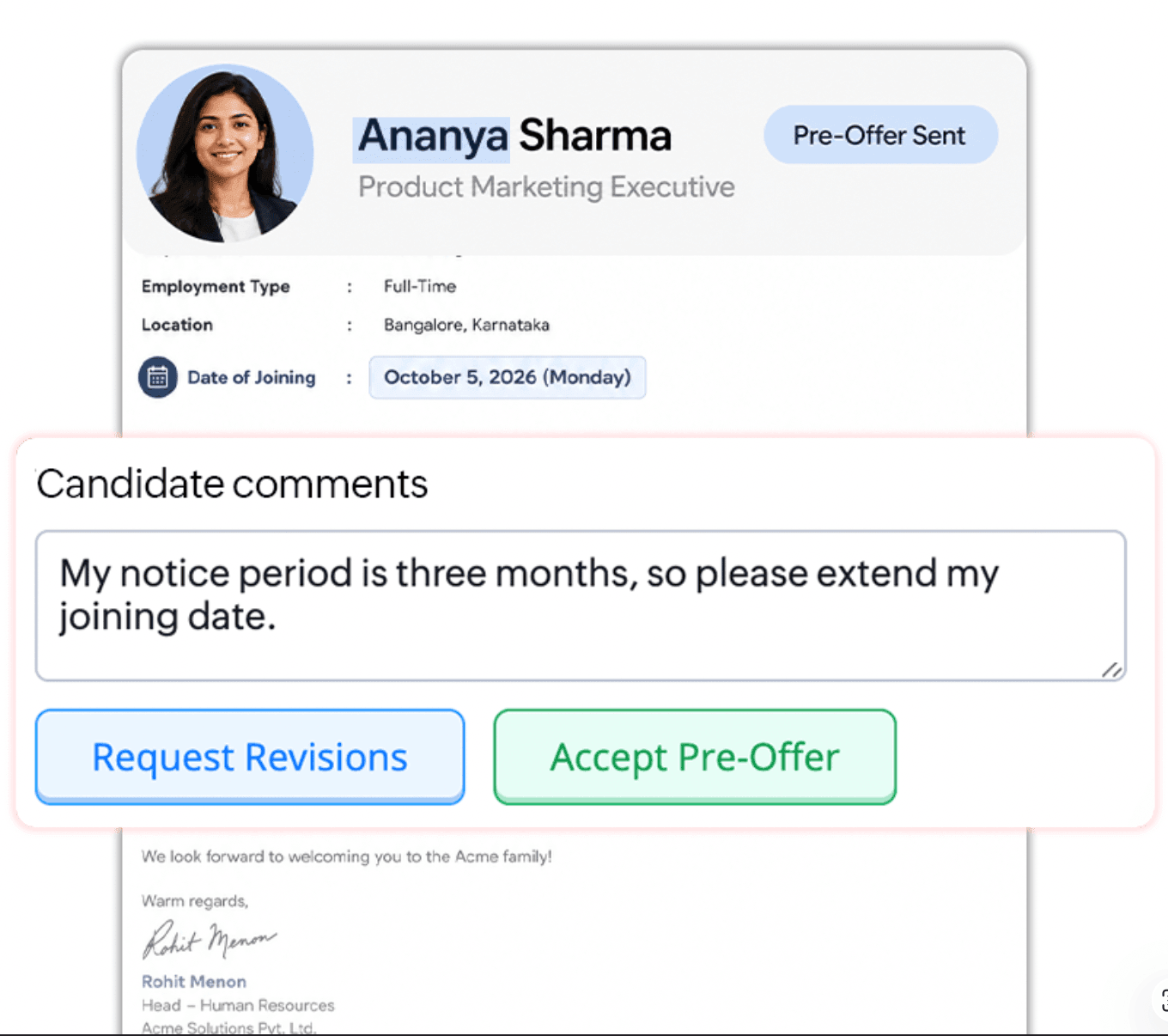
Getting to the final offer can involve plenty of back and forth. Recruiters and candidates may need to discuss proposed terms, share feedback, and work through revisions before reaching an agreement.
With Pre-Offer, manage discussions and revisions, gather candidate feedback, and negotiate terms through multiple rounds. Once the candidate accepts, convert the Pre-Offer into a Final Offer.
What this means for staffing teams: Keep offer discussions organized and give candidates and recruiters a structured way to work through proposed terms before the final offer.
7. Take the wait out of approvals
With When a hiring process depends on approvals, waiting for a response can slow down what comes next. For staffing teams managing multiple job orders, keeping approval-dependent processes moving is key.
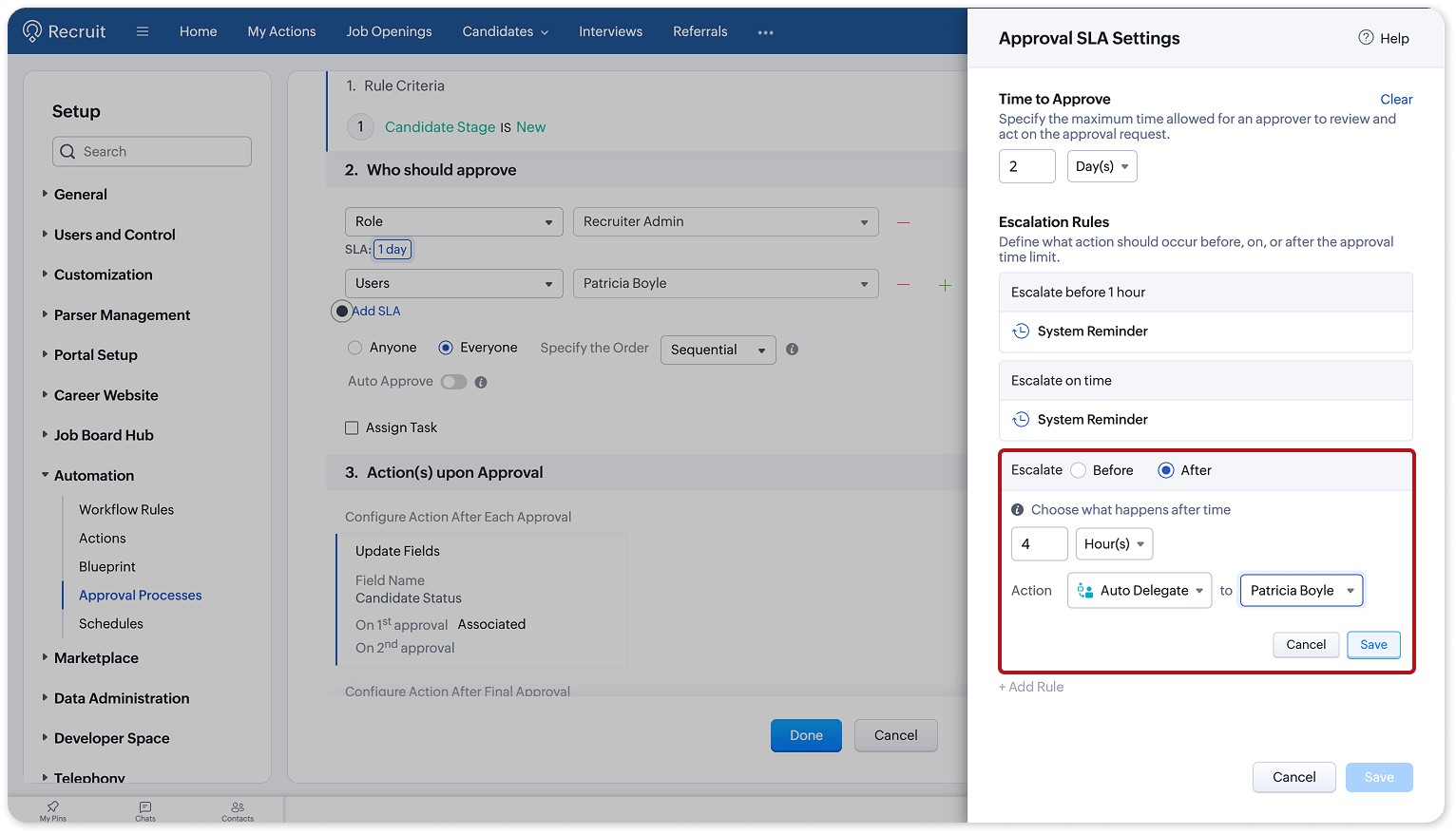
With Approval SLA, set deadlines for approval requests and automate what happens around them. Send reminders before a deadline, escalate requests when needed, or automatically approve, reject, or delegate them when the time limit is reached.
What this means for staffing teams: Set clear timelines for approvals and reduce the need to chase responses manually. Keep approval-dependent hiring processes moving, even when action is delayed.
8. Crafted for employees to refer and apply with | Internal hiring
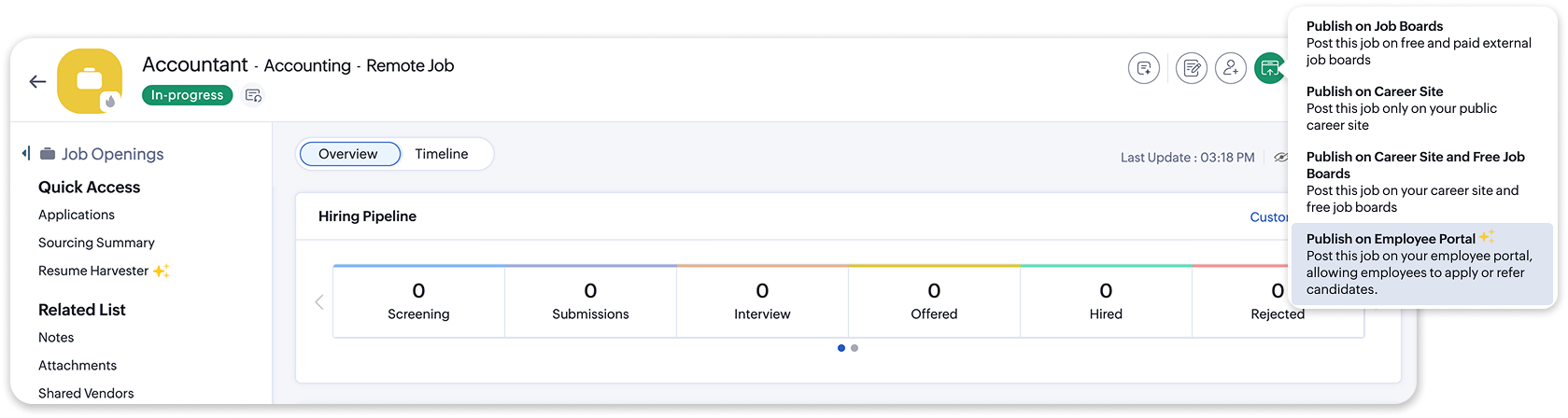
For organizations that also manage internal hiring, Zoho Recruit’s Employee Portal offers another way to connect employees with opportunities.
Publish jobs exclusively for employees, let them apply or refer candidates, and automatically track referrals through unique referral links. Keep referral activity organized in Zoho Recruit while building a structured internal hiring program.
9. Staffing on the go | Mobile updates
Staffing recruiters are constantly on the move between client meetings, candidate calls, and job orders. Keeping up with hiring tasks and notifications can be challenging when you're away from your desk.
With the refreshed Zoho Recruit mobile app for iOS 27, you can:
- Catch up faster: Get on-device summaries of notifications.
- Keep daily tasks handy: View your to-dos with the new portrait widget.
- Work across screens: Use an interface that adapts to different window sizes.
- Stay connected on the go: Keep recruiting activities within reach when you're away from your desk.
Download the Zoho Recruit mobile app👇🏽

From the first click to the final offer
From sourcing candidates to managing offers, Zoho Recruit’s Q3 updates help staffing teams connect talent, coordinate hiring, and keep job orders moving.
Every touchpoint counts. Bring them together with Zoho Recruit.
Happy hiring!




Comments