What’s new in Zoho Tables with Apple’s latest OS updates


Your work shouldn't slow you down when you're on the move.
With our latest updates for iOS 27, we're bringing more of Apple Intelligence and Apple's newest platform capabilities into Zoho Tables, so you can capture information more naturally, make sense of your data faster, and spend less time configuring your base.
From creating records with Siri and turning images into structured data to getting AI-powered activity insights and schema suggestions, here's everything that's new.
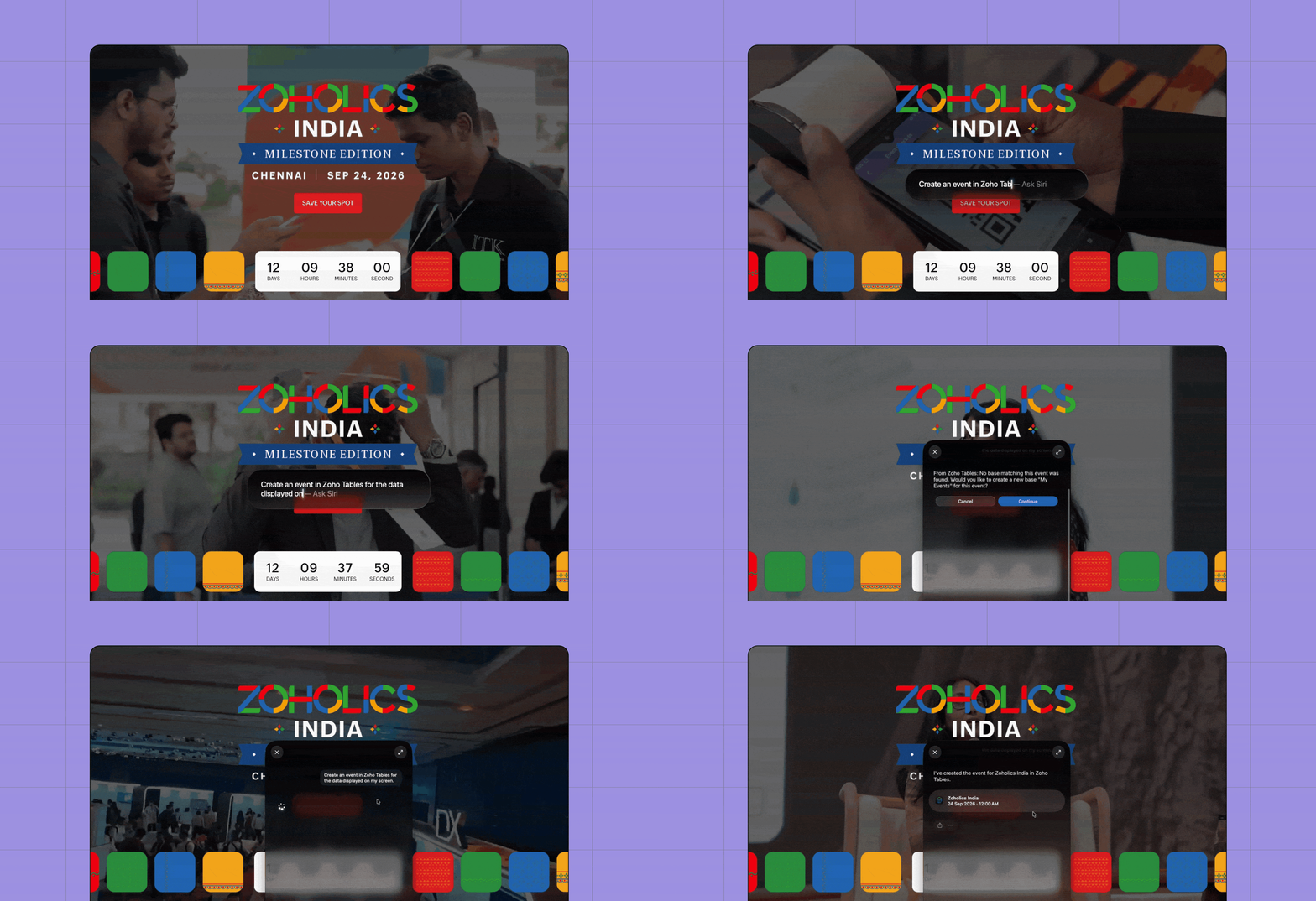
Create record events with Siri
Need to add something to your calendar without stopping what you're doing?
You can now use natural-language prompts with Siri to create or update Calendar records in Zoho Tables.
You can also take advantage of on-screen awareness. When you're looking at an event on your device, simply ask Siri to add it to Tables, without manually copying over the details.
For example: You're viewing an upcoming customer meeting and want it added to your event tracker. Ask Siri, and the event can become a record in your Zoho Tables base.
Apple's App Intents framework enables apps to expose their content and actions to Apple Intelligence and Siri through natural-language interactions.
Turn images into structured records
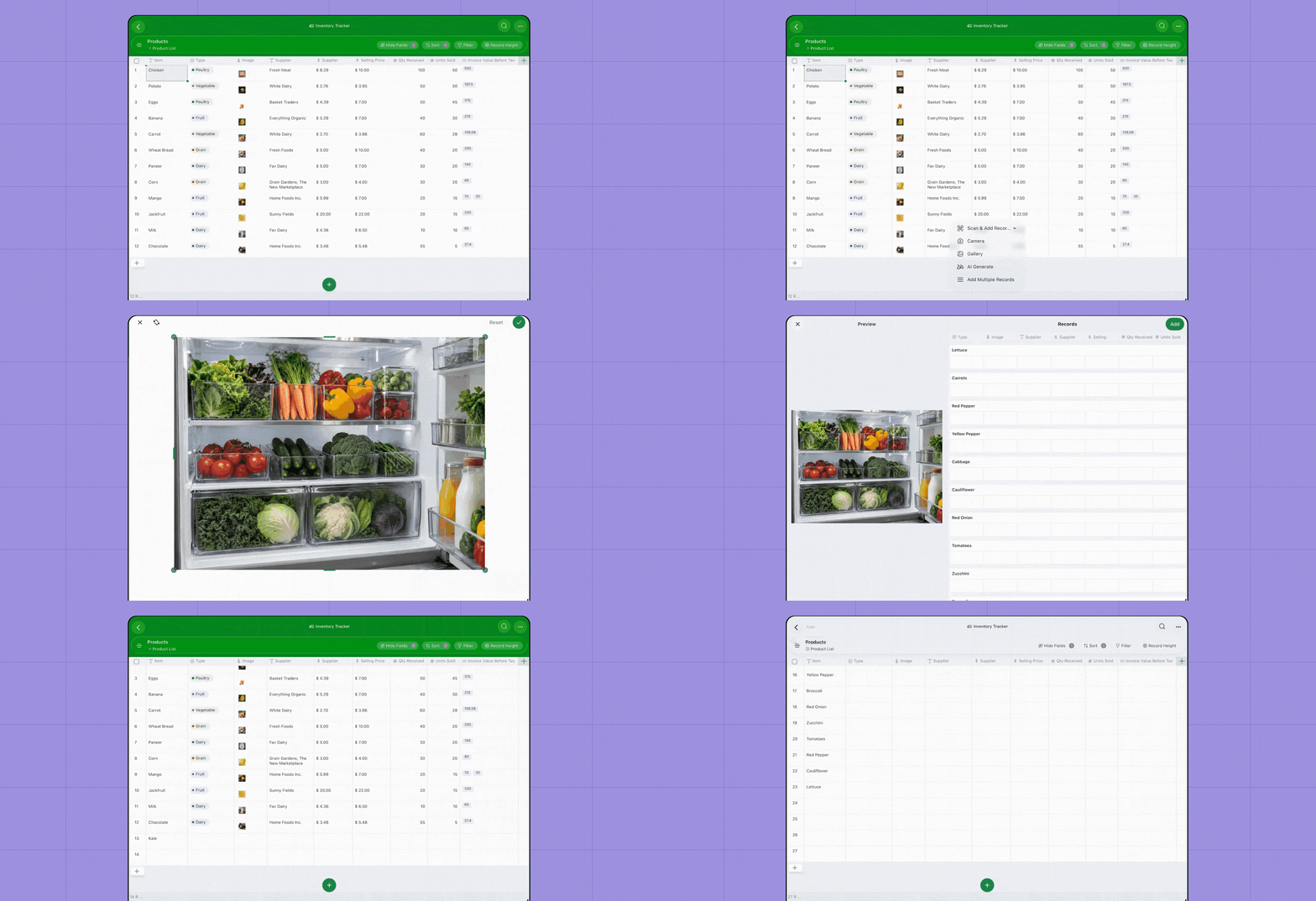
Sometimes the information you need isn't typed out neatly; it's sitting in a photograph, document, label, or barcode.
With Foundation Models in Zoho Tables, you can capture or upload an image and let AI analyze what's in it. Relevant information can then be converted into structured records in your base.
You can use it to:
Capture product information from labels.
Extract details from receipts or documents.
Recognize barcodes.
Turn information from an image into fields you can actually work with.
Instead of manually reading and entering information, you can move directly from image to structured data.
Apple's iOS 27 Foundation Models framework supports multimodal input and can work with on-device Vision tools including OCR and barcode readers.
Generate new records from the data you already have
Need more records similar to the ones you've already created?
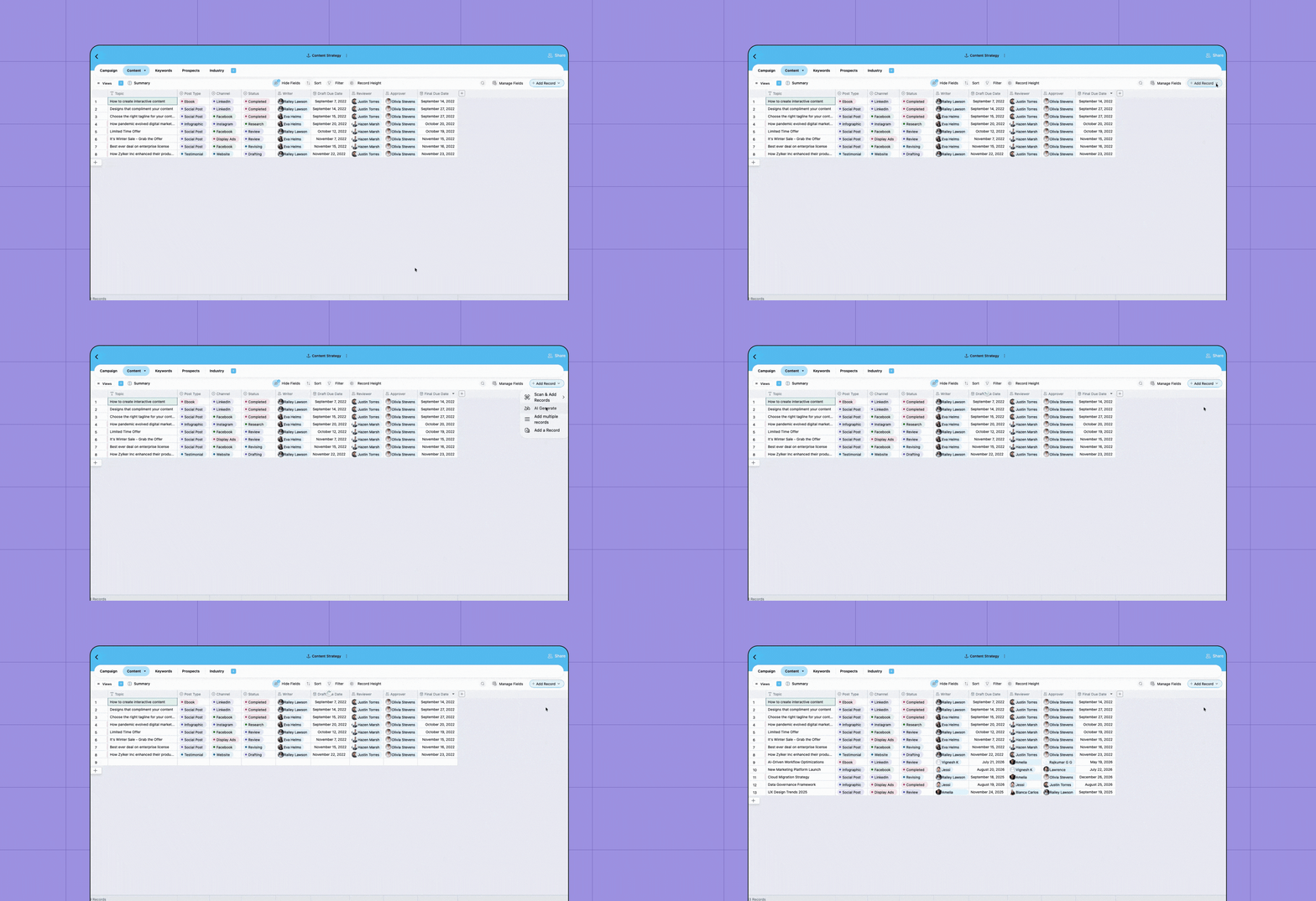
Select a set of existing records and click AI Generate to create contextually relevant suggestions based on their structure and patterns.
Imagine you're managing a content calendar. Select a few existing campaign ideas, and AI can help generate additional records that follow the same context and structure.
Or use an existing product catalog, project tracker, or event plan as a starting point instead of creating every new record from scratch.
Understand what changed with Activity Insights
A busy base can accumulate dozens or even hundreds of updates.
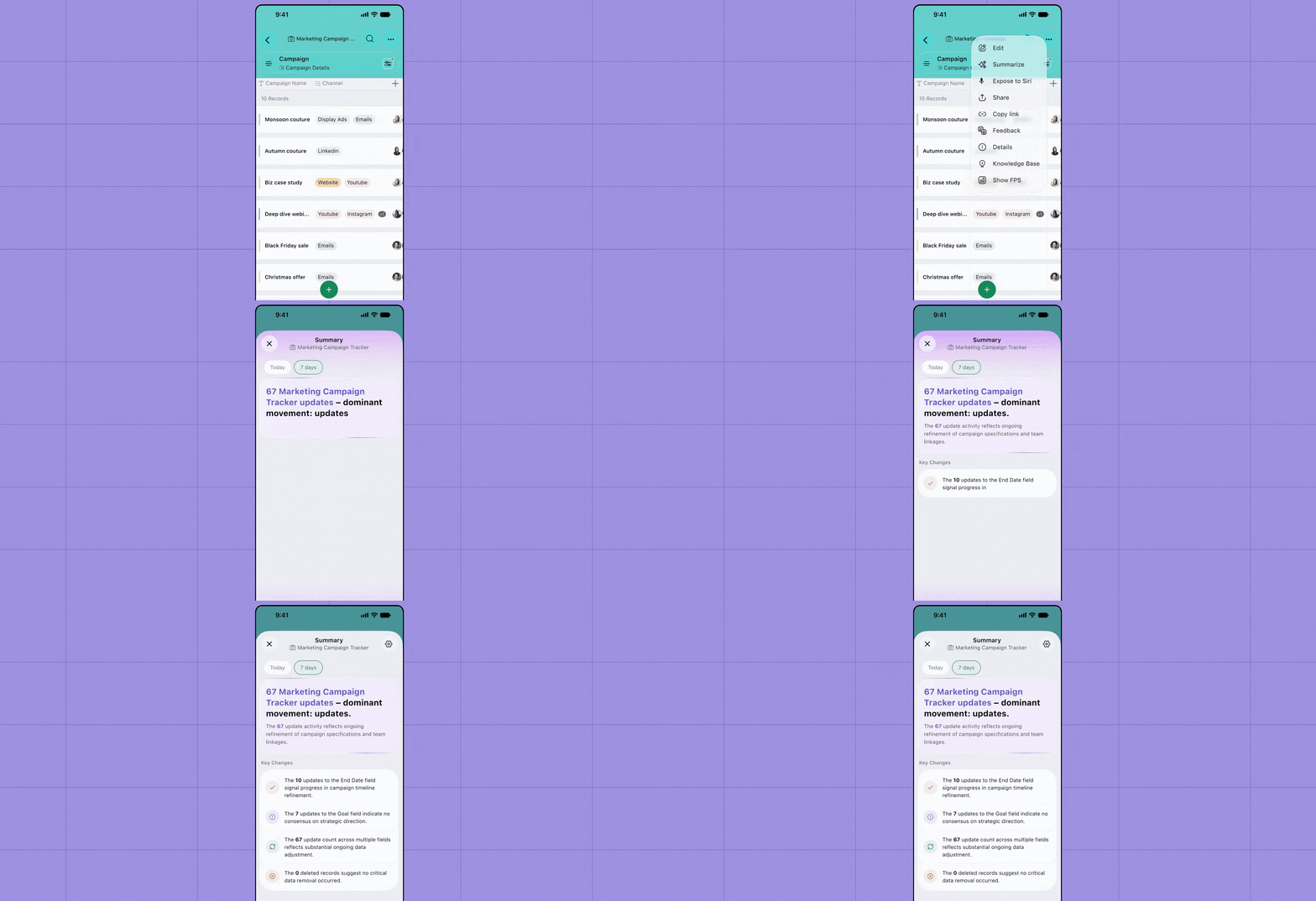
Instead of going through every individual change, Activity Insights can analyze record activity and summarize what matters.
Use it to quickly understand:
Important updates across records
Significant changes
Emerging patterns or trends
What has happened since you last checked the base
For example, a project manager returning to a project tracker after a few days can get a quick picture of what moved forward, what changed, and what may need attention.
Get AI suggestions for your database structure
Knowing what you want to manage is usually easy. Deciding exactly how your database should be structured can take a little longer.
Zoho Tables can now analyze the context of your database and recommend ways to improve its structure, including relevant:
Fields
Views
Formulas
Relationships between data
Say you're building a campaign tracker. Based on the context of your database, AI can suggest fields and views that make sense for managing campaigns instead of leaving you to configure everything from the ground up.
It's a faster path from "I know what I want to manage" to "my base is ready to use."
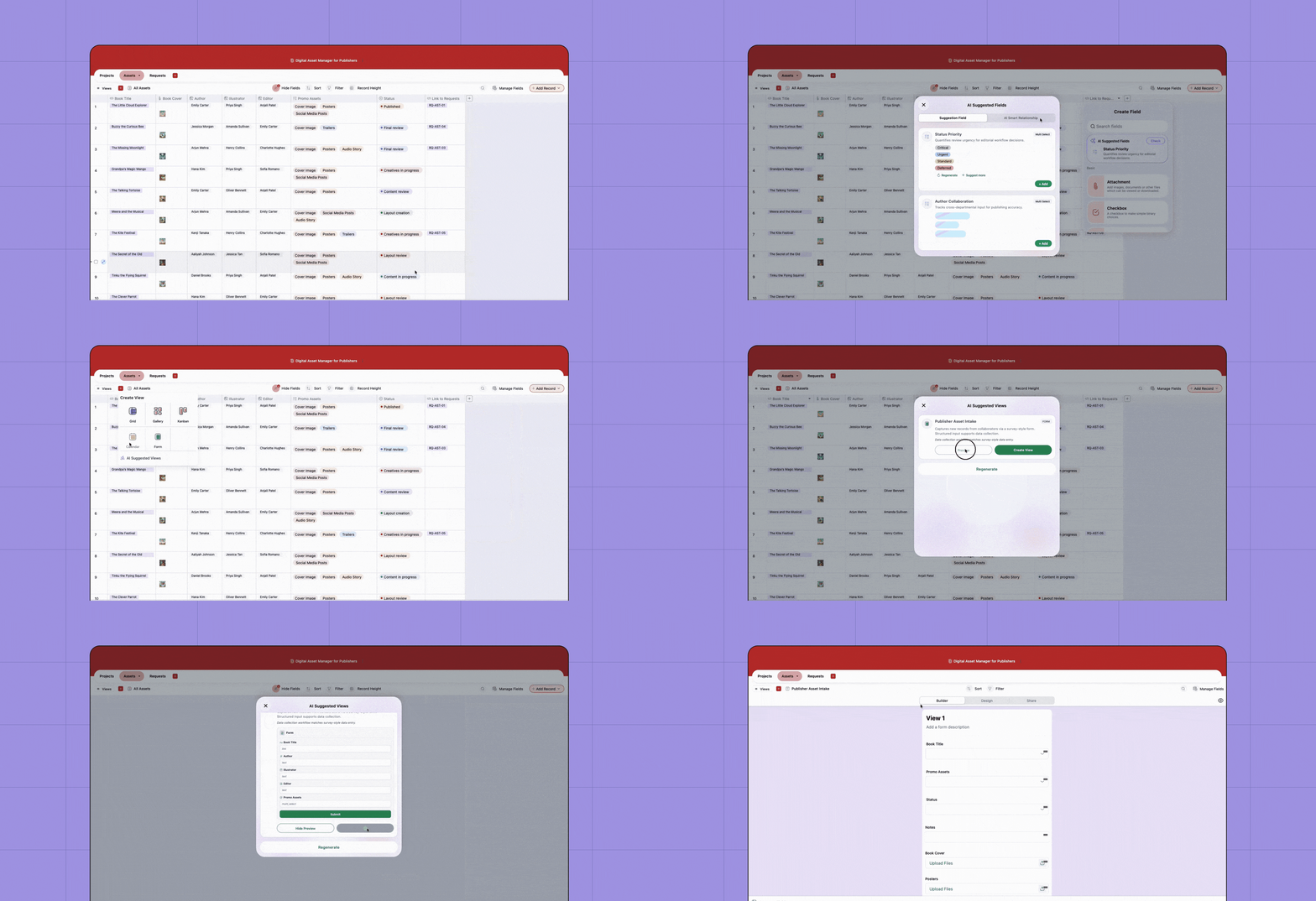
Find the right field type faster
You know you need to add a field for a deadline, but which field type should you choose?
Instead of scrolling through the complete field list, you can simply search using the information you want to store.
Search for terms such as:
"Deadline" → get a relevant date field suggestion
"Amount" → find an appropriate number or currency field
"Contact" → surface relevant contact information fields
Zoho Tables uses Apple's SpotlightSearchTool with Foundation Models to help surface the field type that best matches what you're trying to add.
SpotlightSearchTool allows the Foundation Models framework to retrieve relevant information from an app's indexed content and use it as additional context when resolving a prompt.
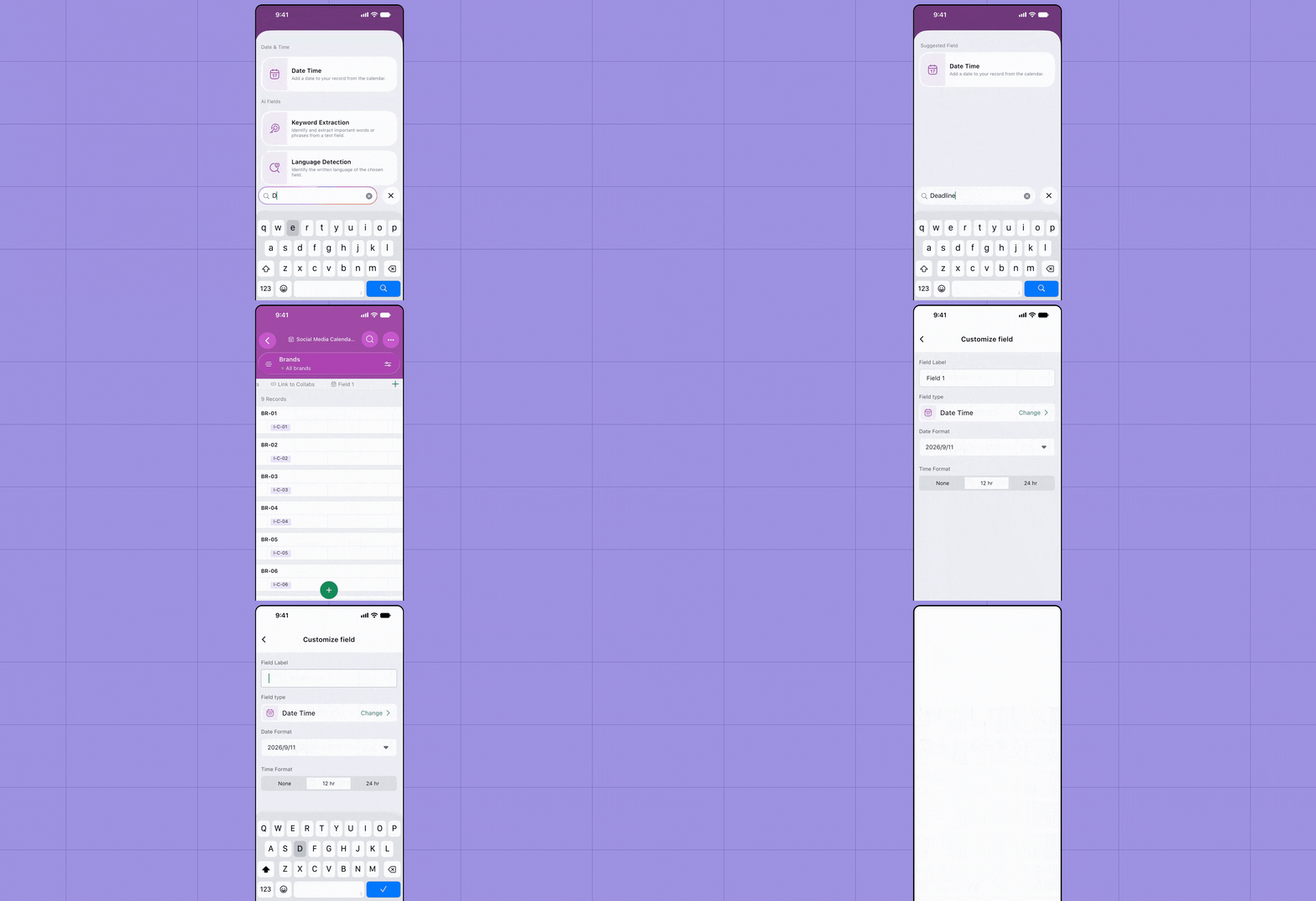
Generate images with Image Playground
Your records don't have to be text-only.
With Image Playground, you can describe the image you want, generate it using Apple's system experience, and add the result directly to an attachment field in Zoho Tables.
Planning a campaign? Generate a visual concept and attach it to the corresponding campaign record.
Building an inspiration board? Create visuals while you're working without having to leave your base to find placeholder imagery elsewhere.
Apple's Image Playground framework provides a system interface for generating images from descriptions and incorporating the resulting images into apps.
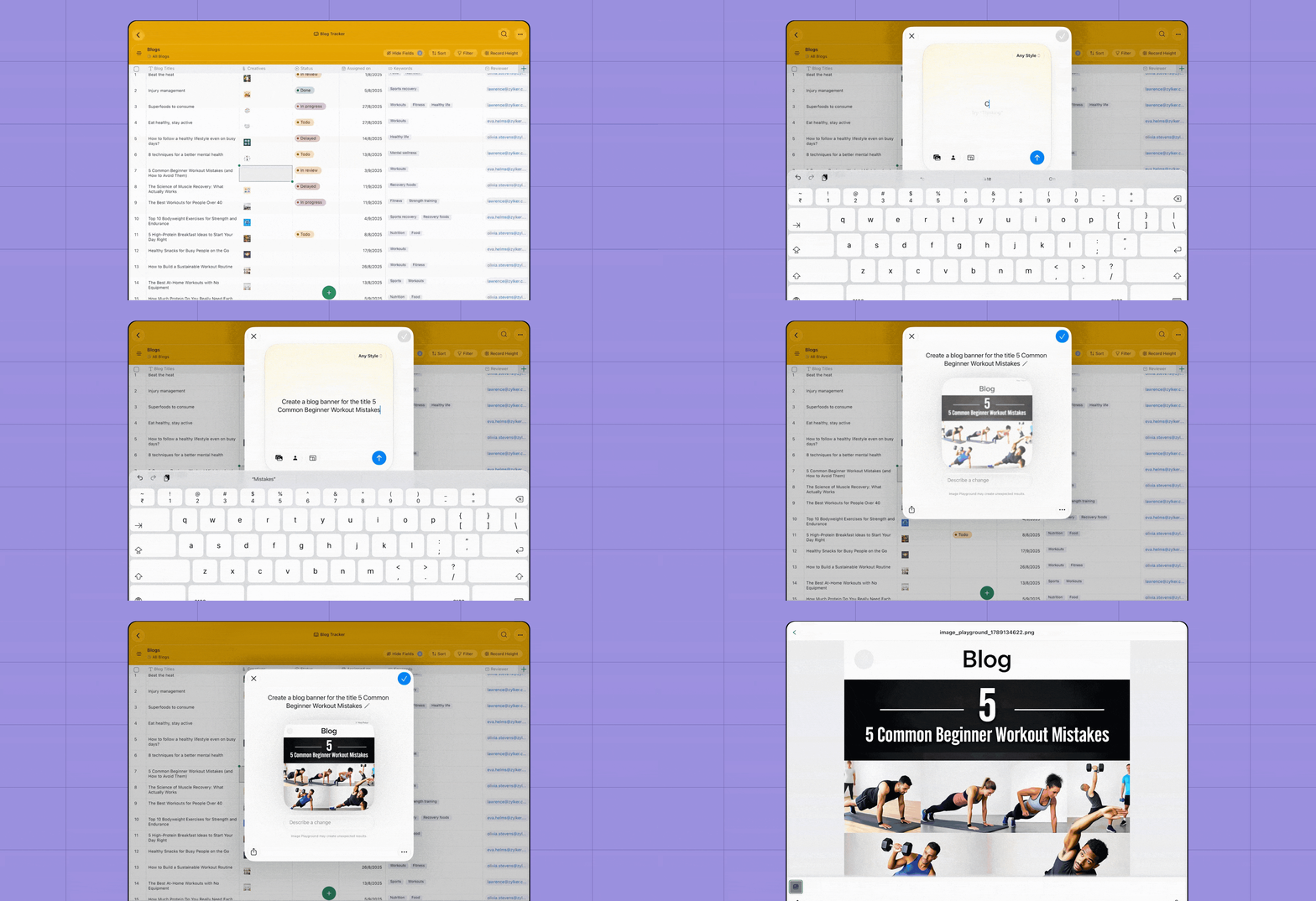
Resize Zoho Tables to fit the way you work
Zoho Tables now adapts more naturally to resizable windows on supported Apple devices.
Keep Tables large when you need to work across multiple columns, resize it while referring to information in another app, or arrange your workspace around the task at hand.
Whether you're checking an email while updating a customer tracker or referring to a document while entering records, you can keep the information you need within reach.
Apple's latest windowing experience supports fluid resizing and encourages apps to adapt their layouts across a wide range of window sizes.
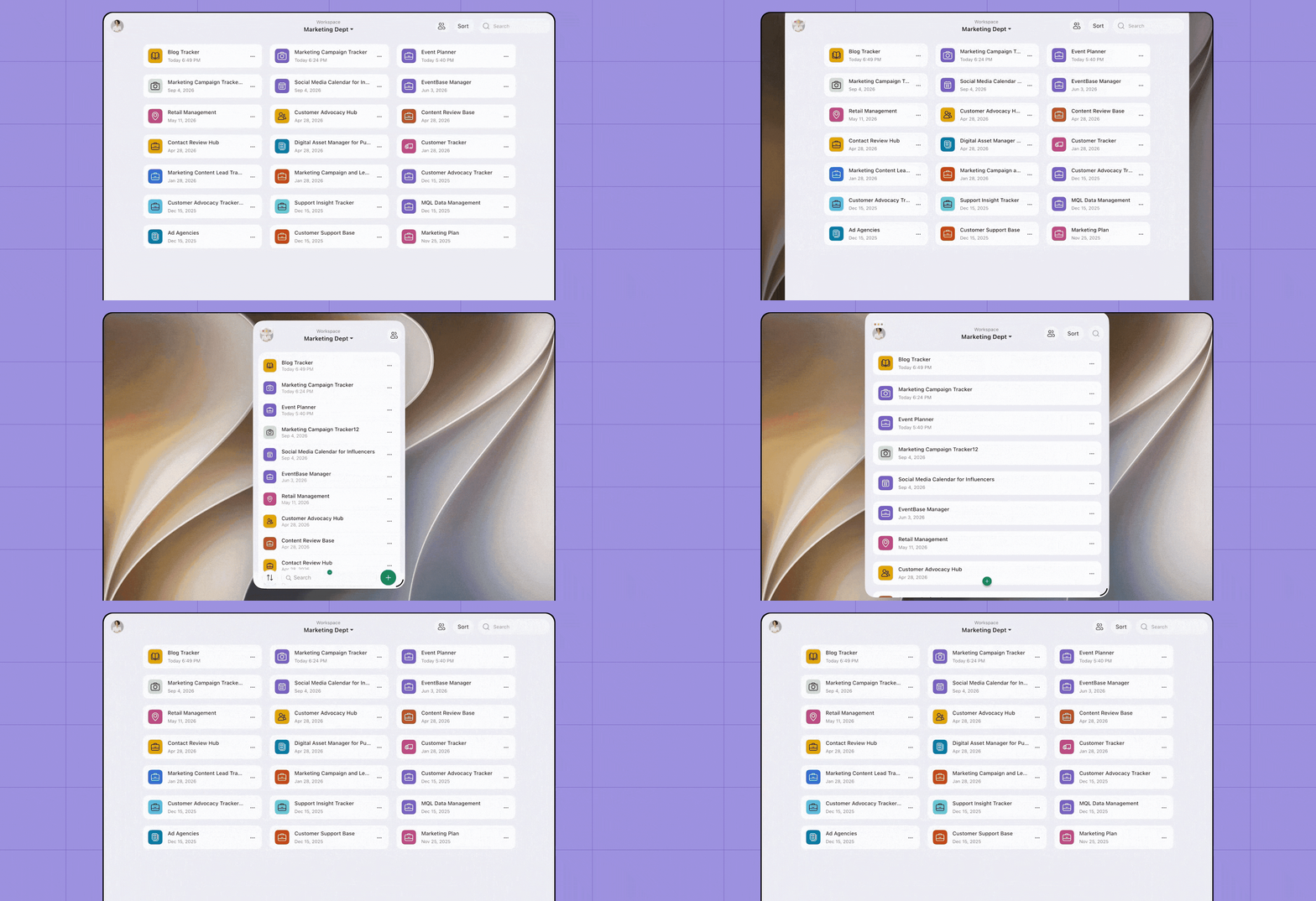
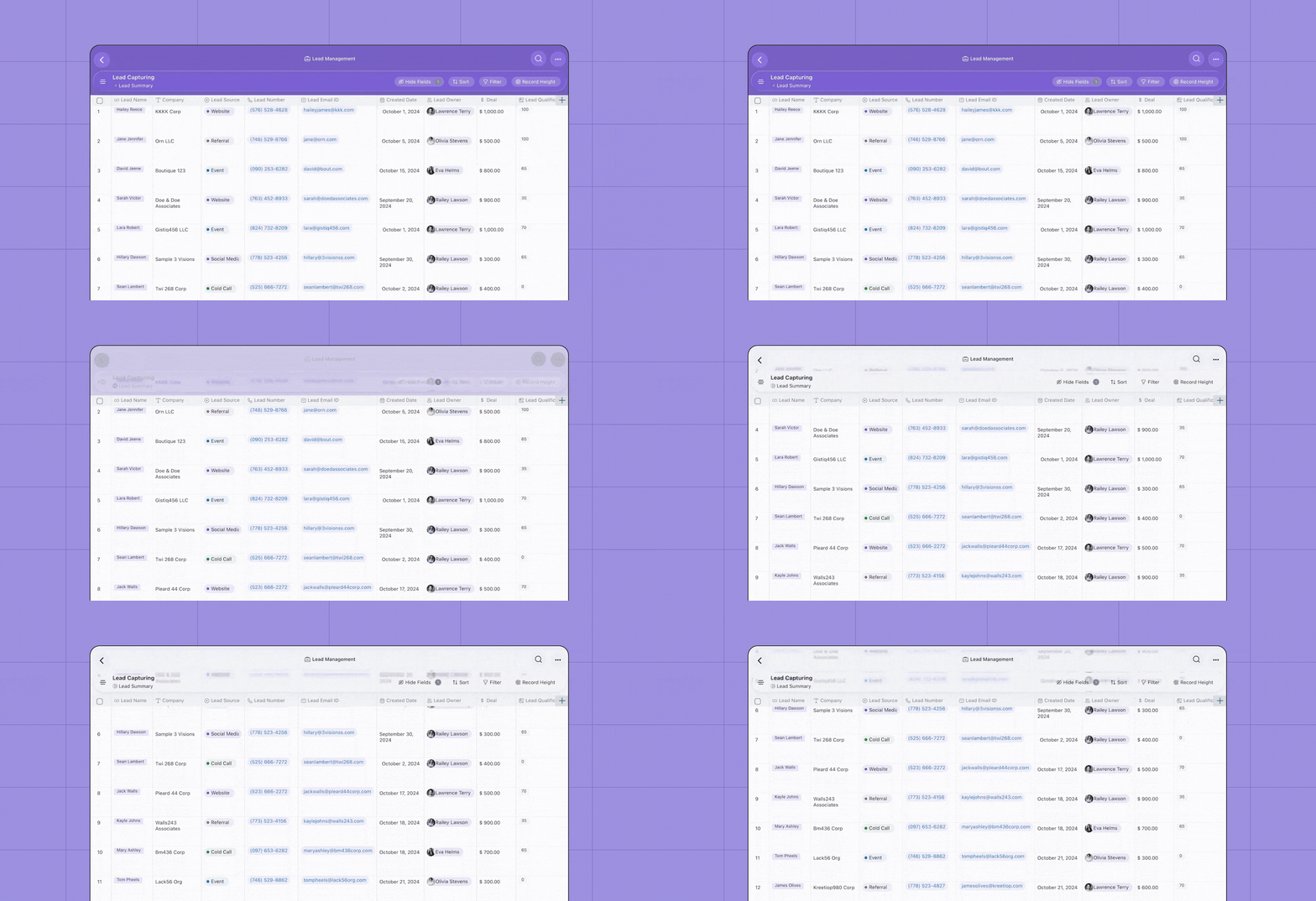
A refreshed Liquid Glass toolbar
Zoho Tables also feels more at home on the latest Apple platforms with a toolbar designed around Apple's Liquid Glass experience.
The refreshed interface brings greater depth and fluidity to controls while keeping your data at the center of the experience.
Apple describes Liquid Glass as a dynamic material that brings translucent, responsive visual treatment to controls, navigation elements, and toolbars across its platforms.
More than a mobile database
These updates are designed around a simple idea: Working with structured data on mobile shouldn't mean doing everything manually.
With iOS 27, Zoho Tables can help you:
Capture information naturally through Siri, images, and AI.
Turn unstructured information into structured records.
Understand activity without reviewing every change.
Build and configure bases with greater AI assistance.
Work in an interface that feels native to the latest Apple experience.
Zoho Tables already lets you work across mobile-optimized grid, gallery, Kanban, calendar, and form views, capture information through voice and images, and create bases with AI. These latest additions take that mobile-first experience even further.
Update Zoho Tables on your Apple device and explore what's new.

Comments