Zoho Books levels up with Apple Intelligence

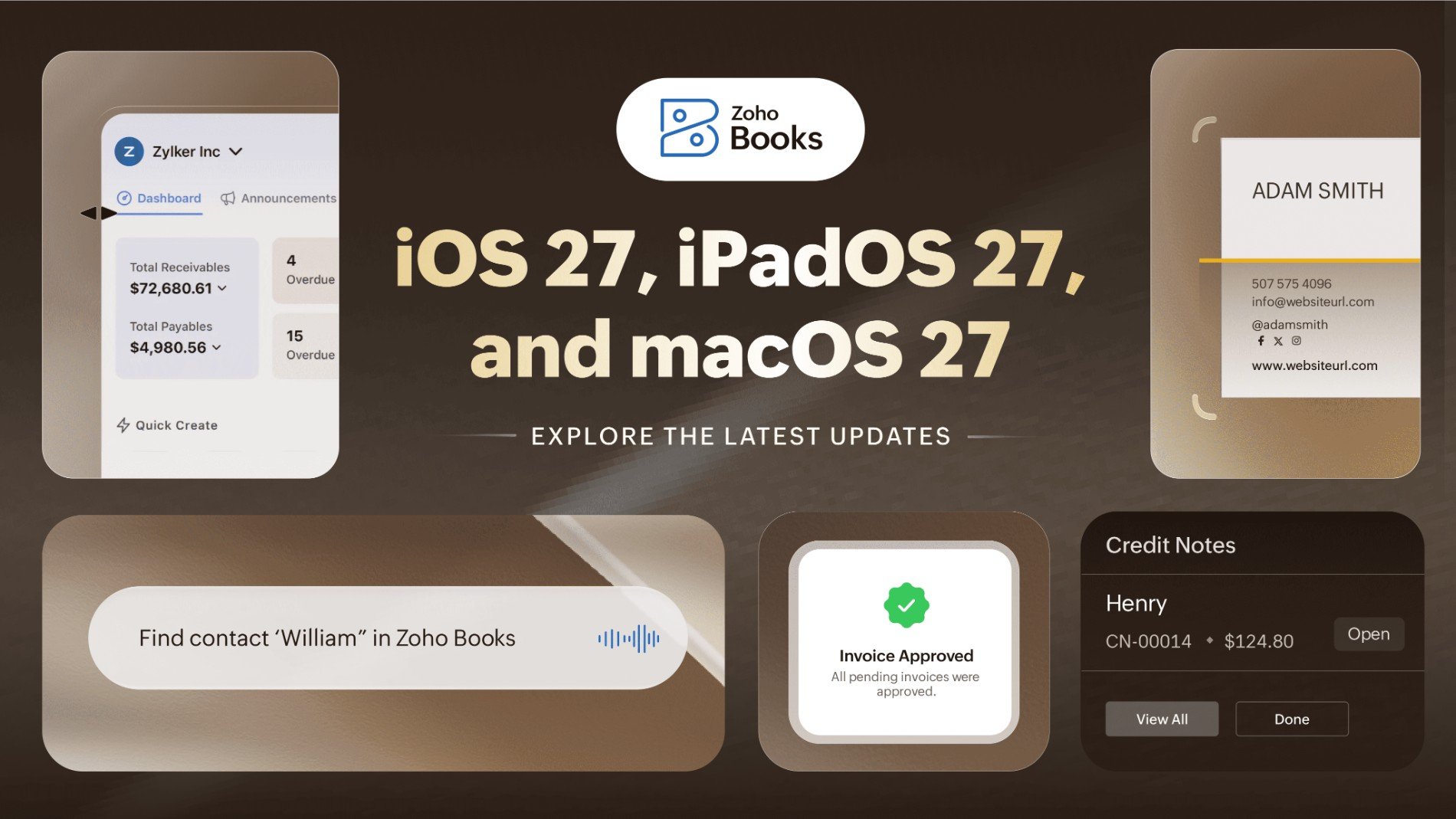
The best accounting experience isn't really attainable if your software can't keep up with evolving technologies, is it? That's why Zoho Books made sure to jump on Apple's latest advancements and bring our platform up to date to give you the best possible user experience.
This year, Apple introduced iOS 27, iPadOS 27, and macOS 27, bringing new technologies and capabilities to its platforms. Zoho Books builds on these advancements to make everyday accounting feel more natural and intuitive.
From finding a report and adding customer details to creating transactions and checking invoices, you can now get more done without having to navigate through the app for every little task. Here's a look at what's new.
Ask, and Zoho Books answers — Powered by Foundation Models
Looking for a particular report? You probably know what you want to see, but not necessarily where to find it. Now, you can simply tell Zoho Books what you're looking for.
With Apple's Foundation Models, Zoho Books can understand natural-language requests and find the right report for you. Say you want to see last quarter's sales, and Zoho Books can pull up the relevant report and apply the required period for you. You can also get a quick summary of the report, so you can understand the key numbers without going through everything yourself.
It also makes adding customers a little easier. If you have a business card, you can scan it and let Foundation Models extract the contact details. Zoho Books can then use those details to create a new customer or find a matching existing customer—no need to type everything in manually.
Get everyday tasks done with Siri
Not every accounting task needs you to open the app and find your way to the right screen. Sometimes, you already know what you want to do.
With Siri, you can create transactions, find customers, approve transactions, and upload documents using your voice.
Need to record an expense, invoice, or payment? Tell Siri what you need, review the details, and confirm it. You can get it done without going through multiple menus.
Looking for a customer? Tell Siri the customer's name or another relevant detail, and it can bring up the matching customer record.
Siri can also help when you have transactions waiting for approval. Give it the transaction number, and it can find the pending transaction for you. You can then review and approve it with a tap.
If you have several transactions waiting for approval for the same contact, Siri brings them together so you can review them individually or approve them all at once.
You can also use Siri when you need to upload documents. Tell Siri what you want to upload, select the files, and you're done.
Adaptive layouts for every screen size
Your work doesn't always happen on the same screen. You might start something on your iPhone, move to your iPad, or use Zoho Books alongside another app.
With adaptive layouts, Zoho Books adjusts to the screen you're using. The layout responds to changes in screen size, orientation, and window dimensions, so the interface continues to work comfortably whether you're using an iPhone, iPad, or split-screen view.
Switch devices, resize a window, or change the orientation; Zoho Books adapts to the space you have.
A larger widget for insights at a glance
Sometimes, you don't need to open the entire app to find what you're looking for.
The Extra-Large Portrait Widget gives you a larger view of your invoice transactions right on your Home Screen. You can apply a filter to focus on the invoices you care about and check them without opening Zoho Books.
It's a simple way to keep an eye on your invoices when you only need a quick update.
The bigger picture
All of these features have something in common. They make Zoho Books fit more naturally into the way you already work.
Ask instead of searching through menus.
Scan instead of typing everything manually.
Speak instead of navigating through the app.
Glance instead of opening the app.
Together, these updates take some of the routine work out of accounting, making it easier to get to what you need and get things done without breaking your flow.
Less time finding. Less time typing. Less time navigating. More time getting things done.
Update Zoho Books and experience a smarter, more natural way to manage your accounting.
Available on iOS 27, iPadOS 27, and macOS 27 on Apple Intelligence-supported devices.

Comments