Configure org-wide MFA with Zoho Directory + OneAuth


In the modern business world, a single compromised account can cost millions.
Hackers constantly target passwords, the weakest link in organizational security. They can be guessed, reused, or stolen in data breaches, leaving critical business systems, apps, and sensitive information exposed to hackers. Every weak or compromised password is a potential gateway for phishing attacks, unauthorized access, and costly data theft.
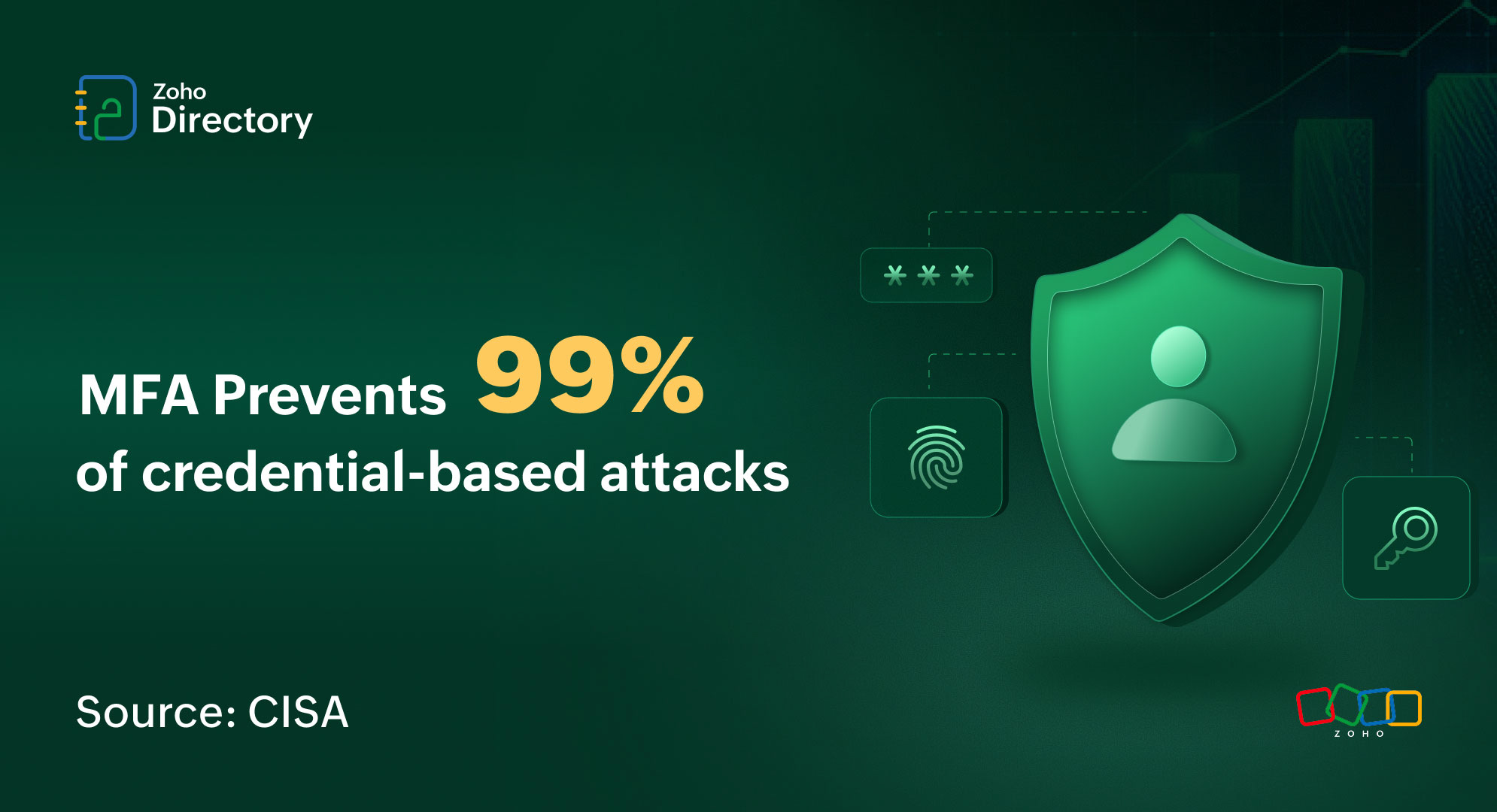
According to the U.S. Cybersecurity and Infrastructure Security Agency (CISA), implementing multi-factor authentication (MFA) can prevent over 99% of credential-based attacks, making it an essential safeguard for every business. MFA adds a second layer of security by requiring users to verify their identity with two or more independent factors:
Something you know: Passwords or PINs.
Something you have: Trusted devices or authenticator apps.
Something you are: Biometrics like fingerprint or Face ID.
Even if passwords are compromised, MFA creates a checkpoint that attackers cannot bypass.
Not All MFA Is Equal: Why Orgs Need Stronger Authentication
While MFA significantly improves security, adoption is often inconsistent when left optional. Many employees don’t enable it on their own, leaving security gaps that cybercriminals exploit.
Not all MFA methods are created equal.
SMS-based OTPs are vulnerable to SIM swapping, interception, and social engineering. Phishing-resistant methods such as FIDO-based authentication—including hardware security keys and biometric verification—provide significantly stronger protection, while authenticator apps offer a more secure alternative to SMS.
For teams looking to speed up login without compromising security, employees can try passwordless authentication using Zoho OneAuth’s Smart Sign-In via QR code, making access quick, seamless, and secure.
Organization-wide enforcement ensures consistent coverage across all users, devices, and apps. This reduces the risk of breaches caused by weak or unprotected accounts and turns MFA from an optional step into a baseline security measure.
How to implement MFA across your organization
Implementing MFA doesn’t have to be complicated. Zoho Directory allows IT teams to manage all employee identities, apps, devices, and networks from a centralized platform.
By using Zoho Directory’s security tab, IT admins and organizations can:
Create a Conditional Access Policy and choose Allow with MFA as the access action.
Apply the policy organization-wide or to specific groups, and exclude selected users if required.
Define MFA modes and choose the authentication factors that suit your organization:
Face ID or Touch ID via OneAuth.
OTP authenticator apps.
Security keys.
SMS-based OTP (optional).
Configure browser trust settings to reduce repeated MFA prompts on trusted devices.
Set policy priorities to control which rules take precedence.
Customize security by role, so critical teams like Finance or Admins get stronger protections while other teams maintain smooth access.
Define conditions such as location, IP address, or device context to control when MFA is triggered.
Employees verify their identity seamlessly using Zoho OneAuth, ensuring strong, frictionless authentication.
With this approach, MFA becomes a built-in part of everyday workflows, ensuring consistent adoption across the organization.
For detailed configuration steps, see the Zoho Directory Help page.
Benefits of Zoho Directory and OneAuth
Combining Zoho Directory + Zoho OneAuth delivers maximum security and efficiency:
Manage all users, apps (Zoho apps and 500+ third-party apps), devices, and networks from a single platform, ensuring consistent MFA protection for every account and device while keeping workflows smooth and hassle-free.
Support multiple authentication methods, including push notifications, biometrics, security keys, and passwordless login via Zoho OneAuth’s Smart Sign-In, making secure access quick and seamless.
Customize rules for teams based on role, sensitivity, or risk using routing policies.
Enforce MFA across your organization and ensure that your business meets Compliance standards like NIST SP 800-63B, ISO 27001, CIS Controls, and PCI DSS, while keeping policies fully auditable.
This approach allows organizations to secure every login, every user, and every device while keeping employee workflows smooth.
Wrapping up
Passwords alone can’t protect your organization. Credential-based attacks are rising, and leaving MFA optional puts your business at risk.
Zoho Directory lets you enforce MFA organization-wide with centralized control and flexible group policies, while Zoho OneAuth acts as the secure, frictionless authenticator for every login.
Comments