Stop re-entering invoices between CRM and accounting systems

This is a guest blog from Xapplets (Zeeyes AI Inc).
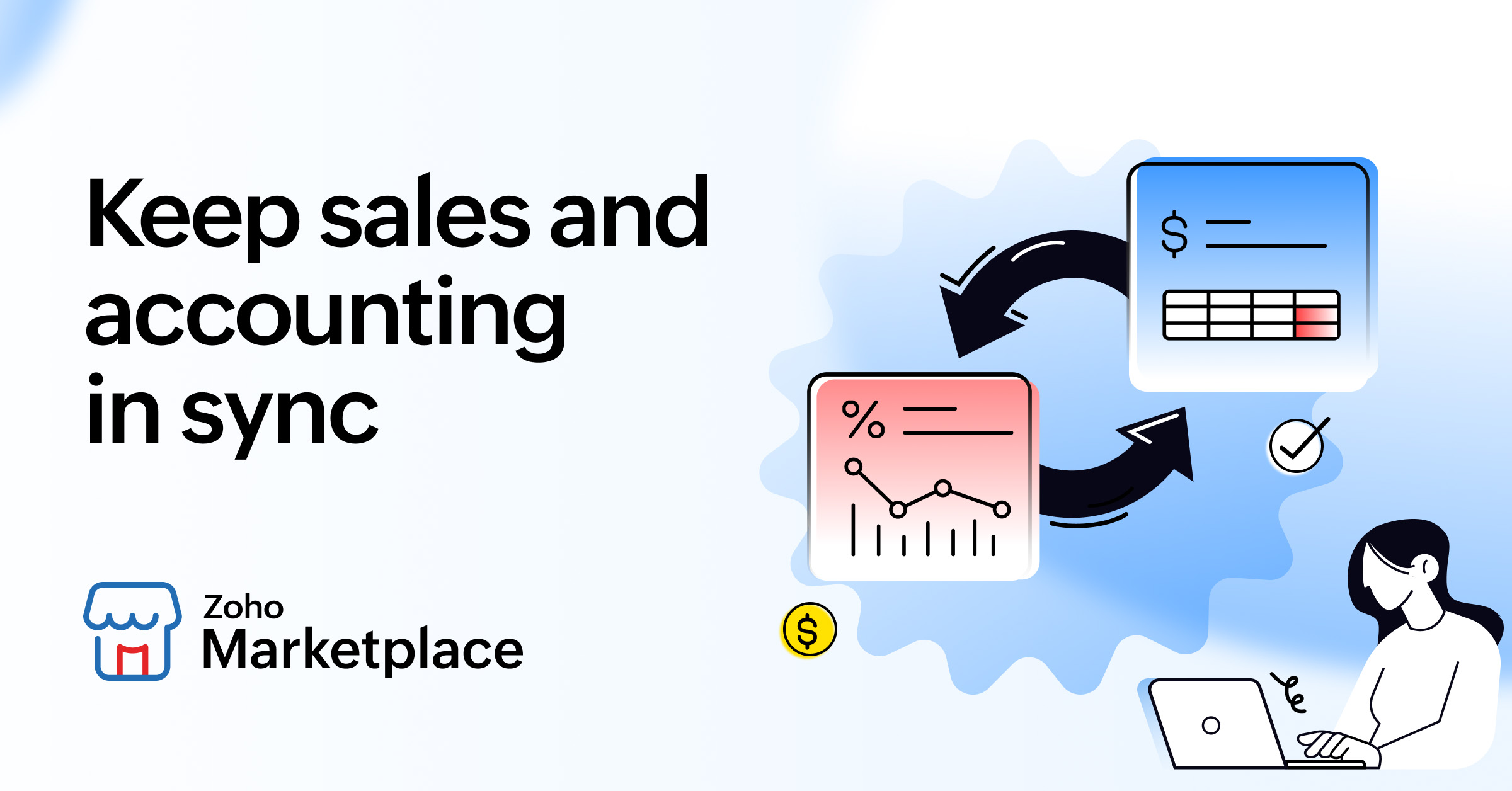
There's a workflow most growing teams know well. Sales closes a deal in the CRM. Someone then opens the accounting system and re-enters the customer, line items, and amount to raise an invoice. Later, finance marks it paid, and someone updates the CRM, so sales knows the account is settled. The same information gets keyed in twice, and every hand-off is a chance to mistype a figure, skip a record, or report a number that's already stale.
The real cost of keying data in twice
Manual entry between sales and accounting quietly costs more than the few minutes each invoice takes:
● Duplicated work that scales badly: Raising the same invoice in two systems is effort that grows with every new customer. What's tolerable at twenty invoices a month becomes a daily burden at two hundred.
● Errors that travel: A mistyped amount or a missed payment status doesn't stay put. It skews forecasts, surfaces in customer conversations, and erodes confidence in every report downstream.
● Decisions made on outdated data: When sales can't see current payment status, they chase invoices that are already settled and overlook the ones genuinely overdue.
Why this problem is so common
The gap exists because sales tools and accounting tools are built for different jobs and different teams. A CRM is designed around pipeline, contacts, and deals. An accounting platform is built around ledgers, tax, and compliance. Neither was made to be the other's data source, so the person in the middle becomes the integration, copying records by hand and reconciling differences after the fact.
That manual bridge works until volume rises, staff change, or someone simply forgets a step. Then the two systems quietly drift out of agreement, and no one notices until a forecast looks wrong or a customer is chased for money they already paid.
Modern integration tools can help connect systems:
One effective way to address this challenge is to automate the flow of information between sales and accounting systems rather than relying on people to manually reconcile records. A few principles separate a solution that holds up from one that creates new problems:
● Match records, don't duplicate them: Contacts should stay linked across both systems so there's one source of truth, not two slightly different versions of the same customer.
● Keep information consistent across systems: Customer records, invoices, and payment updates should remain aligned so teams can work from accurate information without manually reconciling records.
● Make changes visible: Automation works best when teams can easily understand what happened to their data. Clear activity tracking and error visibility help prevent issues from going unnoticed and make troubleshooting easier.
How to set it up without a developer
You don't need custom code to close this gap. Modern integration tools can help connect systems, map data between applications, and reduce the need for manual updates. Once systems are connected and configured, information can move automatically between them with minimal ongoing effort.
The takeaway
If your team still copies data between sales and accounting by hand, you're paying for it in hours, errors, and numbers you can't fully trust. Connecting the two once removes the busywork for good and lets both teams rely on the same figures. Connect Zoho CRM and Xero to automate data synchronization and eliminate manual entry.

Comments