How WCAG compliance makes modern workplaces more accessible

A workplace's approach to inclusivity starts with its everyday tools. Some of them can create barriers that inadvertently shut people out. Employees with visual, auditory, motor, or cognitive disabilities need communication and collaboration options that are usable from the start, without the need for workarounds. A WCAG-compliant tool like Cliq helps organizations take a meaningful step toward removing those barriers for a more accessible workplace.
An introduction to WCAG
Web Content Accessibility Guidelines (WCAG), developed by the W3C, is a set of internationally recognized technical standards designed to make digital content accessible to people with a wide range of disabilities. WCAG rests on four core pillars to make information perceivable, navigation operable, information understandable, and content robust and reliable.
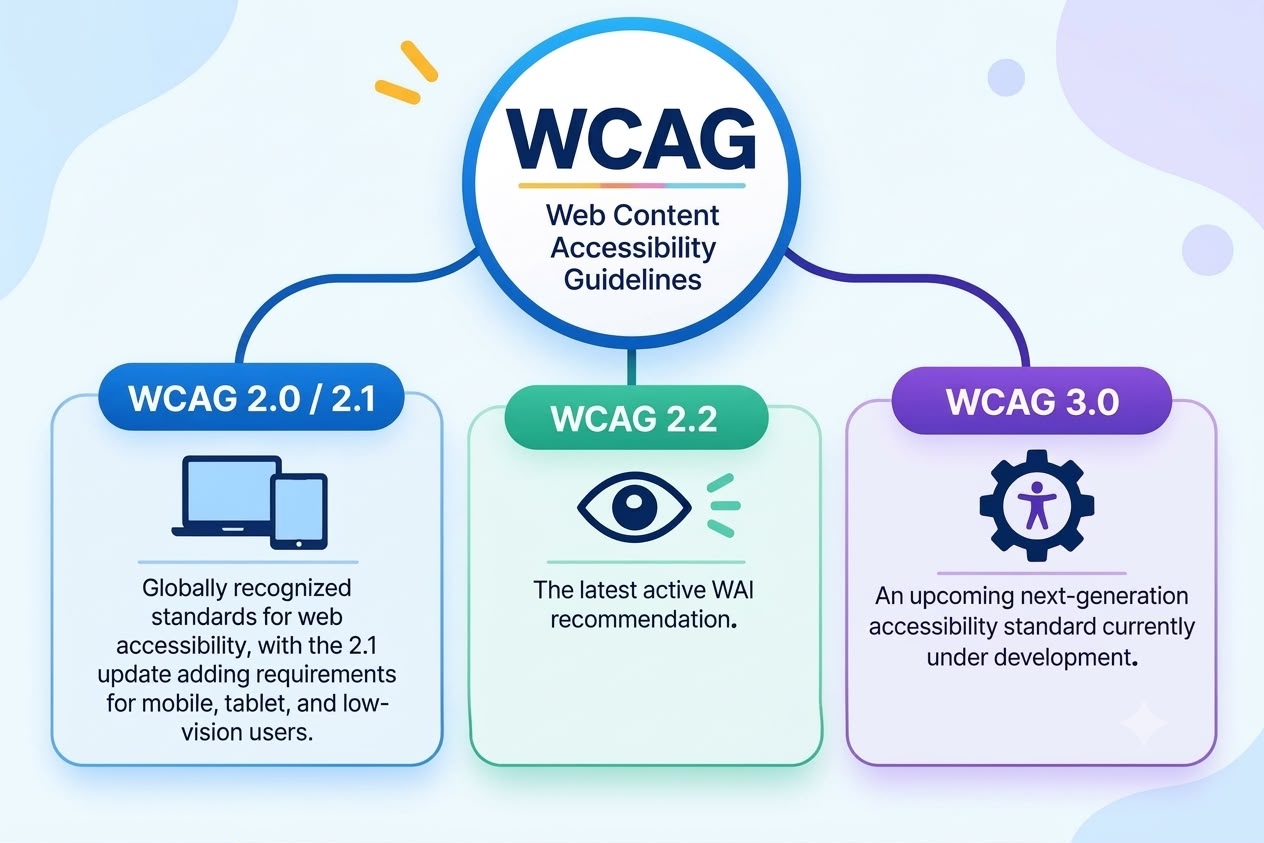
WCAG guidelines are categorized into three tiers—Level A, Level AA, and Level AAA—based on the complexity of the guidelines that the tools need to adopt, with level AA being the most commonly adopted tier across the industry. The key versions of WCAG are as follows:
WCAG 2.0 / 2.1: Globally recognized accessibility standards, with WCAG 2.1 expanding on the earlier guidelines by introducing additional requirements for mobile and tablet accessibility.
WCAG 2.2: The latest active WAI recommendation, introducing enhanced accessibility requirements for focus visibility, dragging interactions, and user authentication.
WCAG 3.0: An upcoming next-generation accessibility standard currently under development, proposing a new approach and evaluation model for accessibility
How WCAG compliance impacts today's tools and workplaces
Making workplace communication more accessible helps create an environment where everyone can participate equally, whether it's through chats, channels, or meetings. For instance, employees with visual or hearing impairments may find it difficult to navigate and use conventional communication tools. The time spent understanding and adapting to these tools can create communication gaps and lead to unnecessary delays. To address this, organizations should prioritize WCAG-compliant collaboration tools that accommodate the diverse needs of their workforce instead of relying on last-minute fixes. Features such as keyboard navigation, intuitive interfaces, live captions, and screen reader compatibility make communication more accessible, empowering a wider range of employees to collaborate effectively and participate without barriers.
Creating an accessible workplace with Zoho Cliq
Zoho Cliq introduced WCAG-compliant features as part of the Zoho Cliq 7.0 release in 2026. The features listed are compliant with WCAG 2.0 standards. The improvements made to the interface are broadly categorized into accessible communication, keyboard navigation, inclusive virtual meetings, and interaction preferences.
Accessible communication
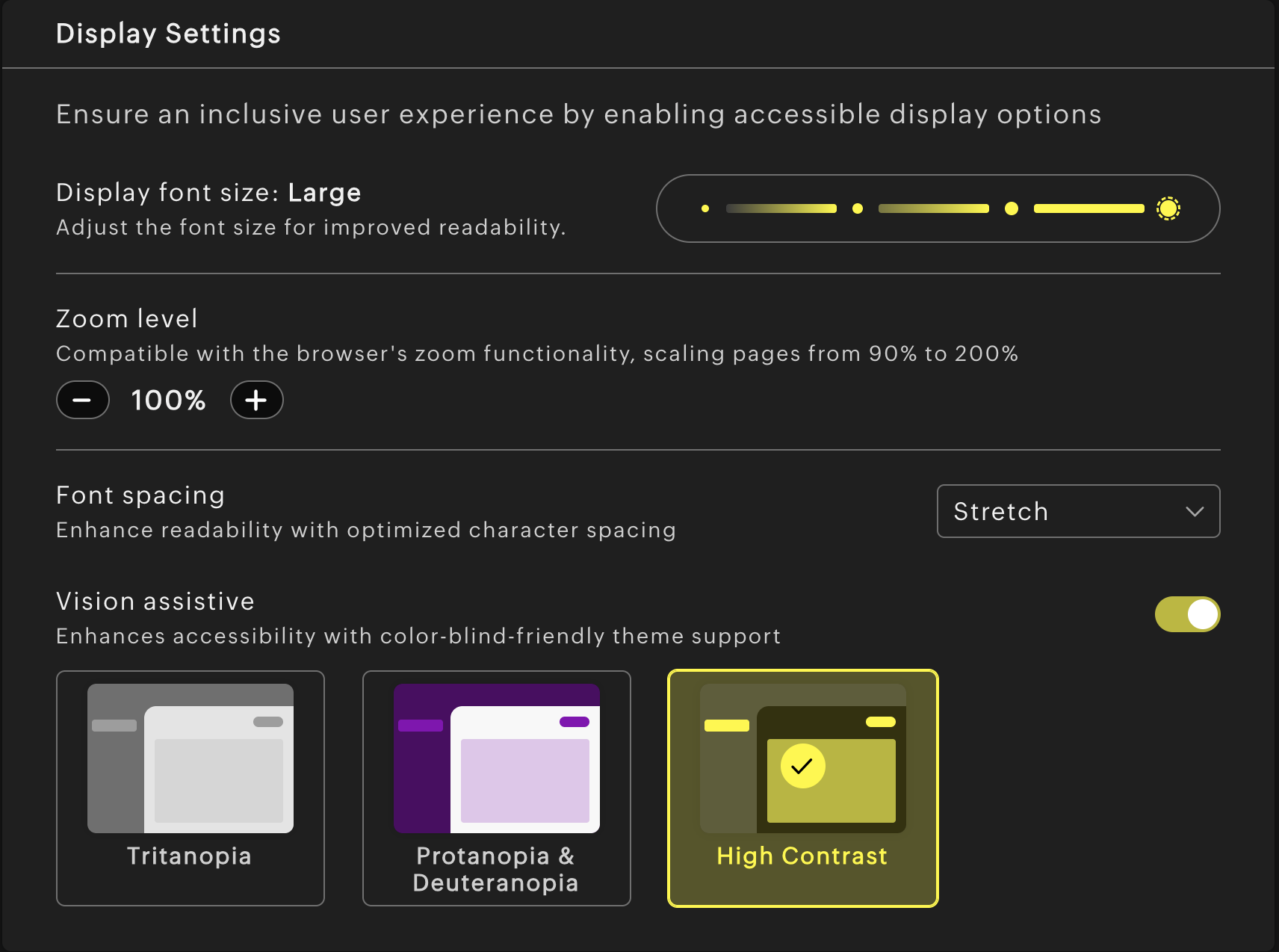
Accessibility begins with making digital interfaces easier to read and navigate. Features like font scaling, improved color contrast, and adjustable spacing allow employees to customize the interface according to their visual needs and preferences.
Keyboard navigation
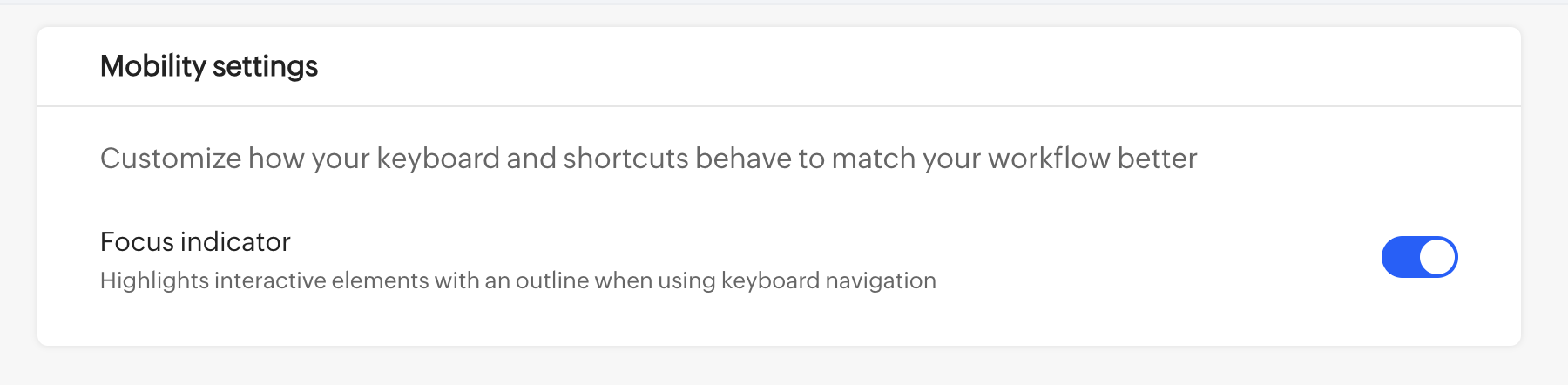
For individuals with motor disabilities or limited mobility, a mouse or other pointing device could be challenging to use. Keyboard navigation provides an essential alternative for accessing digital tools. Zoho Cliq's focus indicator helps users move through the interface and access key features more efficiently, supporting a more independent and inclusive communication experience.
Inclusive virtual meetings
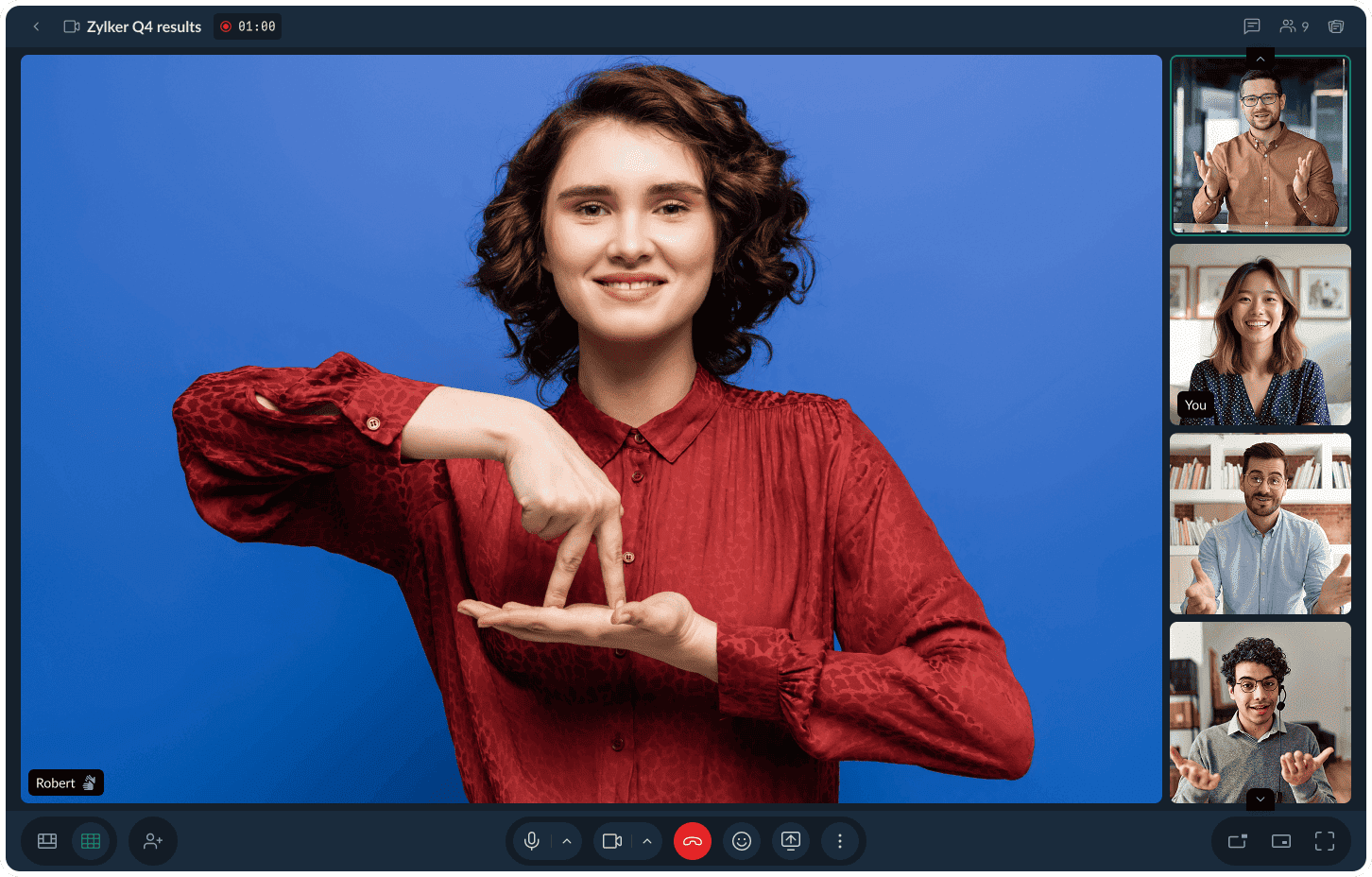
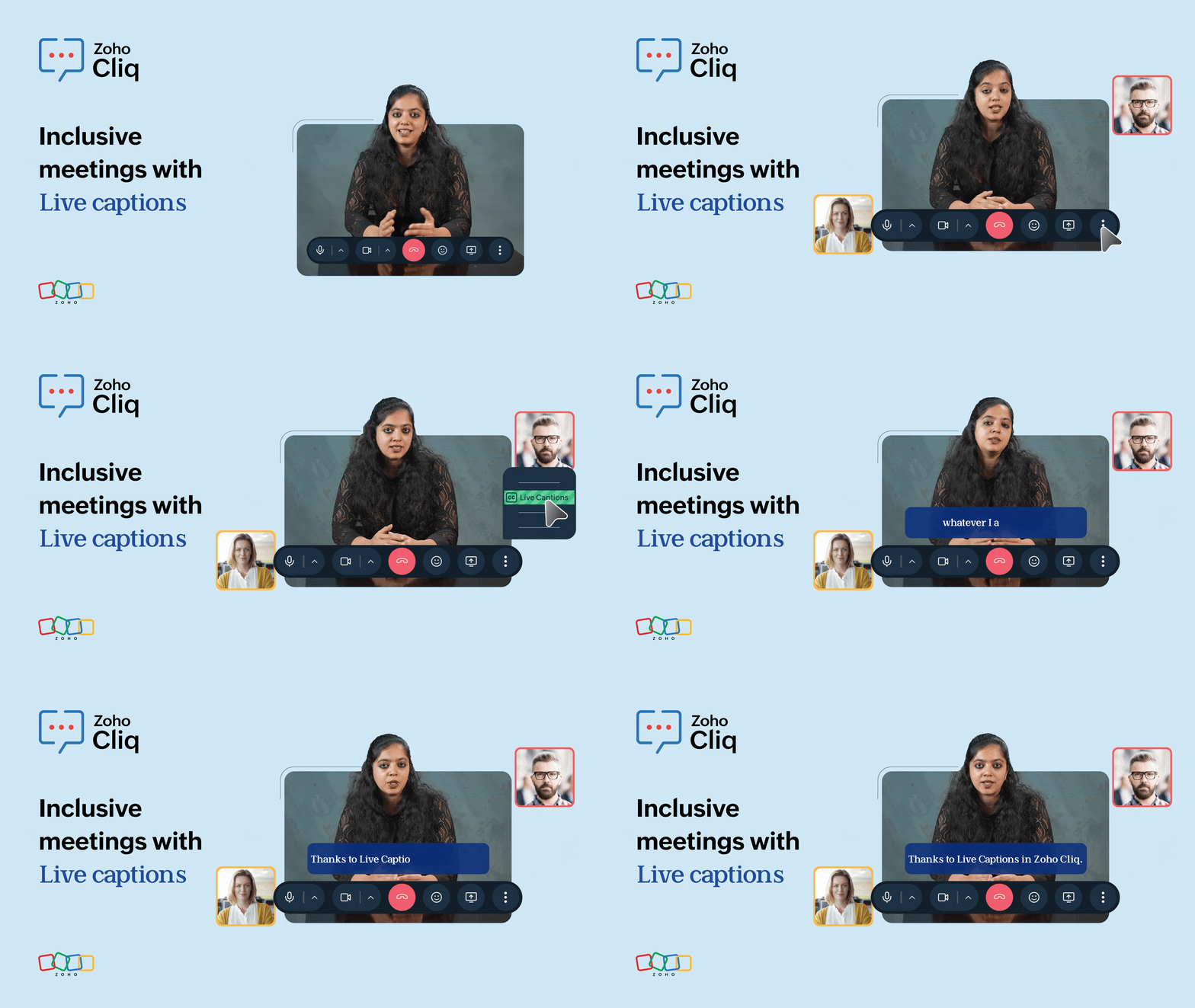
Hearing and language barriers often hinder the experience during virtual meetings. Live captions and Sign Language Mode in Zoho Cliq further support inclusion during discussions. By allowing a sign language interpreter to remain visible during meetings, participants with hearing challenges can follow discussions without missing important information. With live captions, the clarity of the conversation is retained.
Interaction preferences
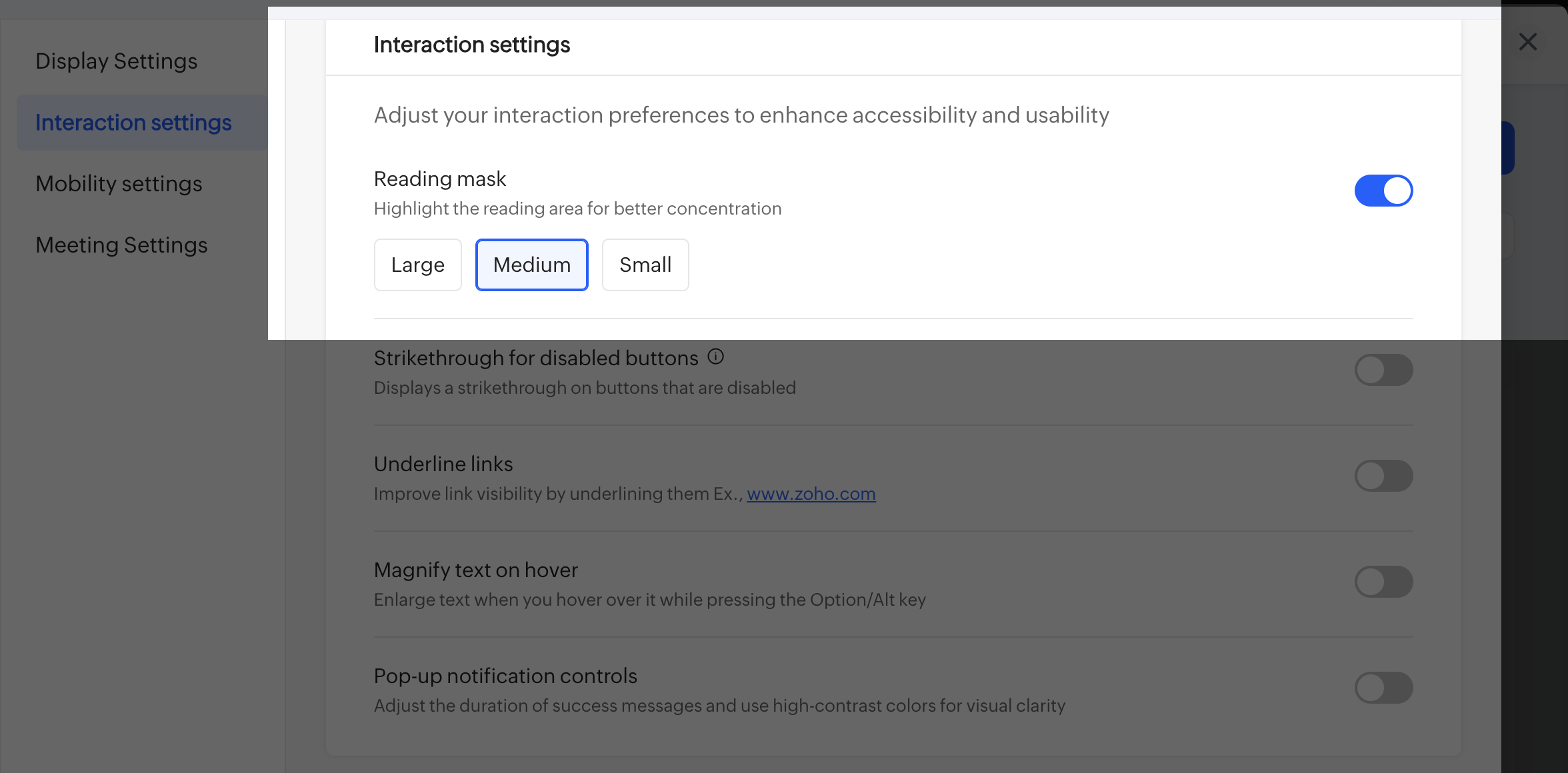
Accessibility becomes most valuable when it is integrated into everyday workplace interactions. With options like a reading mask to highlight the reading area, magnified text on hover, underlined links, strikethrough on disabled buttons, and altered duration and contrast for pop-up notifications, Zoho Cliq improves visibility across app interactions.
Whether employees are participating in team discussions, attending hybrid meetings, or collaborating with colleagues across locations, accessible communication features help reduce participation barriers. Zoho Cliq supports those needs to promote more inclusive and effective workplace collaboration.
Comments