Cybersecurity Awareness Month: How businesses should handle growing e-signature phishing scams

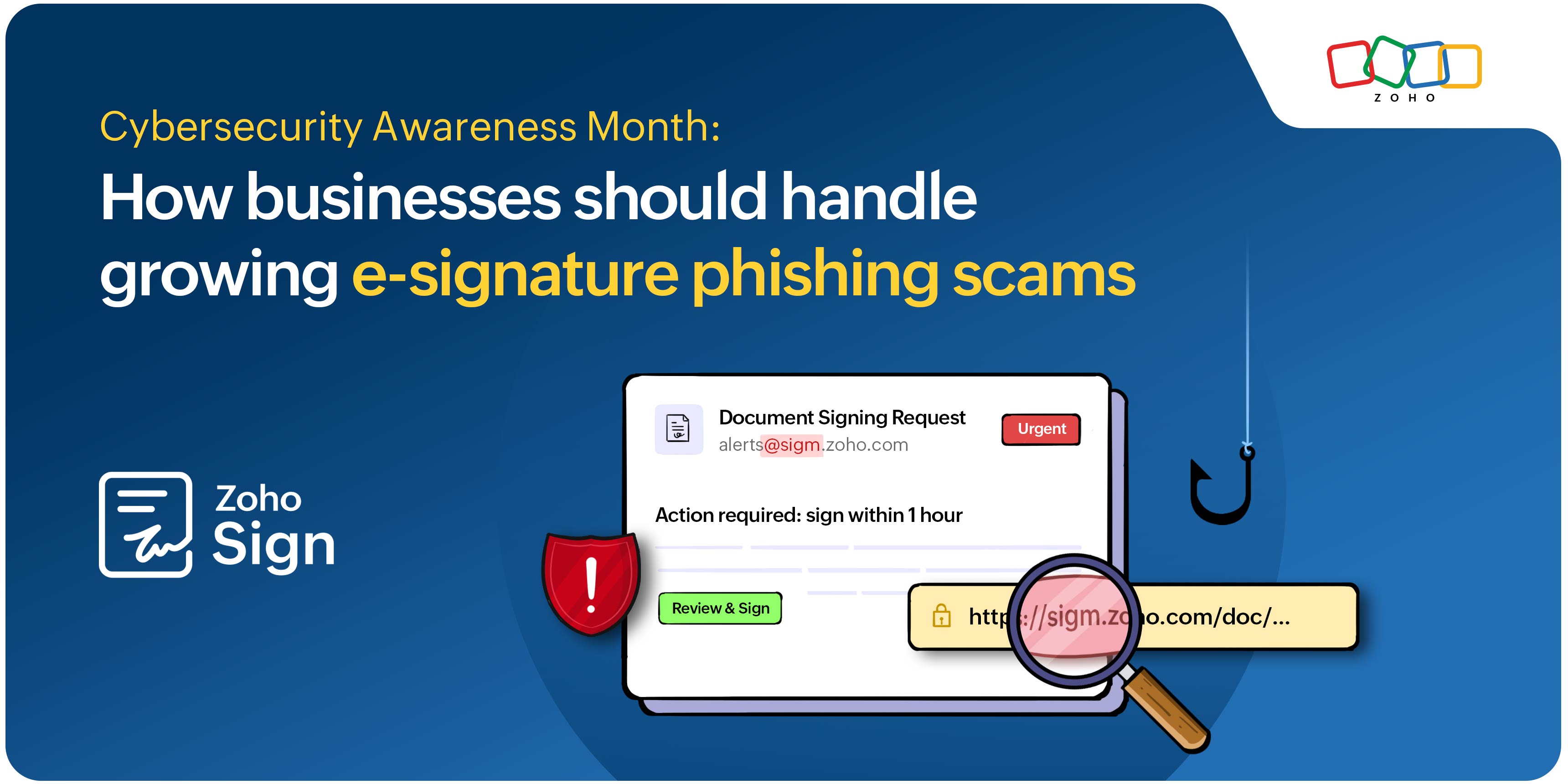
This October, with the increasing need for Cybersecurity Awareness Month, find out how your business can stay secure with increasing phishing scams.
You receive a mail notification with a signing link marked "Urgent," urging you to click and start signing immediately from "sigm.zoho.com." At first glance, it looks normal. Take a look again to spot the "sigm.zoho" in place of "sign.zoho." This is a scenario where businesses fall for a common phishing scam.
Security is a major concern when documents with sensitive information are involved. Businesses worldwide are making the switch to e-signatures for the level of security they offer. While e-signature solutions like Zoho Sign ensure document security, there are a few ways a business can stay aware to spot, avoid, and report phishing scams to avoid any risks this Cybersecurity Awareness Month.
What is phishing?
Phishing is a technique used by scammers to put businesses at risk through the use of fraudulent emails, text messages, phone calls, or websites by pretending to be a legitimate source. With e-signature workflows, scammers might be looking to gain access to confidential data by downloading malware.
With phishing, prevention is always better than cure.
The prevention
These attacks can cost businesses substantial amounts in data breaches. Businesses need to be aware of the techniques scammers use during e-signature phishing. Here are a few things to look out for:
Make sure to check the spelling on the document or webpage's URL for verifying the authenticity of a signing link.
Rely on the sender's address, not the display name, and hover over the link to verify before clicking on it.
Remember that the signing link received by the recipient via email or SMS always starts with "sign.zoho."
Zoho Sign never asks its users to download a file or enter an alphanumeric code to sign a document.
Ensure Zoho Sign's applications are being downloaded through the Mac App Store, iOS App Store, Google Play, and Microsoft Store.
Do not share personal information within Zoho Sign unless the sender has enforced one of the signer ID verification methods.
Businesses can conduct employee awareness sessions to prevent data leaks at every level of the organization.
How Zoho Sign can help your business
Zoho Sign also offers MFA (multi-factor authentication) to ensure that no unauthorized individuals can gain access to your account.
Enforce encryption, access audit trails, and enable timestamping for a secure document signature workflow setup.
Set specific admin and user access to reduce the possibility of security risks.
The cure
The first step to counteracting scams involves recognizing them. Here are a few steps to take if you suspect your account is a victim of phishing after clicking on a link:
Stop interacting with the suspicious email or link.
Immediately change your credentials to stay safe.
Look for suspicious activity on your account by running a security scan.
Alert your IT team about the breach of security.
Recognize a scam? Reach out to us and report it as abuse.
If you have any further questions or feedback, reach out to us at support@zohosign.com, or connect with us through the comment section below.
Happy signing!
Comments