Import, export, and automatically back up documents with Microsoft SharePoint in Zoho Sign

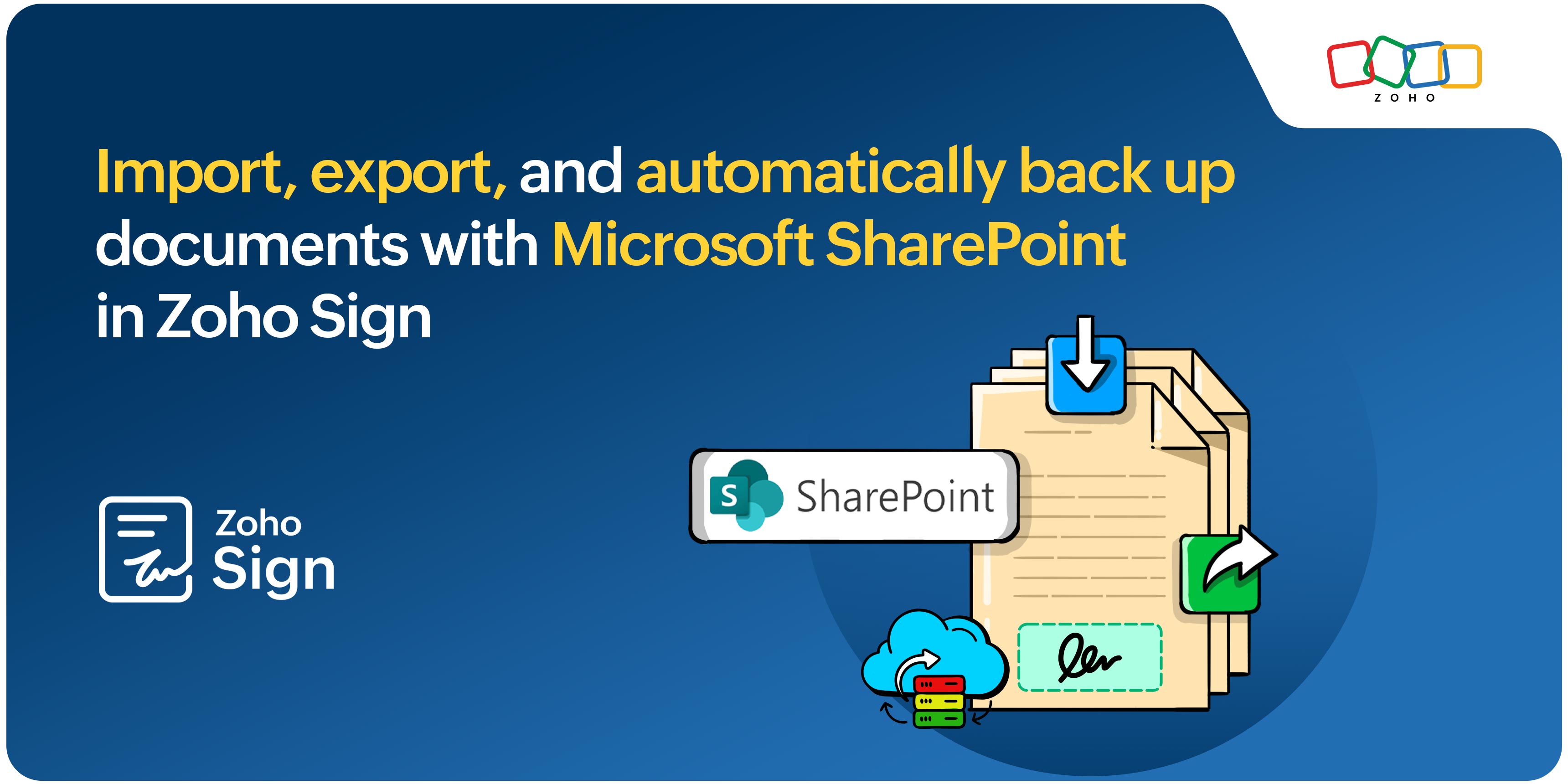
Switching apps to import, sign, export, and back up documents adds complex steps to an otherwise seamless workflow. And when signature flows are stored in different tools, important data ends up scattered.
This is where the latest update comes in. Introducing Zoho Sign's integration with SharePoint!
What is SharePoint, and how does the integration work?
SharePoint is a Microsoft platform designed for secure document management and streamlined workflows. Use the integration to add secure, legally binding digital signatures to SharePoint documents, right from Zoho Sign. The result is quicker document turnaround and increased security.
Key functionalities
Importing documents
You don't have to manually download documents from SharePoint and upload them to Zoho Sign anymore. Simply import documents from specific sites on SharePoint and send them for signature—or sign them yourself—from Zoho Sign's interface.
Exporting signed documents
Once the signing process is complete, you can export documents directly to SharePoint so they're stored safely and easy to find.
Automatic backup
Zoho Sign provides an option to automatically back up your documents to SharePoint as they're signed and completed, so you always have protected copies.
Looking ahead
We're also working on a native SharePoint integration that will bring Zoho Sign's digital signature capabilities directly to SharePoint. Keep an eye out for more information on this update!
Try out our latest feature and let us know what you think. If you have any comments, questions, or feedback, reach out to us on support@zohosign.com or connect with us through the comment section below.
Happy signing!


Comments