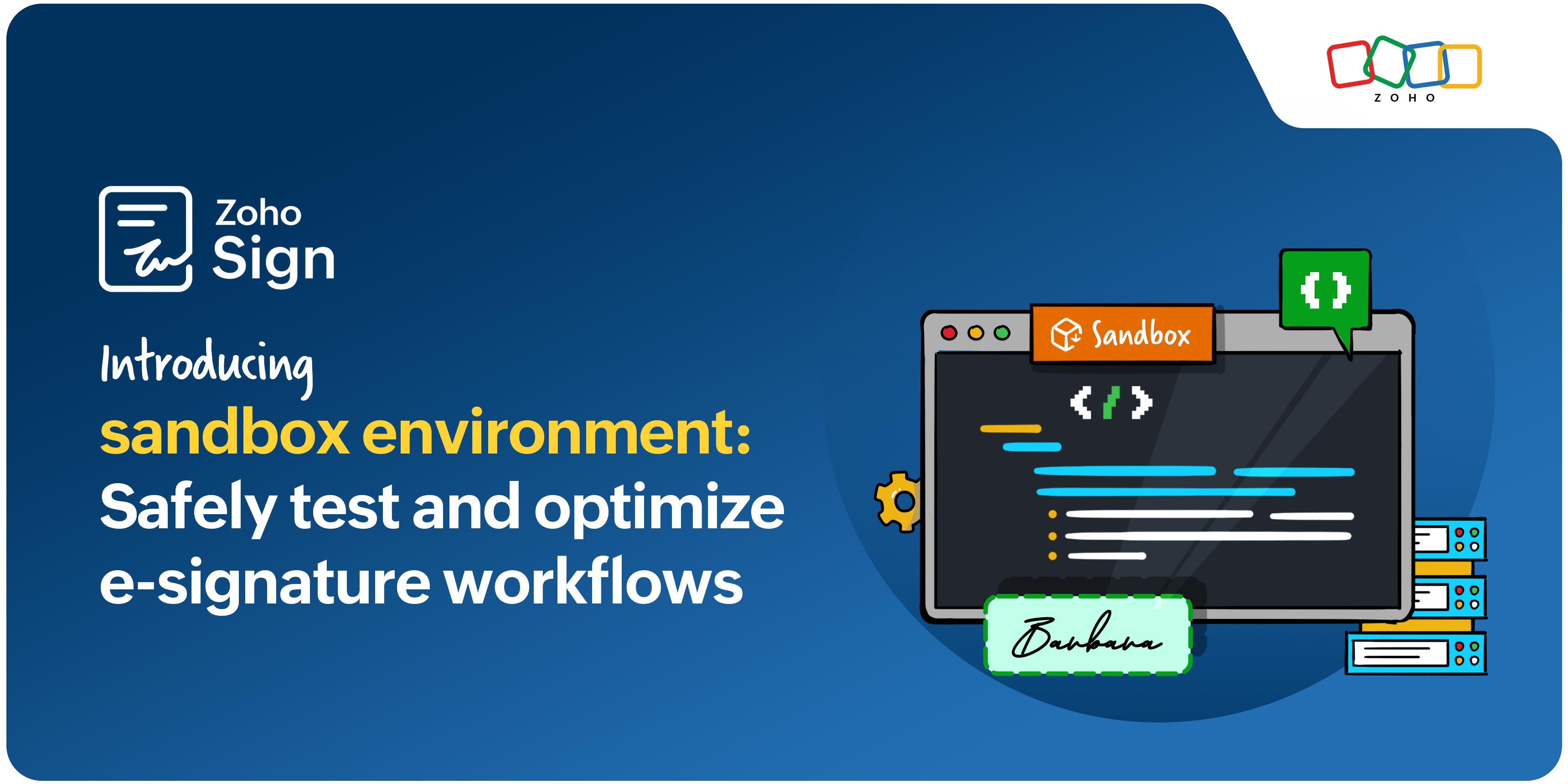
Introducing the sandbox environment: Safely test and optimize e-signature workflows

Changes are an inevitable part of any workflow. The average agreement workflow involves recipients across organizations, different signature and approval actions, compliance with electronic signature regulations, and multiple integrated applications. Any experimental changes to an active workflow can greatly impact overall turnaround time.
To help teams innovate confidently, we're introducing the sandbox: a secure, isolated environment for testing and refining e-signature workflows.
What is the sandbox environment?
It's a secure, isolated portal where you can test your digital signature workflows by mirroring the setup from your live portal. There are no changes made to your live portal as you experiment, allowing you to safely validate workflows before implementing them.
What you can do with Zoho Sign sandbox:
Test workflows without risk: Test out the new templates, API workflows, integrations, and field placements in your document workflows by mirroring the setup from your live portal.
Validate automations without exhausting credits: Try out features and integrations without consuming credits on your live Zoho Sign portal to see what works for you. For instance, when integrating Zoho Sign with Zoho CRM, test workflows through trial and error to see which outcome yields optimal results.
Detect and resolve errors early: While workflows are automated and require little to no manual intervention, one an error during setup can lead to several errors down the line. With the sandbox environment, identify and fix errors before going live to prevent delayed turnarounds and messy workflows.
Deploy with confidence: Once you are happy with the workflow in your testing environment, you'll clearly see what works and what doesn't. Now, you can make these changes to your live Zoho Sign portal for a seamless, error-free digital experience.
Check out our help document to find out how you can create a new sandbox environment in Zoho Sign.
Built for developers and integration teams
Developers can further extend e-signature functionality with APIs for web apps and SDKs for mobile apps. Zoho Sign's APIs help developers add e-signature capabilities directly to your app and connect with third-party tools, allowing users to access Zoho Sign without being redirected to a new browser window. Zoho Sign's SDKs enable developers to add digital signature functionality into your existing mobile app without having to build a feature from the ground up.
With Zoho Sign’s APIs, developers can:
Create documents and reusable templates
Easy document storage
Achieve seamless integration
Personalize to match your branding
Learn more about how developers can further extend e-signature functionality with APIs for web apps and SDKs for mobile apps.
If you have any comments, questions, or feedback, reach out to us at support@zohosign.com, or connect with us through the comment section below.
Happy signing!
Comments